

Rules Library
The Rules Library is a collection of pre-built rules that we have created within Improvado. It contains rules from various categories and directions.
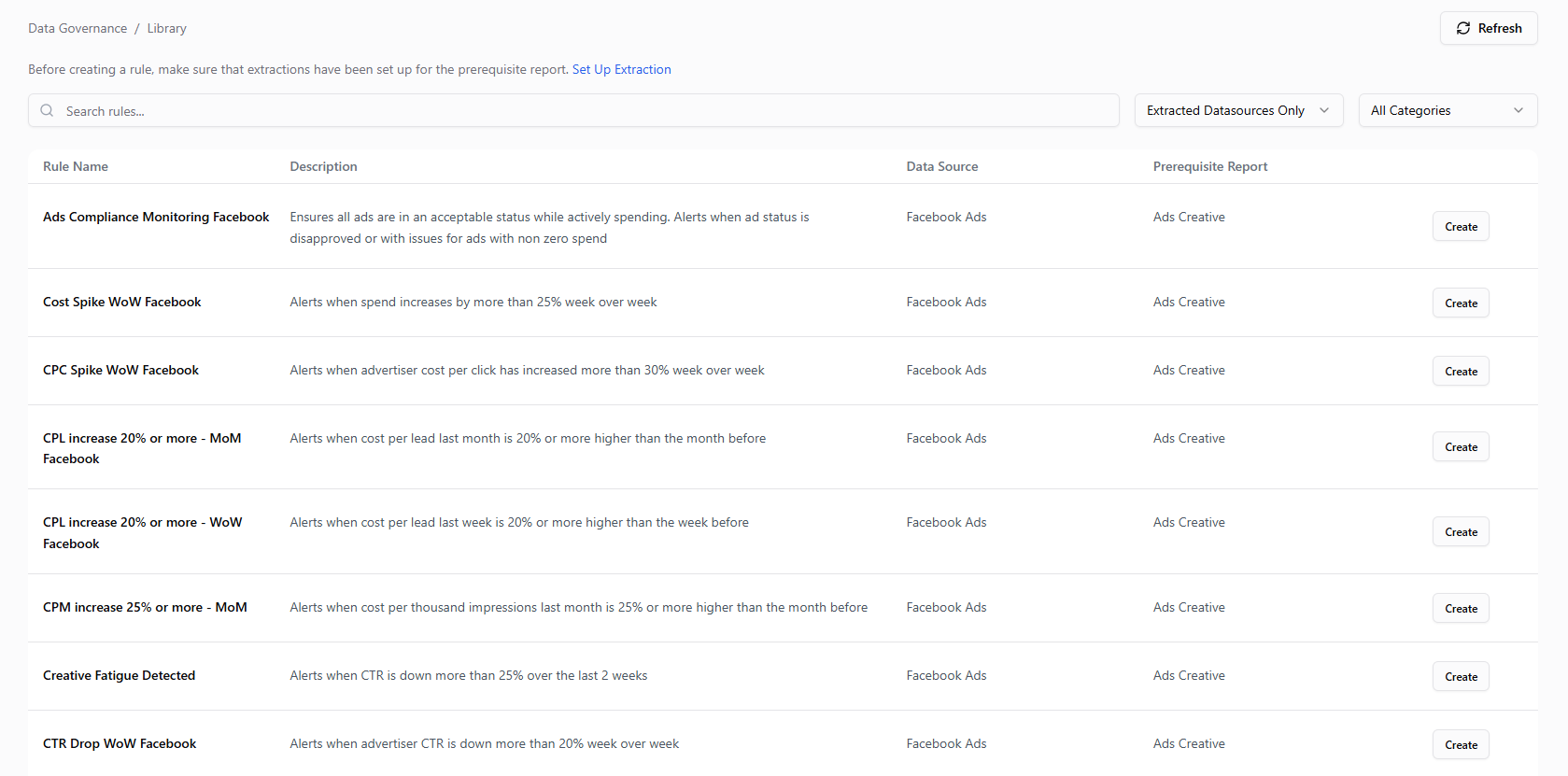
To open the library, click Create New Rule in the header of the Data Governance dashboard (or + → Rule in the side menu) and choose From template.
Any company can access the library, select a rule, and click one button to use it. To get started with the Rules Library - please see this section of our article on creating new data governance rules.
Was this article helpful?
Thanks for the feedback!
Questions? The Improvado team is always happy to help. Send us an email, contact your Customer Success Manager, or raise a request in the Improvado Service Desk.