

Welcome Page Overview
Overview
The Welcome Page is the main starting point in Improvado. It brings workspace status, AI-powered questions, workflow presets, and helpful resources into one place so users can quickly understand what needs attention and choose the next action.
Key Components
Pipeline overview widget
The pipeline overview widget gives a quick health check across the main data flow: Connections, Extracts, Loads, and Destinations. Users can see active and problematic items at a glance, open the section they need, and customize which stats are shown in the widget.

Use this widget to monitor workspace health before starting deeper analysis. For example, a user can quickly notice failed loads, disconnected sources, or destinations that need attention.
Workflow presets
Workflow presets help users start common analysis and operational tasks without writing a prompt from scratch. Presets can include audits, dashboards, recipes, and other guided workflows that launch with AI Agent support.
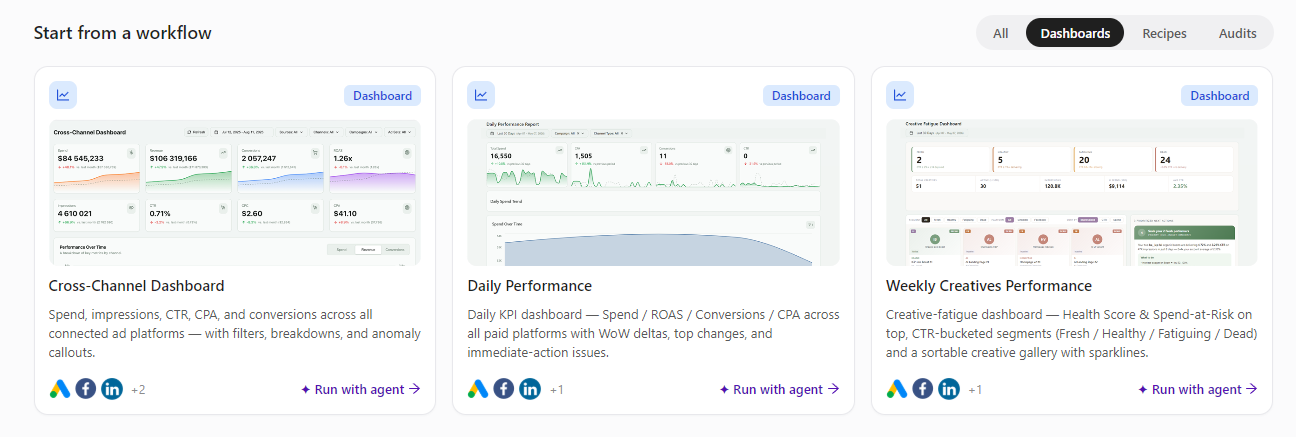
Users can filter presets by type, review the connected data sources used by each workflow, and run the selected workflow with an agent in a few clicks.
Documentation and resources
The Welcome Page also surfaces documentation and learning materials that help users understand product capabilities and move faster through common setup or troubleshooting tasks.
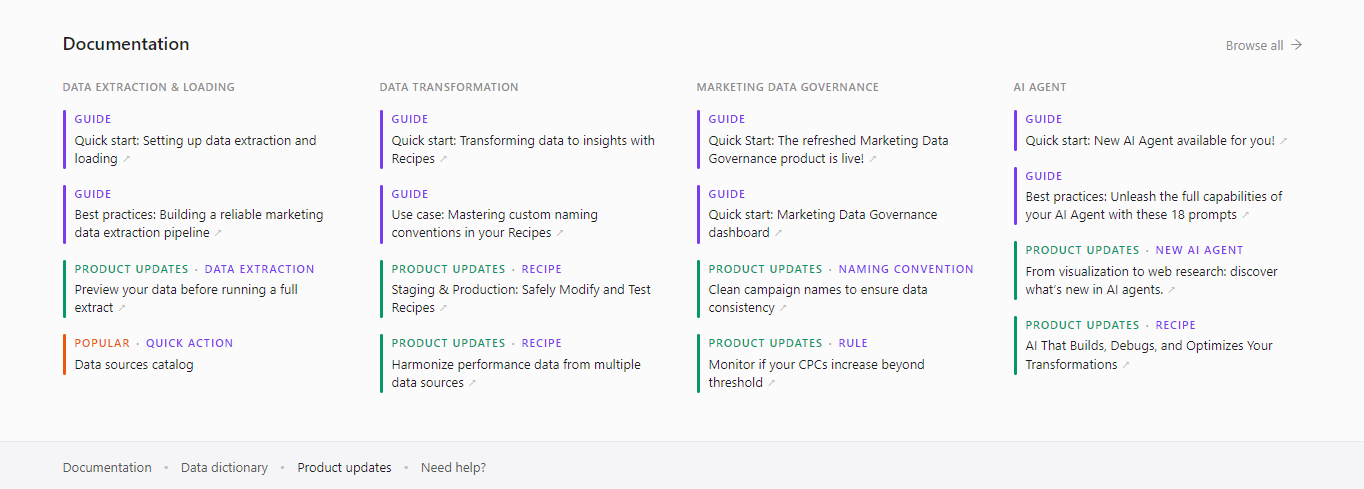
Resources are designed to keep the next step close to the user’s current context, whether they are exploring a feature, checking product guidance, or looking for help with a workflow.
Using the Welcome Page
- Check workspace status. Review the overview widget to identify issues or areas that need attention.
- Ask a data question. Use the prompt box to start an AI Agent conversation about your data or workspace.
- Start from a workflow. Choose a preset when you want a guided path for a common task, such as an audit or dashboard.
- Open supporting resources. Use documentation and helpful materials when you need more context or step-by-step guidance.
Was this page helpful?
Thanks for the feedback!
Questions? The Improvado team is always happy to help. Send us an email, contact your Customer Success Manager, or raise a request in the Improvado Service Desk.