

eBay
Description
eBay offers sellers the ability to grow a business with little barrier to entry, regardless of size, background, or geographic location.
Setup guide
Follow our setup guide to connect eBay to Improvado.
- Authorize your eBay account via OAuth. Before authorization, please ensure you are signed in to the account you want to extract data from.
- Grant Improvado your permission to:
| Permission | Additional information |
|---|---|
| View | Public data from eBay |
| Your eBay marketing activities, such as ad campaigns and listing promotions | |
| Your inventory and offers | |
| Your account settings | |
| Your order fulfillments | |
| Your selling analytics data, such as performance reports |
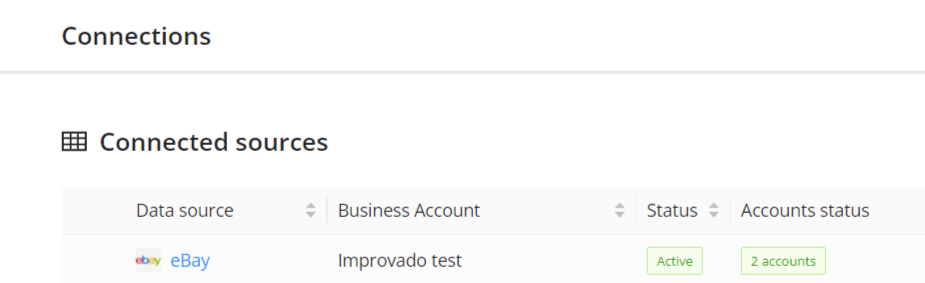
- After completing the connection process, the eBay connection will appear in your Connected sources list.
- When the connection status is Active and the account status column shows a number of accounts, you can move on to data extraction.
- To extract data from the connected sources, check the instructions on how to set up data extraction.
Schema information
The schema information shows all report types you can use to extract data from eBay.
Release notes
You can find information about the latest API changes in the official Release notes.
Was this article helpful?
Thanks for the feedback!
Questions? The Improvado team is always happy to help. Send us an email, contact your Customer Success Manager, or raise a request in the Improvado Service Desk.