
Rambler Leto (SB)
Description
Rambler Leto is a platform for managing ads in Rambler&Co projects.
Setup guide
Follow our setup guide to connect Rambler Leto (SB) to Improvado.
Step 1. Click the Make a new Connection on the Connections page.
Categories on the Data sources page group all available platforms. Use a search to find the required one.
Step 2. Click on the Rambler Leto (SB) tile.
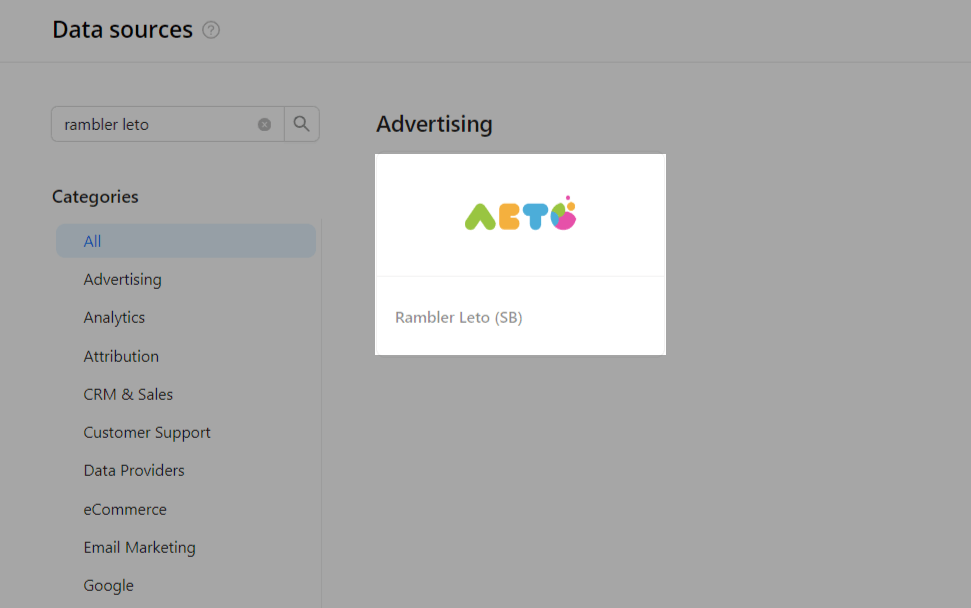
Authorize your Rambler Leto (SB) account using your Email and Password.
After completing the connection process, the Rambler Leto (SB) connection will appear in your Connected sources list.
Step 5. When the connection status is Active, and the account status column shows a number of accounts, you can move on to data extraction.
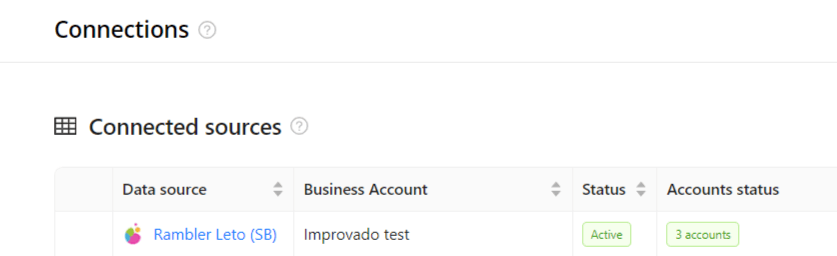
To extract data from the connected sources, check the instructions on how to set up data extraction.
Was this article helpful?
Thanks for the feedback!