

May 2025
New Report Types 📊
The following report types are available starting this month:
Advantage
- Sales Journals Monthly report type
Amazon Seller Central
- Sales and Traffic report type
Google Ads
- Ad Group Criterion Entity report type
- Videos free-form report type
Google Display & Video 360
- Floodlight free-form report type
- Reach free-form report type
- Ad Group Assigned Targeting Options Entity report type
- Ad Groups Entity report type
Hubspot
- Marketing Emails report type
Matomo
- Event Names report type
- Event Actions report type
- Event Categories report type
Skai API (Kenshoo V3 API)
- Reports Entity report type
- Reports with Date Selection report type
- Report without Date report type
- Line Items Entity report type
New flat data sources: Redshift & Snowflake
We’re excited to announce that Redshift and Snowflake are now supported in Improvado as flat data sources!
✅ Key Features:
- Easily connect your Snowflake or Redshift account via the Improvado UI.
- Import data tables directly from your database into Improvado Storage.
- Select specific fields, define data types, and configure your Extraction scheduling.
.png)
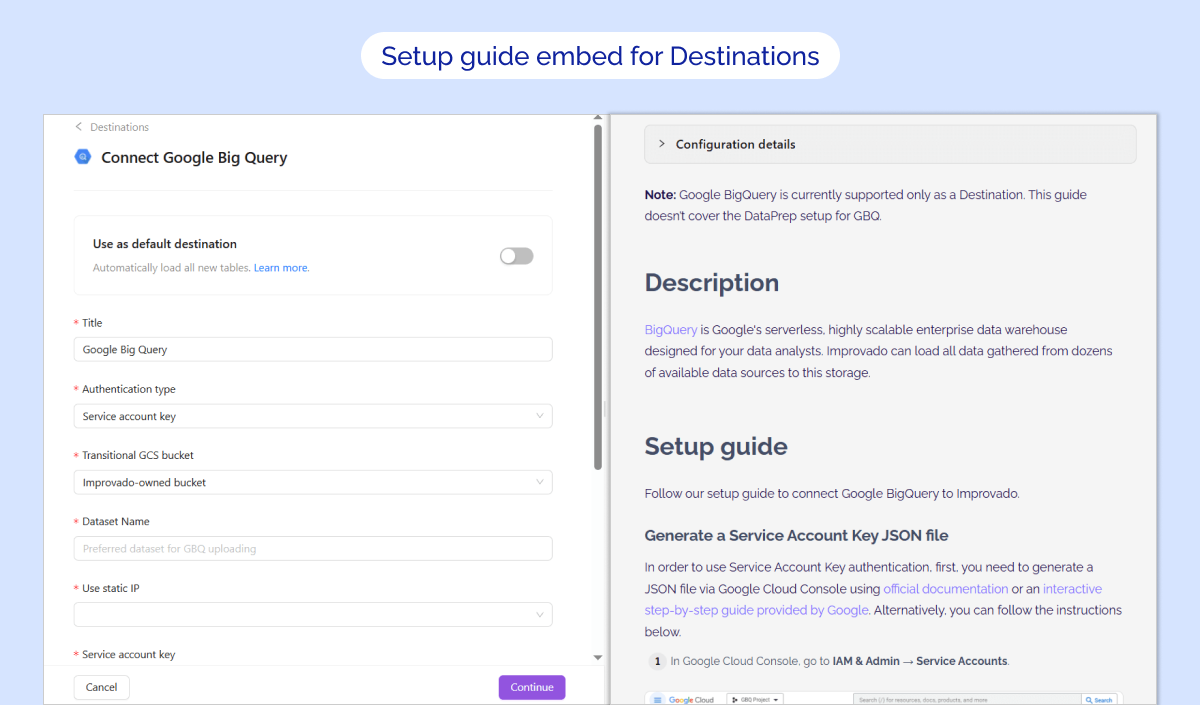
Setup guide embed for Destinations
Immediate access to relevant docs, streamlining the authentication process.
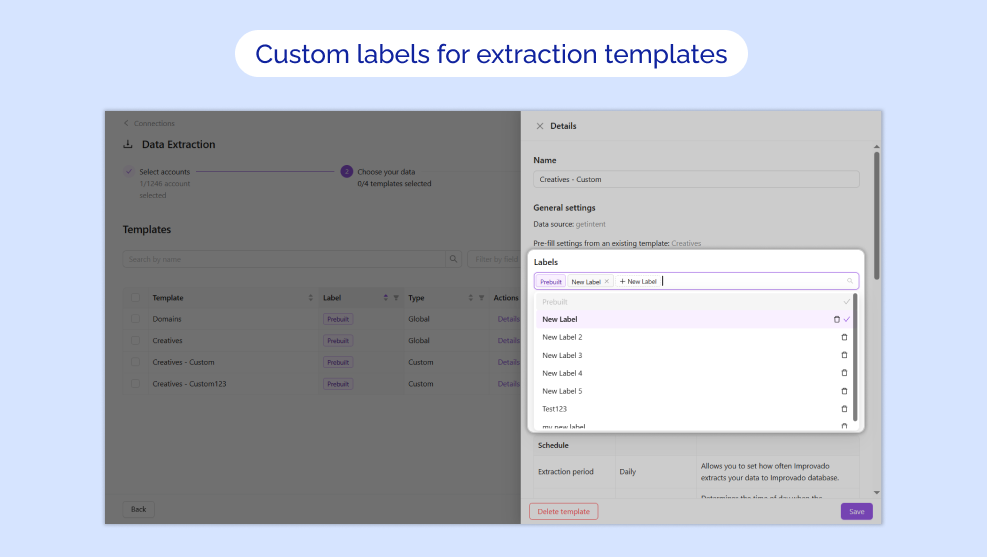
Custom labels for extraction templates
You can now create and assign custom labels to your custom extraction templates. Use labels to organize your templates with meaningful tags that suit your specific needs and quickly filter by label to find what you need—no more scrolling through long lists.
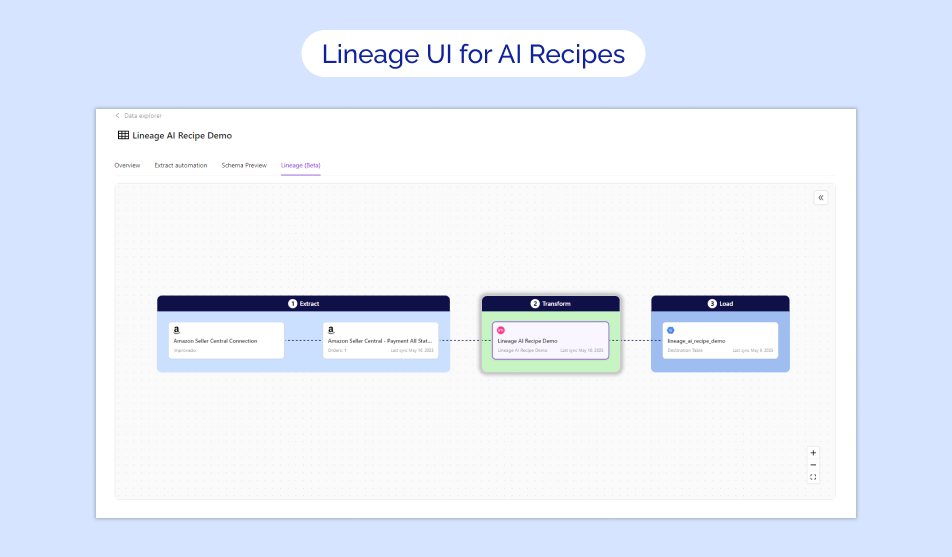
Lineage UI for AI Recipes is now available in Beta!
Lineage UI now includes dependencies for AI Recipes tables, completing the end-to-end visibility of your data pipeline.
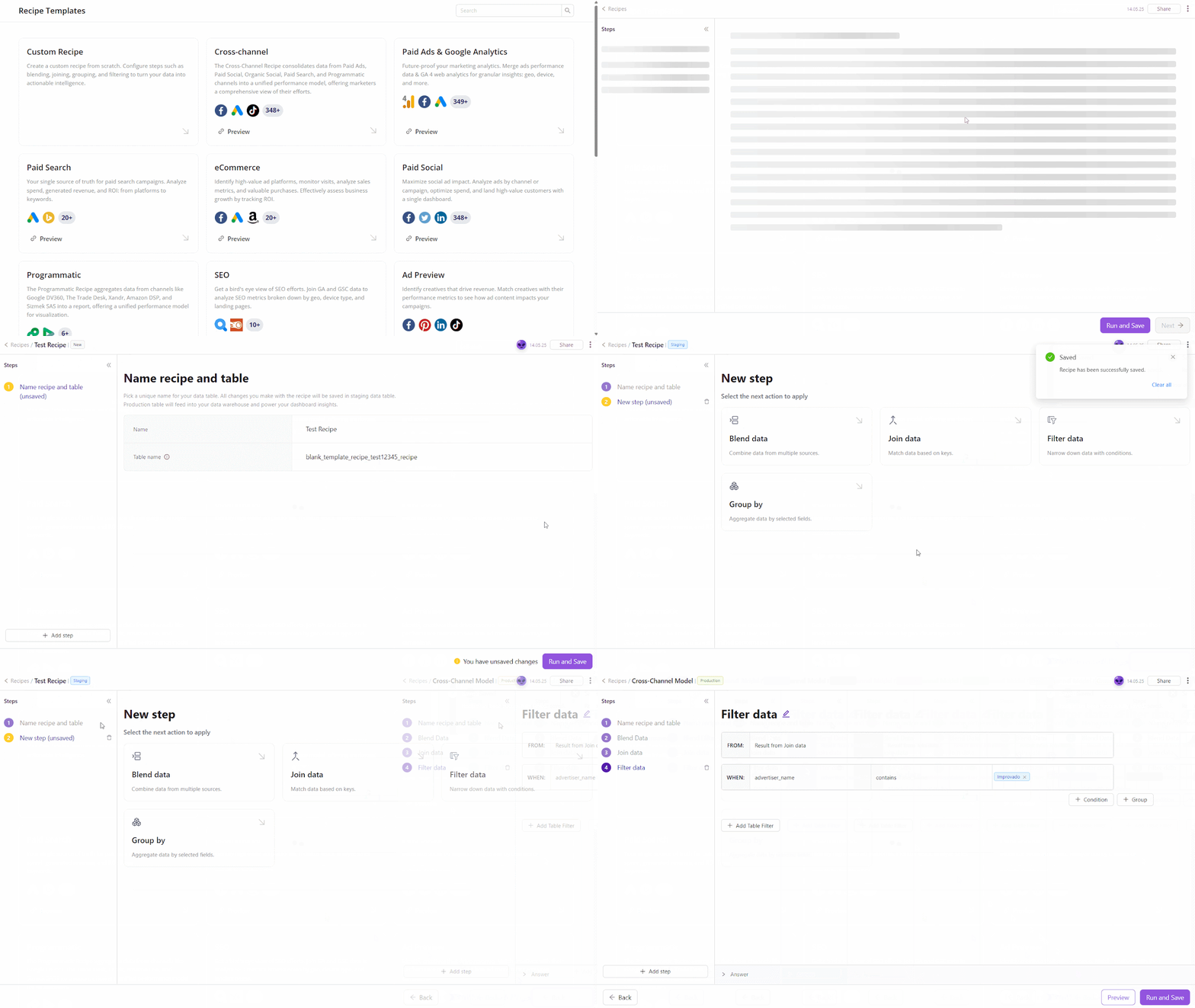
Recipe Statuses Extension
Transformation Recipes now have clear Staging and Production statuses, allowing you to test changes before they go live.
⭐ Key Improvements:
- Safe Staging: Build and test on 60-day sample data without affecting production
- Real-Time Validation: Instantly catch issues with complexity, compatibility, and resource usage
- Streamlined Deployment: Confidently move tested transformations to production with clear status indicators and manual controls (Run Load, pause, multi-step flows).
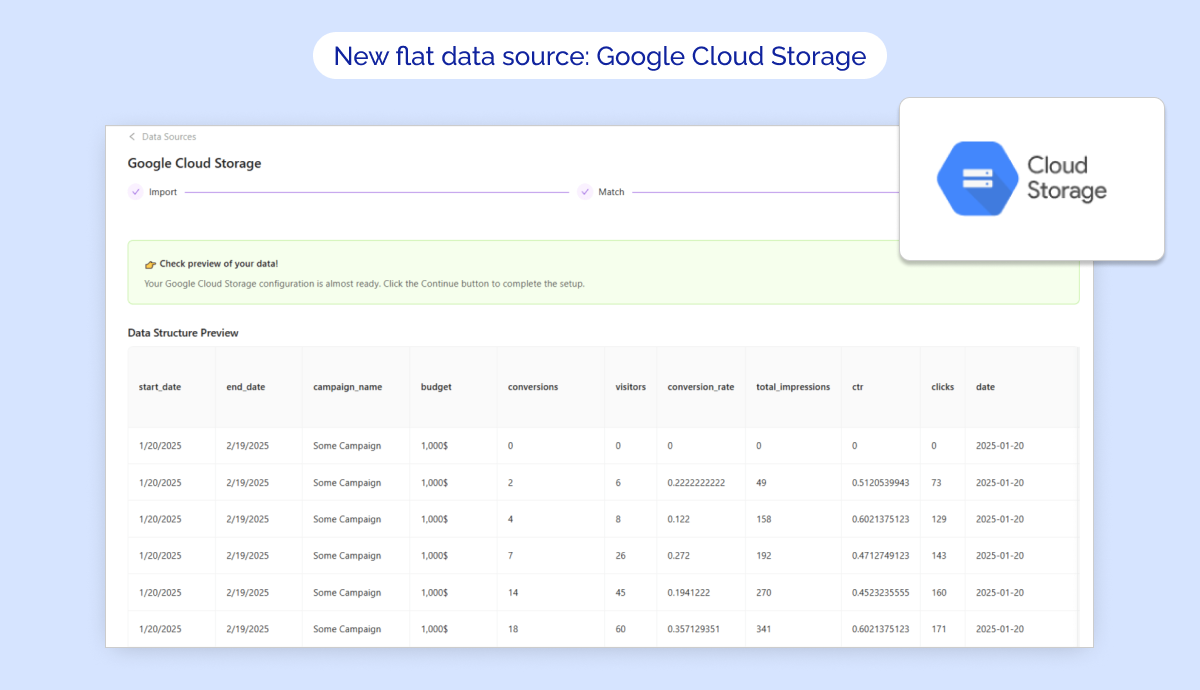
New flat data source: Google Cloud Storage
🔥 Google Cloud Storage is now supported in Improvado as flat data source!
✅ Key Features:
- Authorize your Google Cloud Storage account via OAuth to start importing data.
- Import Google Cloud Storage tables directly via Improvado UI
- Configure Extraction scheduling, Table meta, Skip rule, etc. for your extraction
Was this page helpful?
Thanks for the feedback!
Questions? The Improvado team is always happy to help. Send us an email, contact your Customer Success Manager, or raise a request in the Improvado Service Desk.