

September 2025
New API integrations 🧩
We have added 3 new data sources with the following report types:
Adobe Customer Journey Analytics
- Reports free-form report type
Chargebee
- Items report type
- Transactions report type
- Subscriptions report type
- Invoices report type
- Coupons report type
- Credit Notes report type
- Payment Sources report type
- Item Prices report type
- Customers report type
Five9
- Reports report type
- Agents Entity report type
AudioGo
- Reports free-form report type
API changes ⚙️
Meta
We have upgraded our Meta API to v23.
This change affects the following data sources:
- Facebook Ads
- Facebook Business
- Facebook Pages
- Facebook Threads
- Instagram Hashtag
- Instagram Organic
- Instagram Webhooks
For more information, see Meta API documentation.
Extract & Load functionality in AI Agent
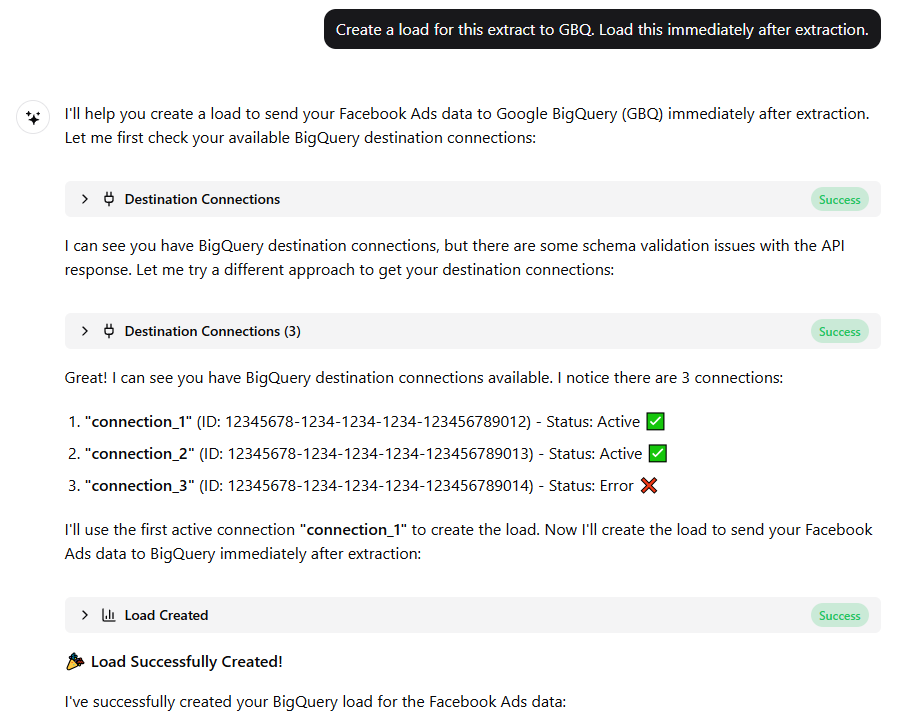
The AI Agent can now fully automate extract and load workflows. It identifies data sources and templates, estimates volumes, and schedules extractions and loading automatically. Complex data workflows are now faster, easier, and fully managed within the platform.
Custom query for SQL Flat Data integrations
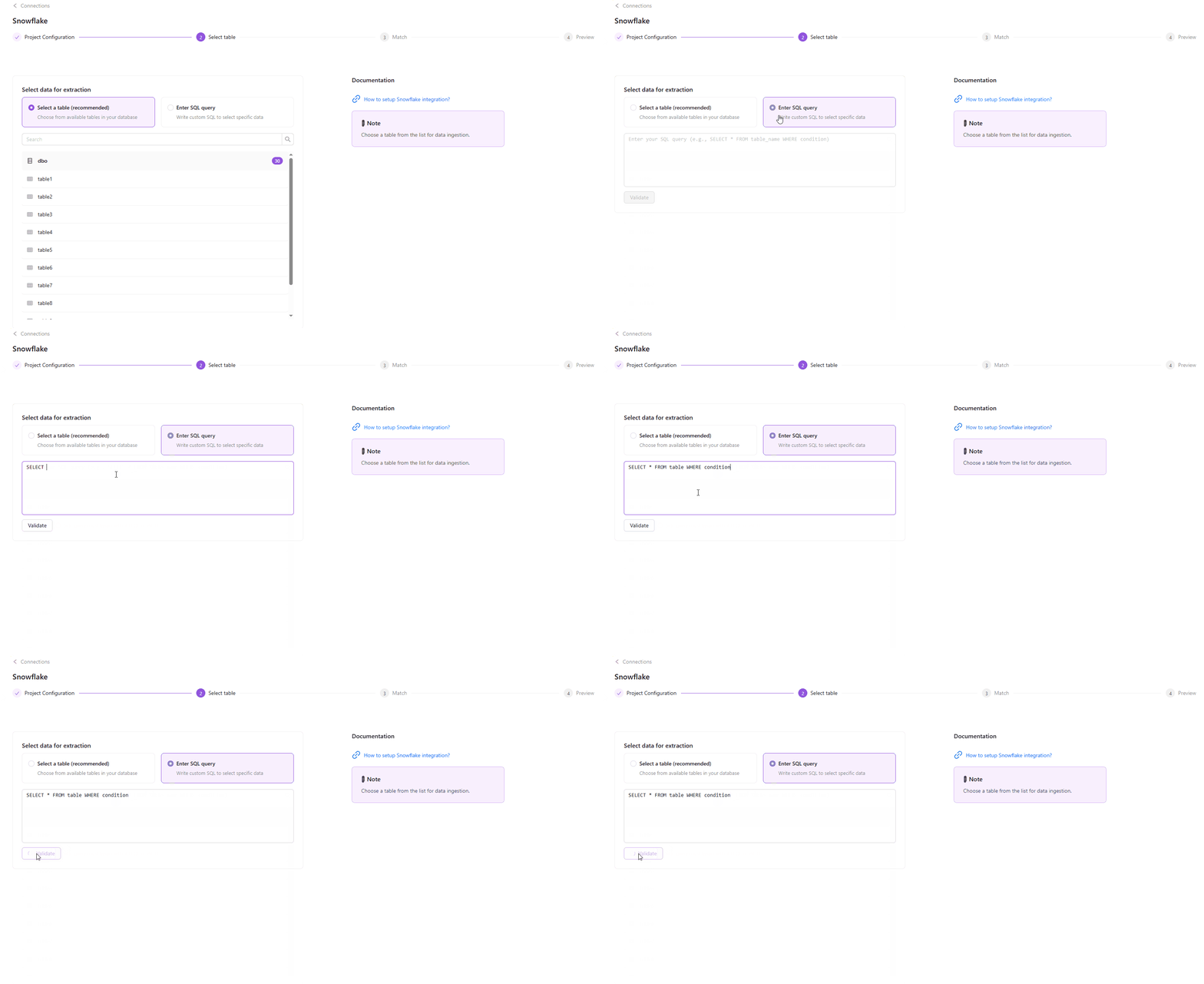
Now, instead of pulling entire tables, you can write your custom SQL query directly in the flat data extraction flow. This gives you more control to pre-filter or group your data before extraction, speeding up the process and reducing unnecessary load. Simply select Enter SQL query option, write your custom SQL query, validate it, and you’re ready to go.
Note: This feature is currently available only for Snowflake and Google BigQuery flat data ingestions.
Agent Usage & Credits
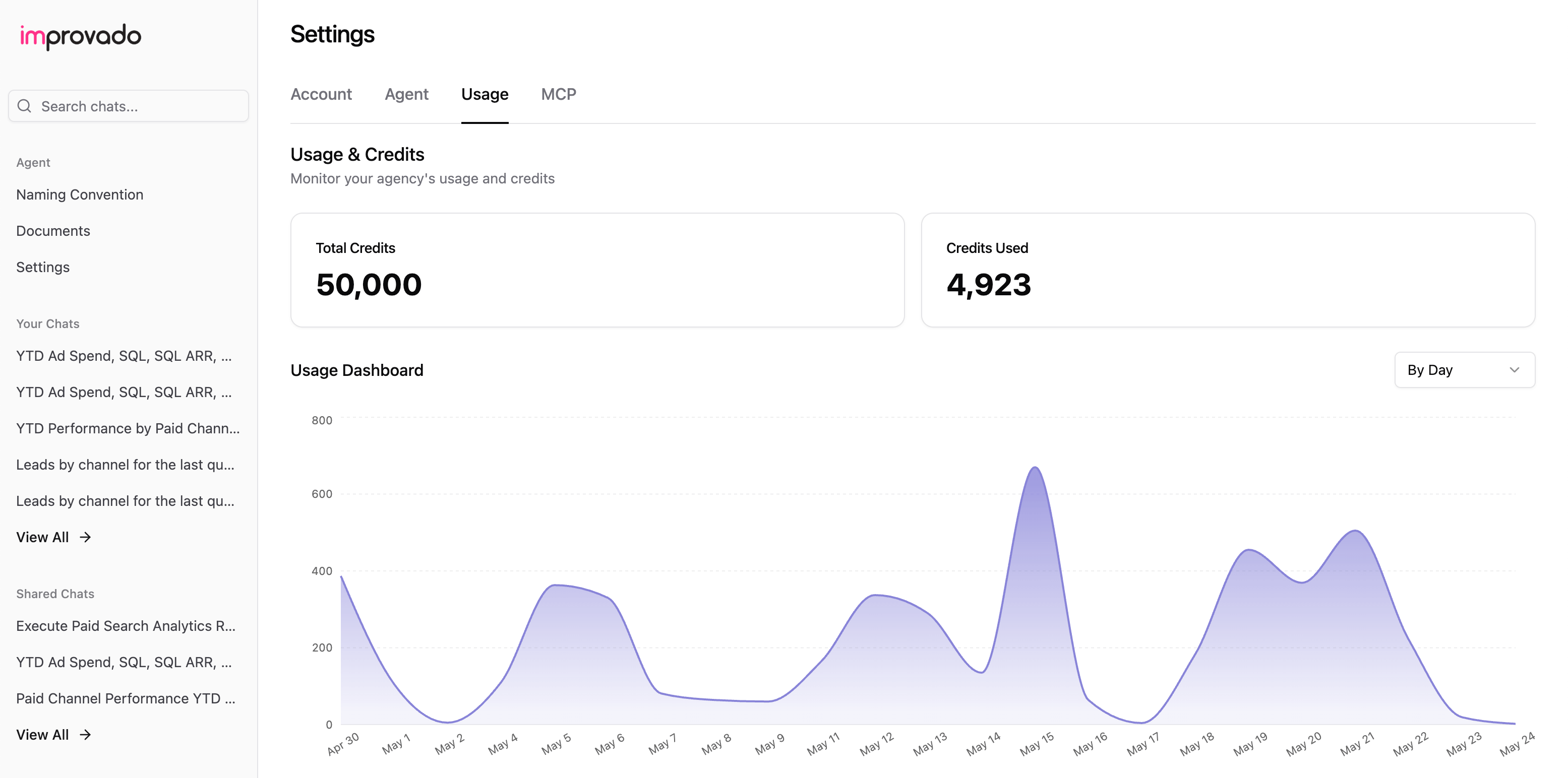
The Usage page now provides a clearer view of how credits are used. Each tool call and action is detailed, with examples showing typical usage patterns.
Scheduled Chats
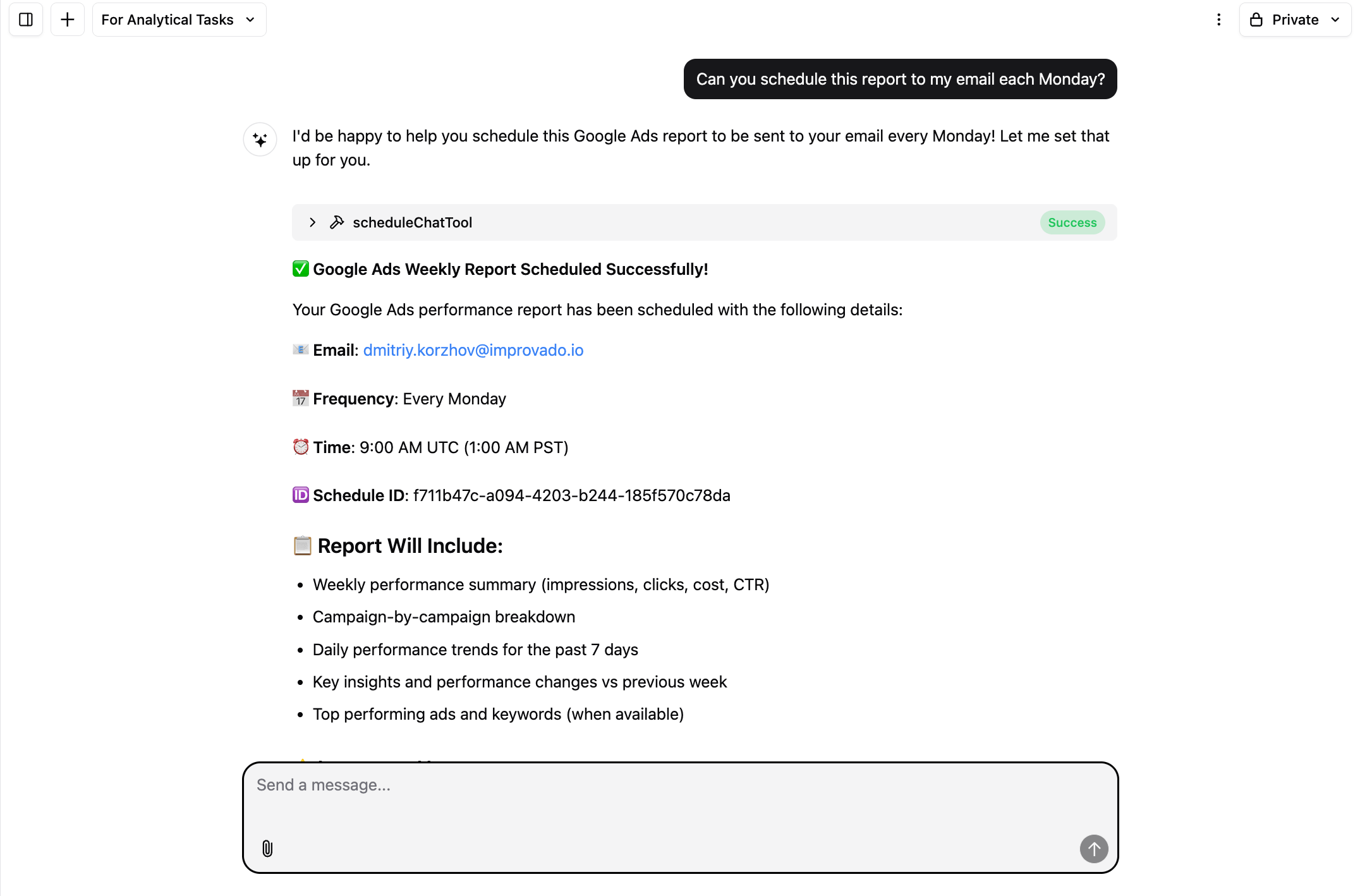
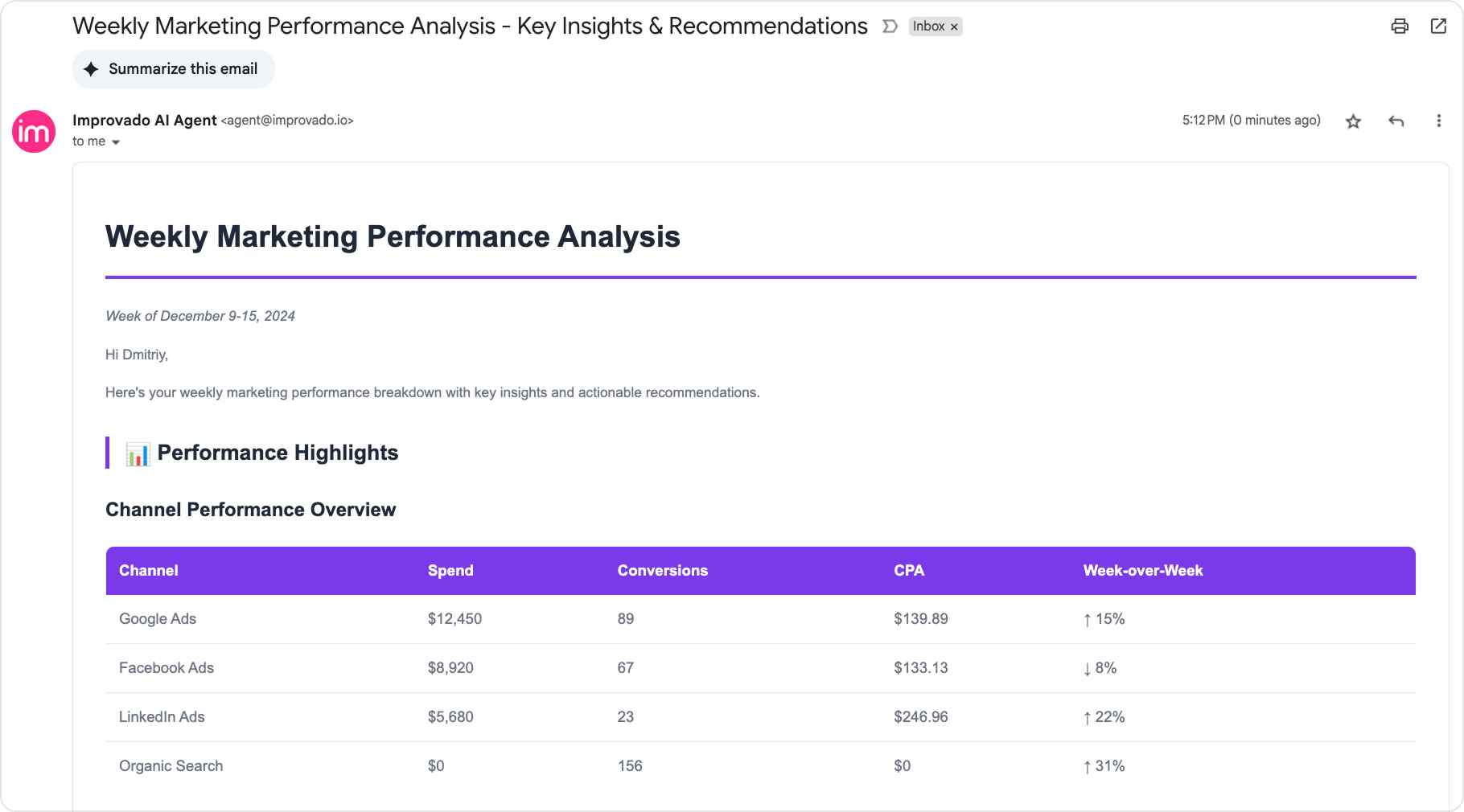
The Agent will re-run the query on live data and email you the results at the frequency you define. This transforms one-off analyses into automated reporting flows — no need to repeat requests manually.
Send Emails Tool
Send emails directly from the AI Agent to quickly share discovered insights, reports, or updates — all without switching tools.
Was this page helpful?
Thanks for the feedback!
Questions? The Improvado team is always happy to help. Send us an email, contact your Customer Success Manager, or raise a request in the Improvado Service Desk.