

Separate Usage Limits for Automations
Usage Stats
October 22, 2026 Usage rules can now tell interactive work and automations apart.
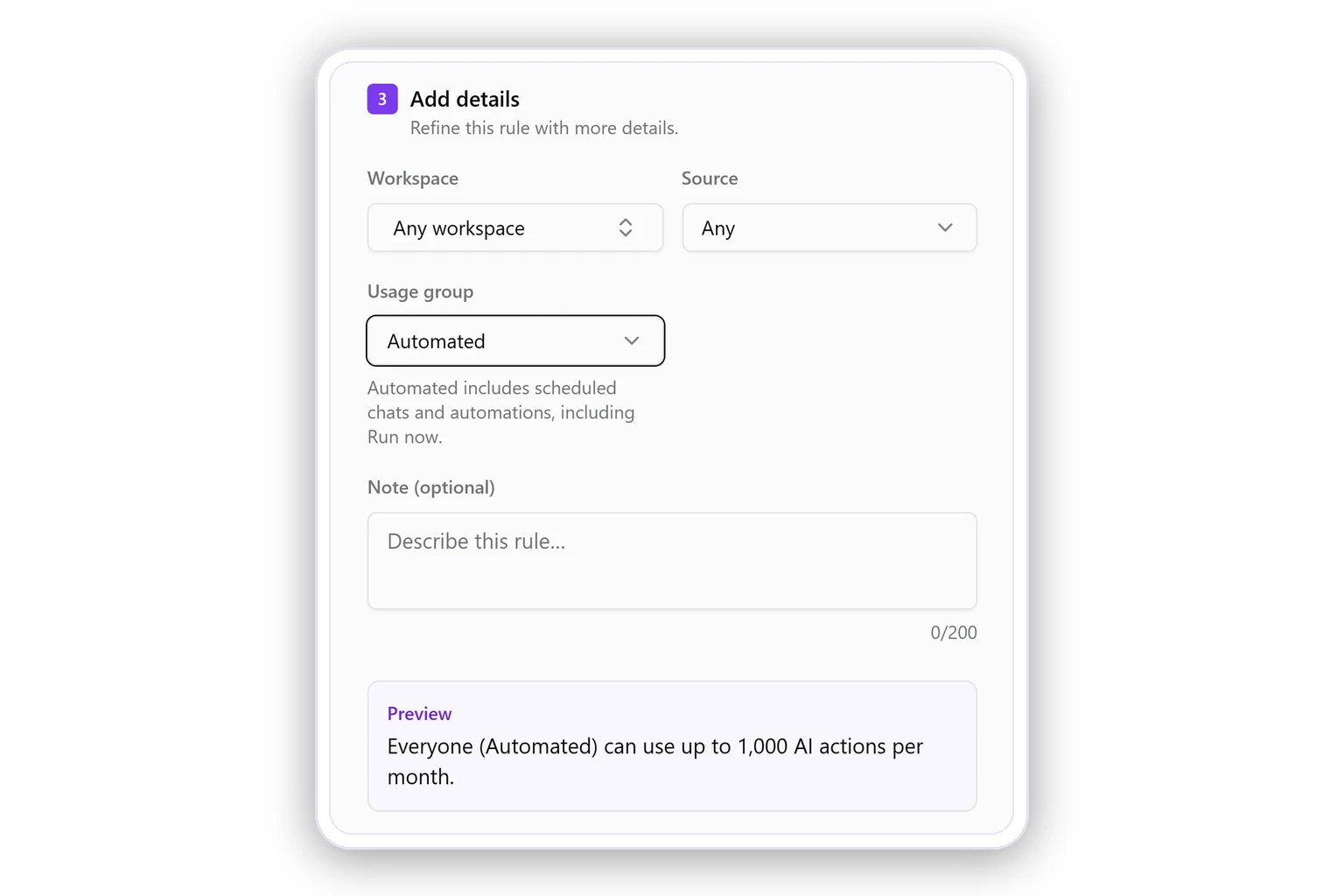
When you create a rule in Settings → Usage rules, set Usage group to choose what it covers:
- All. Every AI action, as before.
- Interactive. Only chats that people run themselves.
- Automated. Only scheduled chats and automations, including Run now.
This keeps day-to-day chats from using up the actions your scheduled reports rely on. Limit interactive usage to keep part of your plan for automations, or cap automations so they can't take more than their share.
Was this page helpful?
Thanks for the feedback!
Questions? The Improvado team is always happy to help. Send us an email, contact your Customer Success Manager, or raise a request in the Improvado Service Desk.