

Default Alert Time for Data Governance Digests
Marketing Data Governance
November 12, 2026 You can now choose when your workspace's Data Governance digests arrive, without editing rules one by one.
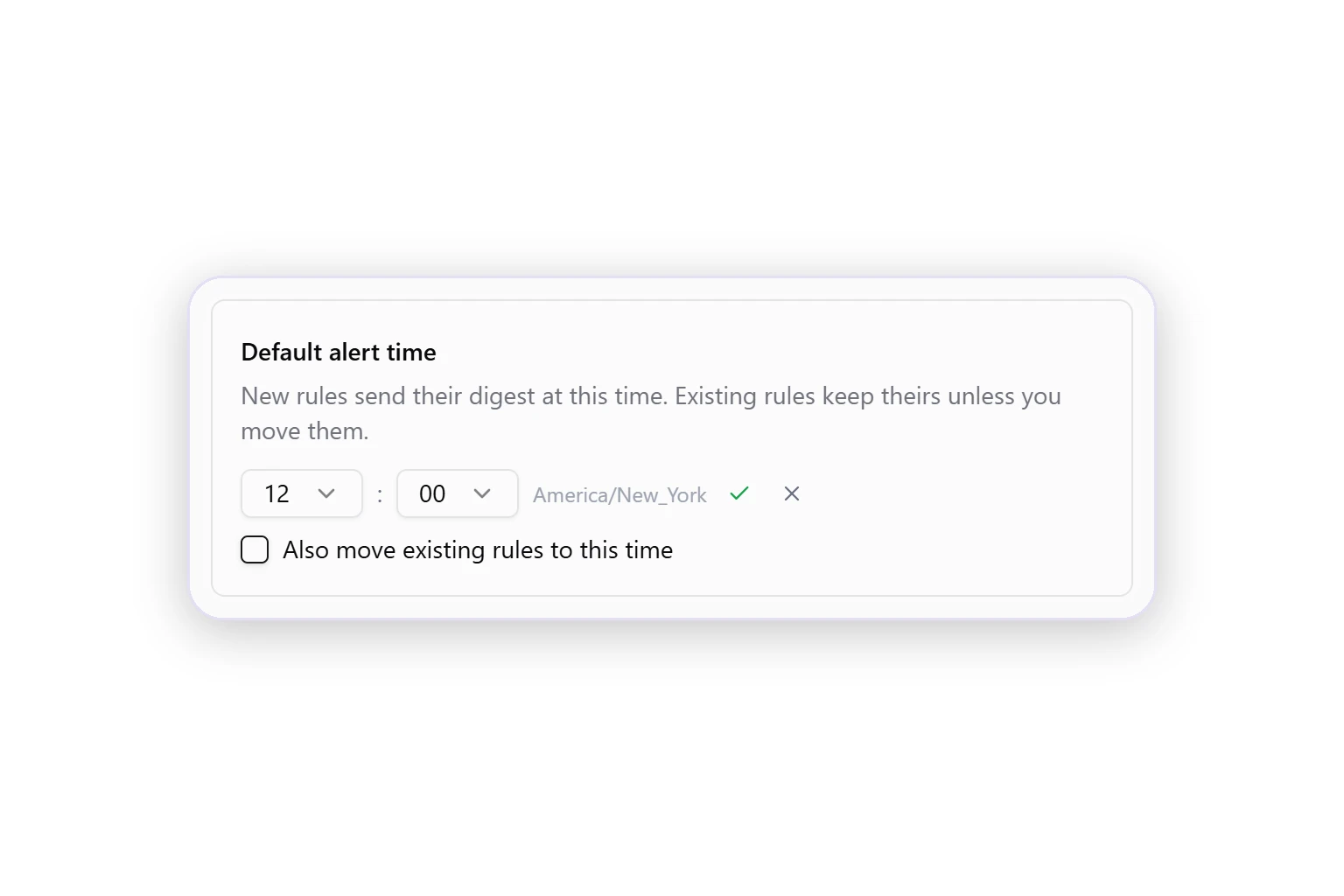
- One default for new rules. Set the time once, and every new rule sends its digest then.
- Move existing rules in one step. Select Also move existing rules to this time. Weekly and monthly rules keep their day, and hourly rules don't change.
- Shown in your time zone. Pick the hour and minute as you read them.
Open the Data Governance dashboard and click Alerts in the header to set it.
Was this page helpful?
Thanks for the feedback!
Questions? The Improvado team is always happy to help. Send us an email, contact your Customer Success Manager, or raise a request in the Improvado Service Desk.