

Knowledge Graph: See What the AI Agent Used
Knowledge Graph
October 23, 2026 The knowledge behind an answer is now visible right in the AI Agent chat.
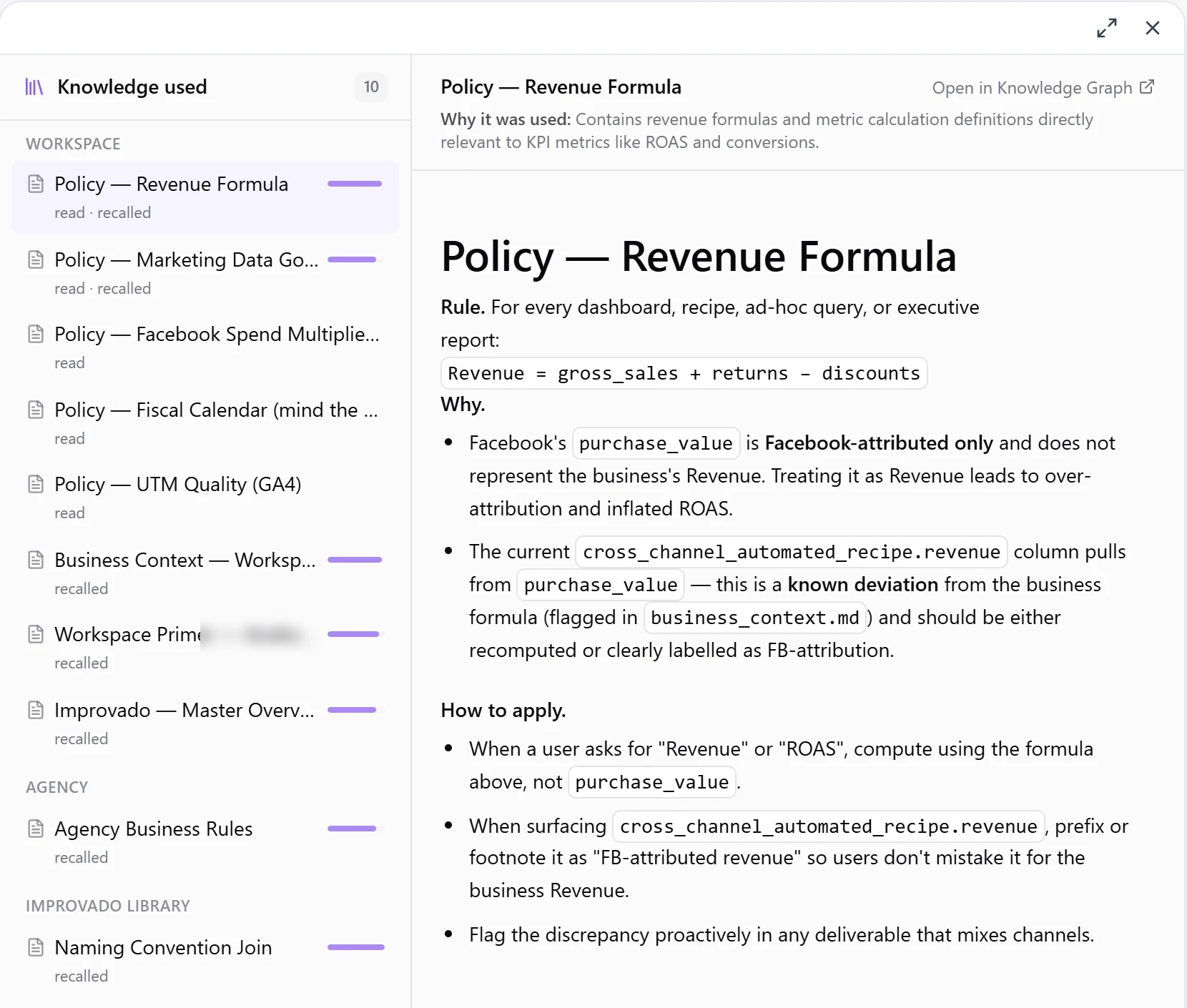
- Knowledge sources on every answer. A "knowledge sources" chip under the answer opens the Knowledge used panel: each file with its real title, full content and a short "Why it was used" note, plus a link to open it in the Knowledge Graph.
- A readable trace. Knowledge steps — recall, search, read, save — show as clean lines grouped into one activity line, and a failed step says why.
- Clear saves. When the Agent saves or updates knowledge, a "Saved to knowledge" row shows the title and a preview.
- Knowledge in Chat activity. The side panel lists the knowledge used across the whole chat.
See which definitions, rules and past decisions shaped an answer, and fix the knowledge where it's wrong so every future answer gets better.
Was this page helpful?
Thanks for the feedback!
Questions? The Improvado team is always happy to help. Send us an email, contact your Customer Success Manager, or raise a request in the Improvado Service Desk.