

Delete Empty Recipe Folders
Data Transformation
November 9, 2026 You can now remove recipe folders you no longer need.
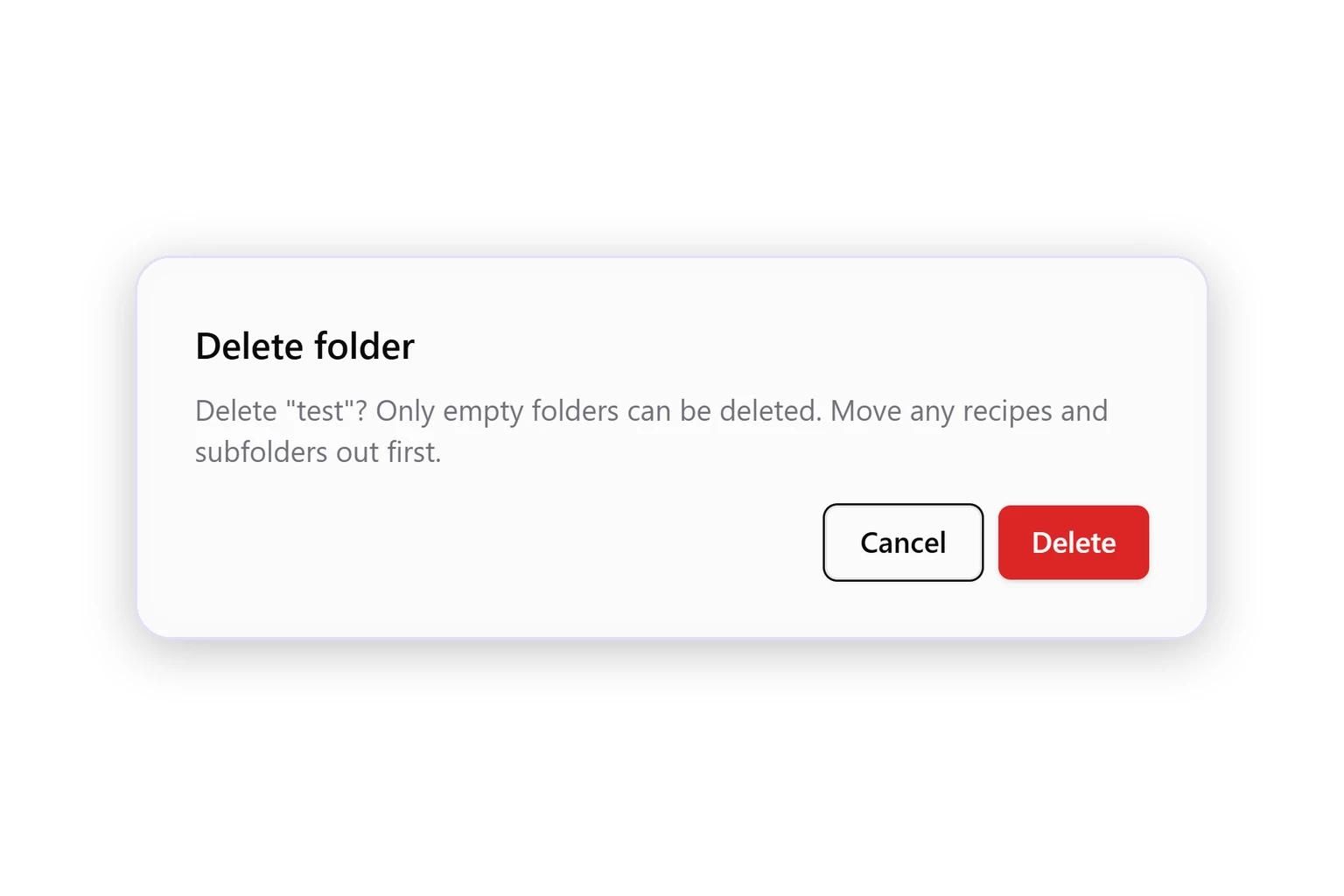
- Delete from the folder menu. In My Recipes, click ⋯ next to a folder and select Delete.
- Only empty folders. Move recipes and subfolders out first. Nothing inside a folder is deleted with it.
- Clear messages. If you can't delete a folder, the dialog tells you why and what to do.
Was this page helpful?
Thanks for the feedback!
Questions? The Improvado team is always happy to help. Send us an email, contact your Customer Success Manager, or raise a request in the Improvado Service Desk.