
Custom Roles & Permissions
Workspaces
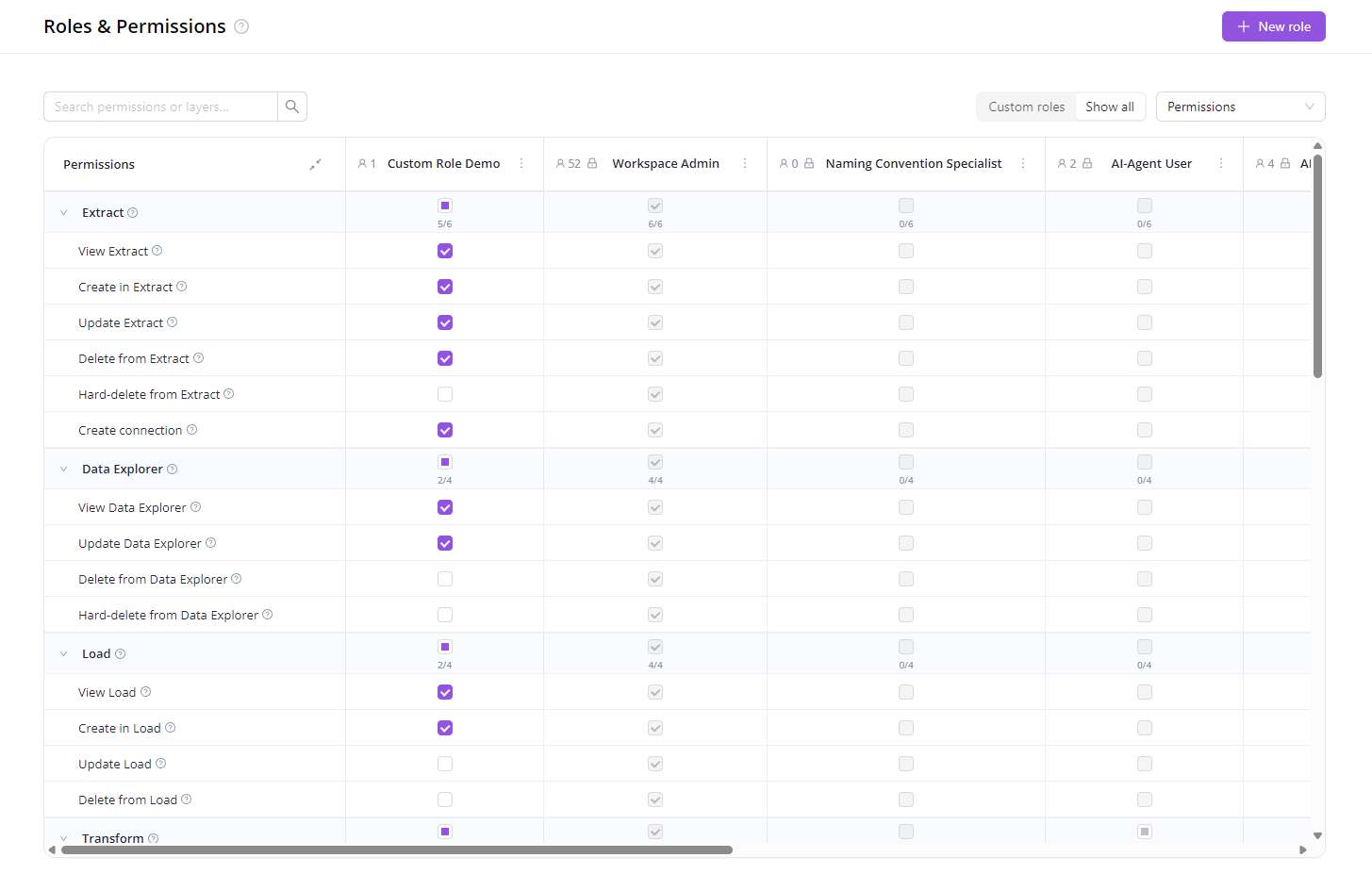
May 21, 2026 The predefined roles (Viewer, Editor, Workspace Admin…) cover most teams out of the box. When they don't, you can now build your own.
Pick exactly which areas of the product a role can see and what it can do there — and assign it to anyone in your workspace.
A few patterns this unlocks:
- Client access to dashboards only — brand stakeholders see their Dashboards and AI Agent, nothing about the pipelines behind them.
- Contractors and specialists — give a temp user one slice (e.g. only Naming Convention rules) and revoke when they're done.
- Separation of duties — keep analysts out of destinations, finance out of pipelines, marketing out of data loads.
- Tiered teams — Junior, Senior, and Lead with progressively more access.
- Read-only auditor — share view-everything / edit-nothing access, revoke when done.
Get started: open Organization → Roles, click New role, and pick the permissions you want.
Was this page helpful?
Thanks for the feedback!
Questions? The Improvado team is always happy to help. Send us an email, contact your Customer Success Manager, or raise a request in the Improvado Service Desk.