

Workspace and Usage Group Filters in AI Usage
Usage Stats
November 5, 2026 You can now see which workspaces and which kind of work use your AI actions.
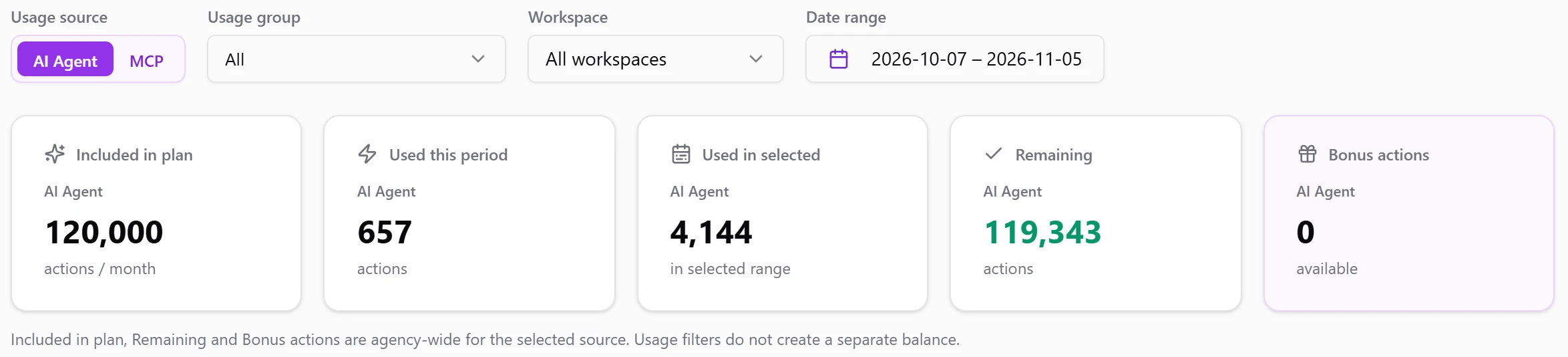
Open Settings → Usage and use the new filters above the cards:
- Usage group. Show all usage, only Interactive chats, or only Automated runs from scheduled chats and automations.
- Workspace. Show one workspace or all of them.
- Everything follows the filters. The used totals, the chart, the breakdowns and recent activity update together.
Your plan, remaining and bonus actions stay agency-wide. To limit a usage group, create a usage rule.
Was this page helpful?
Thanks for the feedback!
Questions? The Improvado team is always happy to help. Send us an email, contact your Customer Success Manager, or raise a request in the Improvado Service Desk.