

Organize Your Data Governance Rules
Three changes to data governance rules: you can see how an entity has behaved over the past week, group rules into folders, and name them yourself.
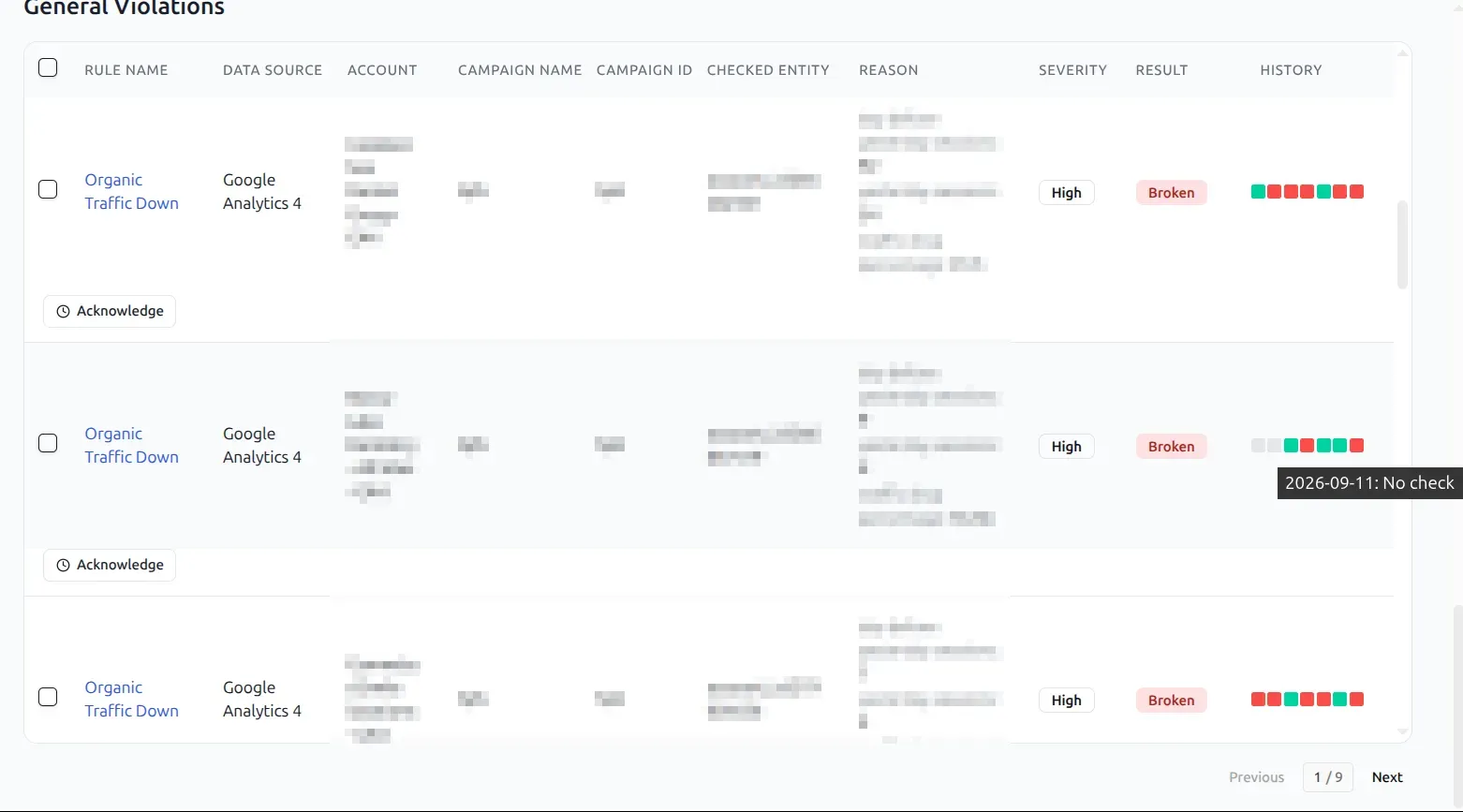
A week of history on every violation
The violations table carries a History column - seven squares, one per day - so an entity that has been breaking a rule all week reads differently from one that started today. Hover a square for that date and what happened on it, including the days when no check ran.
Folders for the rules list
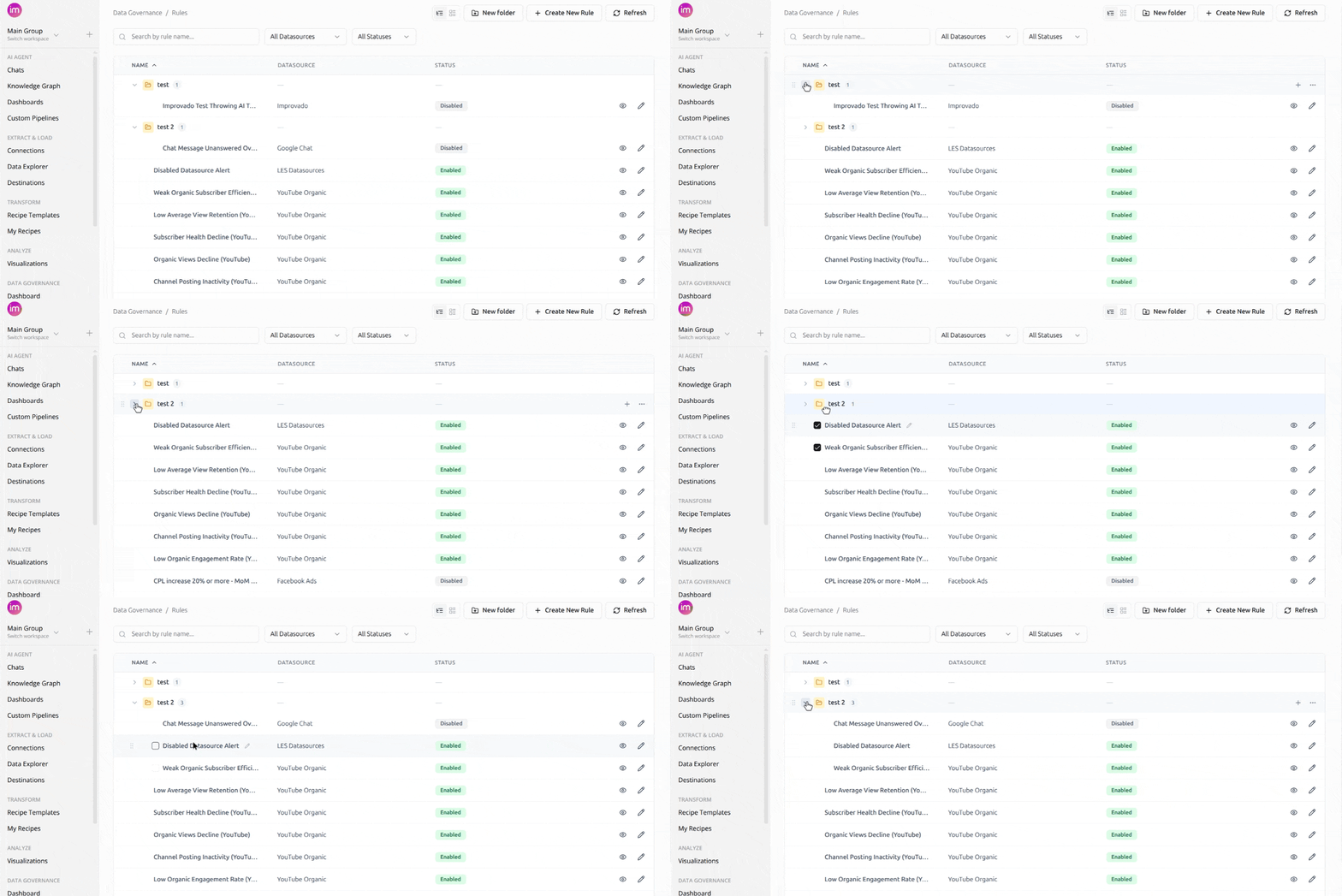
Group rules into folders, the same way you already group dashboards, so the list reflects how your team is organized. Each folder collapses and carries a count of what is inside it.
Names you choose
Give a rule a name and description that say what it checks. Both are editable in place, so a rule created through the AI chat can be titled for the people who will read it later.
Was this page helpful?
Thanks for the feedback!
Questions? The Improvado team is always happy to help. Send us an email, contact your Customer Success Manager, or raise a request in the Improvado Service Desk.