

Notification Center: Send Pipeline Alerts to Google Chat
Notification Center
November 24, 2026 Notification Center can now send pipeline alerts to Google Chat spaces through incoming webhooks.
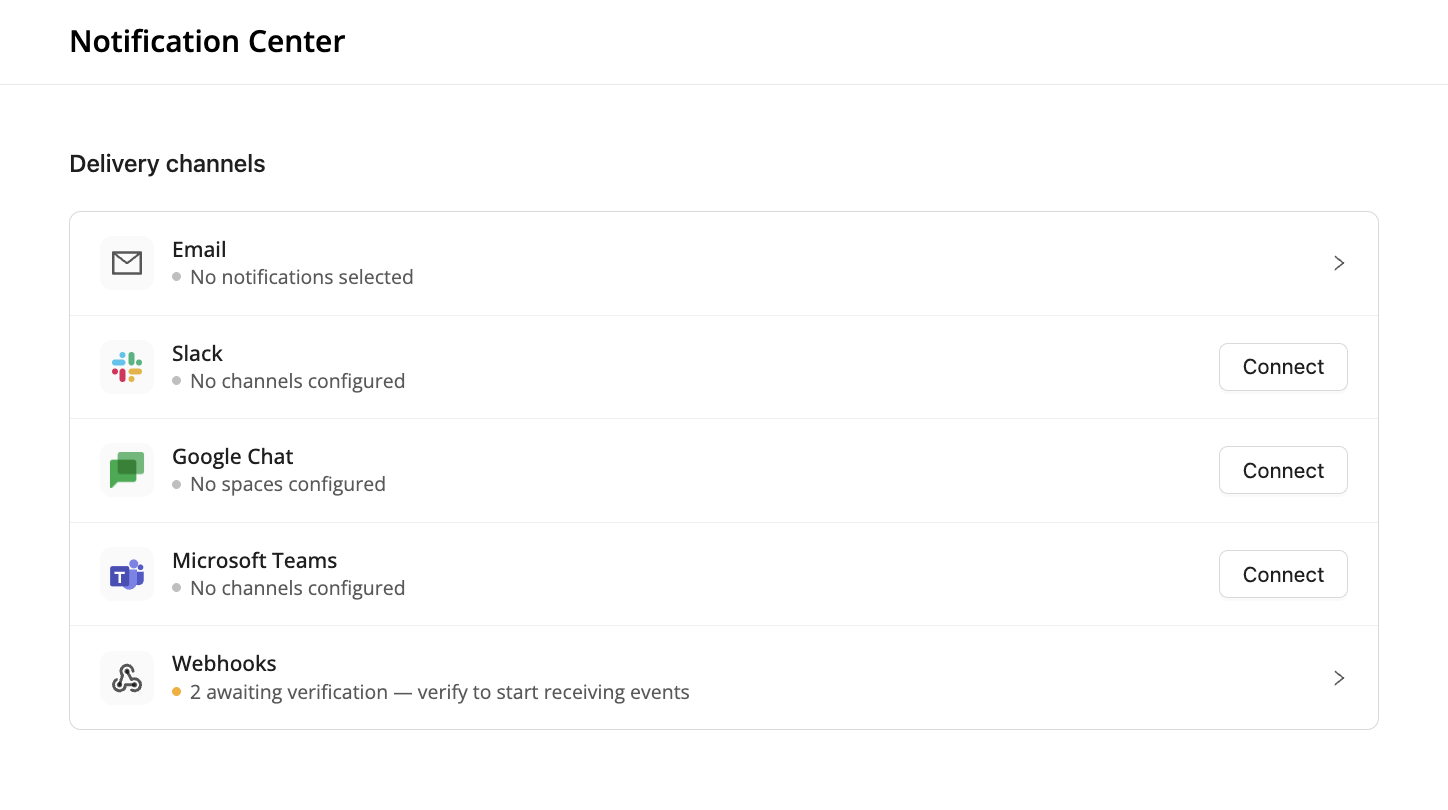
- Connect a space. Create a webhook in Google Chat, paste its URL under Notifications → Delivery channels → Google Chat, send a test and click Save. No connector authorization is needed.
- Choose your alerts. Select notification types for each space independently, including connection errors, extraction and load failures, Flat Data schema changes and automation errors.
- Act from the card. Read available error details and use buttons to open the affected object, reconnect or Fix with AI Agent where enabled.
Was this page helpful?
Thanks for the feedback!
Questions? The Improvado team is always happy to help. Send us an email, contact your Customer Success Manager, or raise a request in the Improvado Service Desk.