

Data Governance: Choose How to Create a Rule
Marketing Data Governance
October 26, 2026 Creating a Data Governance rule now starts with one simple choice.
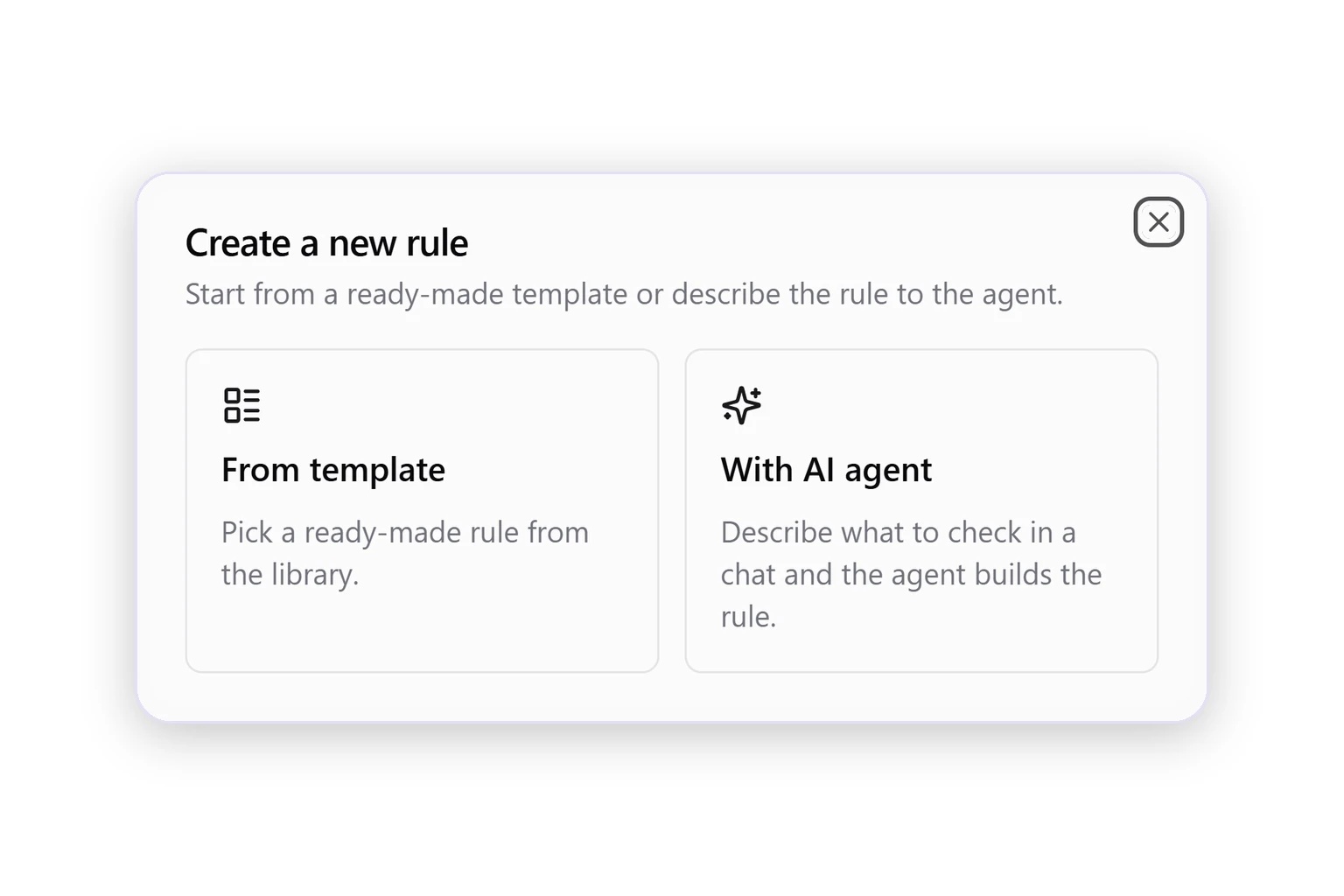
Click Create New Rule on the Rules page, or + → Rule in the side menu, and pick how to start:
- From template. Opens the Rules Library, so you can pick a ready-made rule in one click.
- With AI agent. Opens a new chat where you describe what to check, and the agent builds the rule.
The Rules Library is now reached from this window instead of its own item in the side menu.
Was this page helpful?
Thanks for the feedback!
Questions? The Improvado team is always happy to help. Send us an email, contact your Customer Success Manager, or raise a request in the Improvado Service Desk.