

Naming Convention: Clean Up Rows That Left the Source
Marketing Data Governance
November 2, 2026 When a campaign leaves the source, a manual sync can now remove its row from your Naming Convention workbook. The compliance score then counts only the campaigns you still run.
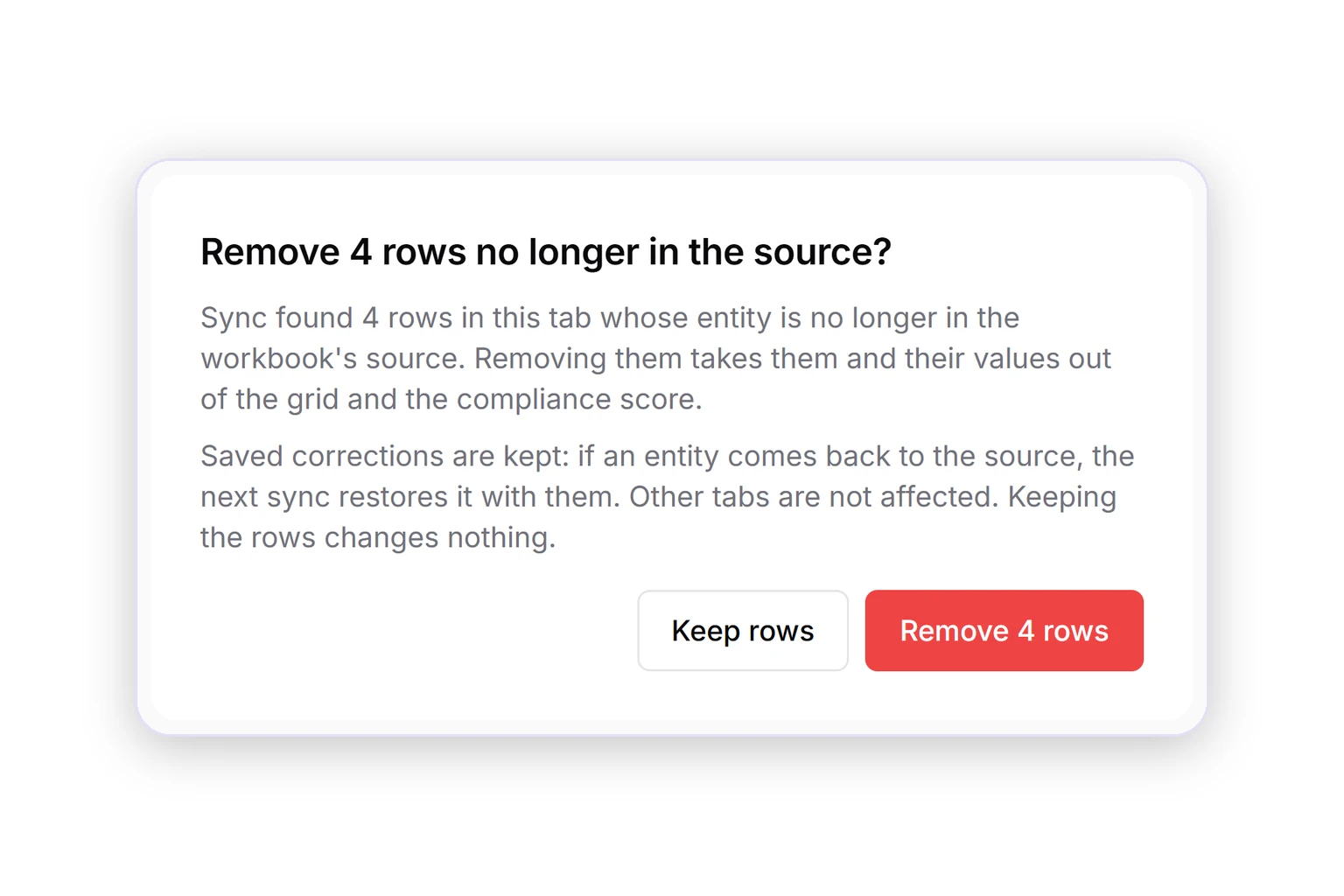
- Clean up from the workbook. Click Sync Now in the source sync history. If rows left the source, choose Remove or Keep rows.
- Corrections are kept. If a campaign comes back, the next sync restores its row with your saved corrections.
- A score you can trust. Removed rows leave the grid and the compliance score. Other tabs stay as they are.
You can also ask the AI Agent to find and remove these rows.
Was this page helpful?
Thanks for the feedback!
Questions? The Improvado team is always happy to help. Send us an email, contact your Customer Success Manager, or raise a request in the Improvado Service Desk.