Programmatic advertising platforms buy and sell ad impressions by automated auction. There are three kinds: demand-side platforms (DSPs) you buy through, supply-side platforms and exchanges that publishers sell through, and walled gardens such as Google, Meta, LinkedIn and Microsoft that run the whole auction inside one company. This guide compares 15 of them by the job they do, the inventory they reach, how you get in and what they publish about price.
Improvado is a marketing data platform. It buys no media and is in this guide as the measurement layer that reads the other 15. Its card is evaluated with the same structure, and its fit boundary is stated where it ends.
Which kind of programmatic platform do you need?
Think about the next buy you have to defend. Is it CTV reach for a launch, Amazon shoppers for a product line, job titles for a B2B pipeline, or one reconciled number across three DSPs for a client review? Pick a platform around that question, the inventory it needs and the work it takes to prove the result.
One question we examined in our own data was simple: How many programmatic platforms does one advertiser run at once? The answer below explains why measurement sits in this guide next to the buying tools.
Write the buy: the audience, the screen (open web, CTV, retail, social, search) and the budget for the quarter.
List the inventory you cannot reach today, the audience data you can bring and where the results must land.
Decide who runs the seat (your team, an agency or a managed service) and who reconciles the reports.
Start with your main bottleneck.
Read the branch that matches your gap. If you already buy on the right platforms, go straight to the specialist questions in step 2.
I need to reach people I cannot reach today.
Focus on the inventory, the audience data and the entry ticket.
Examples to explore: The Trade Desk, DV360, StackAdapt
Example to explore: Amazon DSP
Examples to explore: Meta Ads, Google Ads, LinkedIn Ads, Microsoft Advertising
I need to sell inventory, or prove what the media did.
Focus on the side of the auction you sit on and who reads the reports.
Examples to explore: Google Ad Manager, Magnite, PubMatic, Index Exchange
Example to explore: Improvado, next to the DSPs you keep
Add the specialist questions you need to answer.
Review any that apply. Each points to the platforms whose own pages document it.
Inventory and identity
YouTubeDV360
Amazon screensAmazon DSP
Shared IDThe Trade Desk (UID2, EUID)
Adobe stackAdobe Advertising DSP
Operations and budget
Self-serveStackAdapt, Meta Ads, Microsoft Advertising
Agency workflowBasis
LocalSimpli.fi
ReconciliationImprovado
Apply your requirements to the whole shortlist.
Will the campaign touch health, finance or children's data, or a market with strict consent rules? Include brand safety, consent, data export and contract terms in every vendor evaluation.
See the evaluation framework →Now choose the job that blocks that decision. Most advertisers end up with more than one platform.
Each platform is grouped by its primary job. Selecting a job filters the platforms below.
What Programmatic Advertising Platforms Are
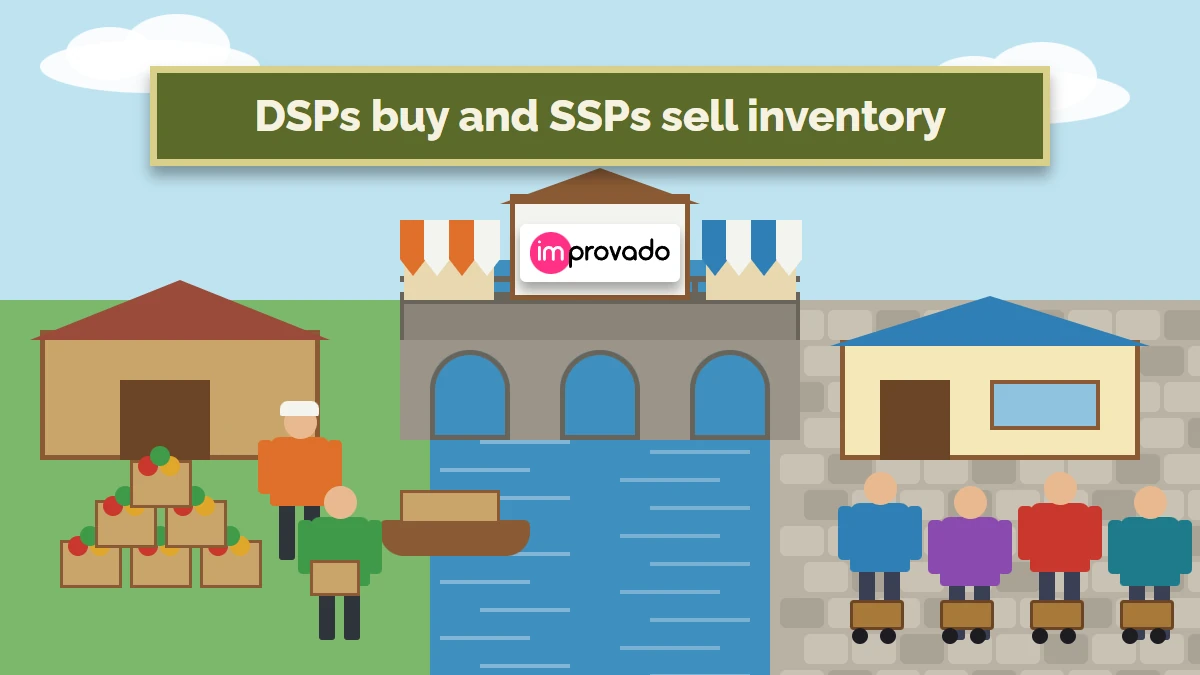
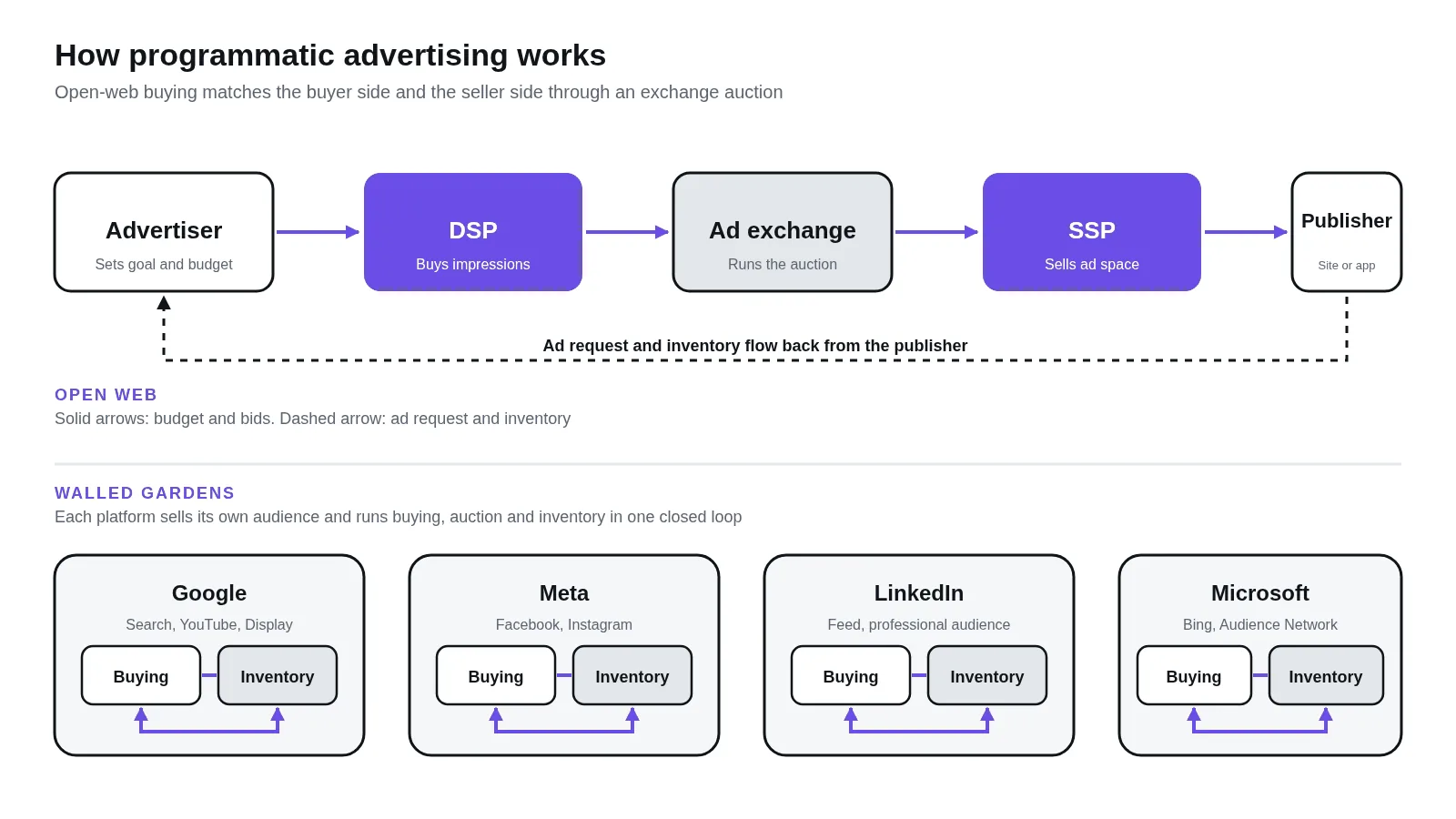
Programmatic advertising is the automated buying and selling of ad impressions. Software on the buyer's side bids for each impression, software on the seller's side offers it, and an exchange runs the auction in the time it takes a page or a video player to load. The buyer's software is a demand-side platform (DSP); the seller's is a supply-side platform (SSP). Walled gardens run the whole loop inside one company.
The spend behind it is large. Dentsu's December 2025 forecast puts digital at 68.7% of global ad spend in 2026, with programmatic buying "more than four fifths" of that digital total (Dentsu). In the United States, the IAB counted nearly $300 billion of internet ad revenue in 2025, up 13.9% on the year (IAB).
- 1 · DescriptiveWhat did we buy?Spend, impressions and CPM by platform, last weekNeeds: each platform's delivery report
- 2 · DiagnosticWhy did CPM or reach move?A line item type, exchange, deal or viewability changedAdds: line-item and supply-path fields
- 3 · PredictiveWhat will the next dollar buy?Reach and frequency for the next CTV flightAdds: history by platform and inventory type
- 4 · PrescriptiveWhere should the next dollar go?Shift budget from one DSP or deal to anotherNeeds: de-duplicated conversions and agreed rules
| DSP vs SSP | A DSP bids for impressions on behalf of advertisers. An SSP offers impressions on behalf of publishers. An exchange runs the auction between them. |
|---|---|
| Are walled gardens programmatic? | They run automated auctions on their own inventory, with the buyer's tool, the exchange and the publisher inside one company. You get the automation without open-exchange access. |
| Why are MediaMath and Xandr missing? | Older lists still show them. Infillion bought MediaMath’s assets in Sep 2023 (Infillion), and Microsoft ended media buying through its DSP, Microsoft Invest (formerly Xandr), on Feb 28, 2026 (Microsoft). |
Read next: what programmatic advertising is, DSP vs SSP, what a DSP is
How We Evaluated These Programmatic Platforms
We use six buying questions to organize the same 14 criteria in every platform profile. The cards summarize each vendor's own pages, read on Oct 23, 2026 for prices and on Nov 1, 2026 for AI features, plus editorial fit lines marked as such. They are descriptions, with no hands-on benchmark scores. Our paid-media team buys on the four walled gardens for Improvado, so those notes also draw on accounts we run. Improvado is our own product and is evaluated with the same structure.
How we evaluated
- ReachInventory, channels, CTV and the deal types a seat can buy or sell.
- AudiencesThe IDs and first-party data it matches on after third-party cookies.
- Who runs itSelf-serve, agency seat or managed service, and what setup takes.
- ProofMeasurement, attribution, brand safety and AI features you can verify.
- Cost as you growMedia, platform and data fees, minimums and commitments.
- Data outReporting API, log-level files and how results join the rest of your stack.
How to use the evidence: Open a full profile for its source links and the questions to confirm. A missing documented detail is a verification question for the demo. The guide covers 15 platforms and Improvado; grouping reflects the primary job, and the order carries no ranking.
What separates these platforms
Use these four workflow differences to read the cards below. Each one decides which screens you reach, which audiences you can match and how much work the reports take after launch.
The auction path: open auction, deals and guaranteed
A real-time auction is open to any DSP on the exchange. Private marketplaces invite a short list of buyers at a floor price, preferred deals give one buyer a first look at a fixed price, and programmatic guaranteed books a fixed volume at a fixed price. Every path adds a reporting hop: the DSP and the SSP each count the same impressions.
"One of the things that we have to account for is the variance between the reporting from the DSP and the SSP. If it’s over 20 percent variance, then we have to dig into it."
Strategy lead at a programmatic media agency, on a call with Improvado, Sep 2025
Read next: DSP vs SSP, programmatic direct
any DSP bidsinvited DSPs, floor price
one buyer, fixed pricefixed volume, fixed price
bid requestSame pipes, fewer bidders as you go down
Real use case: a DV360 benchmark you can hold your own line items against.
Your DSP shows you your own numbers. It cannot show you a second opinion: what the same platform delivered for other advertisers in the same months, read with the same definitions. Improvado reads the DV360 reports of its customers, so we built that comparison from aggregated customer data.
It starts with adoption. On Oct 28, 2026, 94 of Improvado's 181 paying customer accounts (52%) kept at least one DSP or SSP connection live, and 49 of those ran two or more at once. Amazon DSP (47 accounts) and DV360 (41) were the most connected DSPs, and the most common pair was the two together (25). Agencies ran a DSP more often than brands: 57 of 77 against 30 of 73.
 Account AConnected
Account BConnected
Account CConnected
Every account looks the same.
A connection says nothing
about spend in the quarter.
A connection count is an adoption number.
On Nov 1, 2026, 40 paying accounts had a live DV360 connection. Counting them tells you which platforms advertisers wire up. It cannot tell you what the platform delivered, or whether two accounts can be compared at all.
Same fields, same months, same definitions.
We read each account's DV360 reports from its Improvado warehouse: impressions, clicks, Total Media Cost in the advertiser's currency, and Active View measurable and viewable impressions, summed by month.
Accounts with no rows in the quarter, or billing outside USD, stay visible and are left out of the metrics they cannot support.
CreativesDaily report
Line ItemsDaily report
 ImprovadoOne model
A benchmark you can audit.
Each exclusion has a reason.
Accounts in the DV360 benchmark by month
July to September 2026, full months. Of 40 paying accounts with a live DV360 connection, 20 had readable rows in the quarter; CTR and viewable rate come from 17 or 18 of them, CPM from the 10 that bill in USD.
July 40 accounts connected
August 40 accounts connected
September 40 accounts connected
About $7 per thousand, 0.13% CTR, one in five impressions not viewable.
Across DV360 accounts in July and August 2026, the median account paid $7.51 and $6.49 per thousand impressions (all-in Total Media Cost, USD accounts, n=10), with a click-through rate of 0.13% (n=17 and 18).
The median viewable rate held at 80% to 81.5% in all three months (n=17 to 18): about one measurable impression in five was not viewable. YouTube line items ran higher on viewability (91.1% in August, n=10) and lower on CTR (0.07% to 0.08% in July and August, n=10 and 11).
Medians across accounts, not spend-weighted. They describe DV360 as run by Improvado customers, most of them agencies, and they do not establish a market rate.
| Month (2026) | CPM, USD accounts | CTR | Viewable rate |
|---|---|---|---|
| July | $7.51 (middle half $6.21 to $8.56), n=10 | 0.13% (0.08% to 0.30%), n=17 | 80.4% (69.2% to 85.3%), n=17 |
| August | $6.49 ($5.06 to $7.98), n=10 | 0.13% (0.08% to 0.51%), n=18 | 81.5% (64.2% to 87.4%), n=18 |
| September | $6.96 ($3.76 to $8.50), n=10 | 0.31% (0.08% to 0.97%), n=17 | 80.0% (59.0% to 82.8%), n=17 |
| YouTube line items | Under 10 accounts, not shown | 0.07% (Jul, n=10), 0.08% (Aug, n=11) | 91.1% (Aug, n=10) |
Research method and limits
Base: Improvado's paying customer accounts (staff, test and sandbox accounts left out) with a live DV360 connection on Nov 1, 2026: 40 accounts, 26 agencies and 12 brands by Salesforce account type, 2 untyped. For each account we summed the DV360 Creatives or Line Items by Campaign daily report by month, whichever held more impressions in the quarter. Only aggregates by month, line item type and currency were read; no advertiser, campaign or customer name entered the analysis.
Definitions: CPM = Total Media Cost / impressions x 1,000, where Total Media Cost is DV360's advertiser-side cost including platform, data and CPM fees. CTR = clicks / impressions. Viewable rate = Active View viewable / Active View measurable impressions. Each account-month needs at least 100,000 impressions (10,000 measurable for viewability). Medians are taken across accounts; a cell with fewer than 10 accounts is withheld.
Coverage: 20 of the 40 accounts had readable rows in July to September; 13 had tables with no rows in the quarter, 3 had no DV360 table with impressions, 4 had only reports without a usable cost and impressions pair. CPM uses USD-billed rows only; 7 to 8 readable accounts bill in another currency and enter CTR and viewability only. No currency conversion was applied.
Limits: CPM rests on 10 accounts a month, the suppression floor, so one account more or less moves it (July $7.21 to $7.80). Where an account's Creatives and Line Items reports disagree, the choice of report moves the August CTR median between 0.13% and 0.22%. The CTR rise in September also appears in the 16 accounts present in all three months; this data does not show why. Current customers only, three months, no CTV, vertical or end-client split. This is a description of Improvado customers' DV360 delivery, and it does not rank DV360 against other platforms.
Adoption figures: live data source connections of 181 paying customer accounts on Oct 28, 2026; agency and brand shares use the 150 accounts with a recorded account type. Groups under 10 accounts are left out.
Identity and cookies
Walled gardens match your audience on their own logins. On the open web, a DSP needs a shared ID, a publisher ID, retail or CRM data, or the context of the page. The Trade Desk backs UID2 and EUID; Amazon and Google bring their own logged-in signals. Ask which path each platform uses for your list and what share of it they can find.
Read next: cookieless attribution, DV360 targeting
| Inside a walled garden | On the open web |
|---|---|
| The platform's own login matches your list | A shared ID, a publisher ID or context carries it, at a lower and varying match rate |
CTV access: who owns the screen
Connected TV runs on the same mechanics as the web. A streaming app passes each ad break to an SSP, and DSPs bid. Prime Video and YouTube keep most of their TV inventory inside Amazon’s and Google’s own buying tools, so the DSP you pick decides which screens you can reach.
"When we go to ask for a report, it seems to take a week and a half to get it. So we don’t have an easy to use dashboard with our programmatic spend and the CTV information. It’s kind of a black hole."
Director of Digital Marketing at a resort operator, on a call with Improvado, Apr 2026
Read next: CTV measurement, OTT vs CTV
| Streaming supply | Who sells it | Bought through |
|---|---|---|
| YouTube on TV | DV360, Google Ads | |
| Prime Video, Fire TV, Thursday Night Football | Amazon | Amazon DSP |
| Other ad-supported streaming apps | Publishers via Magnite, Index Exchange, PubMatic and others | The Trade Desk, DV360, Amazon DSP, StackAdapt, Adobe, Basis, Simpli.fi |
Reporting schemas: one campaign, many names
Every platform reports its own spend and its own conversions, and the conversions overlap: Meta, Google and LinkedIn each claim the sale a customer made after seeing all three. Field names differ too. Pull each platform’s reporting API into one warehouse on a schedule, map the fields to one naming convention, and decide once how you de-duplicate conversions.
"To get a viewable CPM, I need that spend from The Trade Desk and I need those viewable impressions from DoubleVerify."
Media operations analyst at a marketing agency, on a call with Improvado, Dec 2025
Read next: DV360 data challenges, Trade Desk data challenges, cross-channel analytics
Total Media Cost (Advertiser Currency)cost_microsspendcostInLocalCurrencyspend_usdOne name, one currency
Total cost of ownership
Count every line, including the media.
| You pay for | Walled gardenSelf-serve auction | Self-serve DSPCredit card, plan tiers | Contract DSPSales-led seat |
|---|---|---|---|
| Media | Auction price on owned inventory | Auction price across exchanges | Auction and deal prices, often with a commitment |
| Platform fee | Inside the media price | Plan tier; ask for it in writing | Negotiated fee or percentage |
| Data and audiences | The platform's own targeting | Third-party segments at a CPM | Third-party segments at a CPM, clean rooms |
| Verification | Platform reports and partner integrations | Brand safety and viewability vendors | Brand safety and viewability vendors |
| People | Your team | Your team or managed service | Agency or partner margin |
| Reporting | One report per platform | One more report to reconcile | Log-level files and a warehouse |
Which platform for which budget
| Budget tier | What the vendors publish | Platforms that fit | What you give up |
|---|---|---|---|
| Testing: under a few thousand dollars a month | Meta: "at least $5". LinkedIn: $100 unspent per campaign. Google Ads and Microsoft: daily budget, no minimum published. StackAdapt: "No minimum spend required to get started". | Google Ads, Meta Ads, LinkedIn Ads, Microsoft Advertising, StackAdapt Basic | Open-exchange inventory, deal IDs, CTV beyond YouTube |
| Growth: around $5,000 a month and up | StackAdapt: "Most teams hit their stride around $5k a month". Amazon DSP: self-service open, pricing carried over, no figure. | StackAdapt Grow or Scale, Amazon DSP self-service, the four walled gardens, Simpli.fi or Basis through an agency | YouTube outside Google Ads, premium CTV deals that need a DSP contract |
| Contract: custom quote | DV360, The Trade Desk, Adobe, Basis, Simpli.fi and Amazon managed service publish no minimum; all route through sales. | DV360, The Trade Desk, Amazon DSP managed, Adobe Advertising DSP, Basis, Simpli.fi | Credit-card start; expect an annual commitment and an agency or partner for smaller spend |
Two rules of thumb from our own buying. Start in the walled gardens and StackAdapt until the creative and the audience are proven, because the exit cost is zero. Add a DSP when you need inventory the gardens cannot sell you, and pick it by that inventory first, fee second.
Read next: how to choose a programmatic platform, DV360 vs The Trade Desk
Build your shortlist
Use this table to find platforms that fill a gap in your current plan. Check what each one does, who it suits and what the vendor publishes about price (pricing pages read Oct 23, 2026).
Most advertisers run several of these at once: a walled garden for logged-in reach, a DSP for open-web and CTV inventory, and a measurement layer that reads them together. Compare platforms that answer the same need.
Choose up to three platforms to compare with Improvado on the same six criteria. Improvado is the fixed first column because it is the measurement layer for whichever platforms you pick.
| Select | Platform | Primary job | Consider for | Pricing model |
|---|---|---|---|---|
|
Our product
|
Measure across | Advertisers and agencies that run two or more of these platforms and report on them together. | Volume, plan and add-ons | |
|
Enterprise DSP (Google)
|
Open web & CTV | Teams on Google Marketing Platform that buy YouTube at scale next to open exchanges. | Sales quote; no price published | |

Independent DSP
|
Open web & CTV | Agencies and brands buying open-internet CTV and wanting an ID outside Google's and Meta's graphs. | Sales quote; no price published | |

Retail media DSP (Amazon)
|
Retail & commerce | Brands that sell on Amazon, and any brand that wants Prime Video or Amazon shopping signals. | Carried over; no figure published | |

Self-serve DSP
|
Open web & CTV | Mid-market teams and agencies starting programmatic without a contract. | Five plans; no minimum; "around $5k a month" typical | |

Enterprise DSP (Adobe)
|
Open web & CTV | Enterprises that already run Adobe Analytics or Real-Time CDP. | Sales quote; no price published | |

DSP + agency workflow
|
Open web & CTV | Agencies that plan, buy and bill programmatic, direct, search and social in one tool. | Sales quote; no price published | |

Local and multi-location DSP
|
Open web & CTV | Local and multi-location advertisers, and the agencies that run them. | Sales quote; no price published | |

Ad server, SSP and exchange
|
Sell inventory | Publishers; buyers reach it through DV360 and Google Ads. | Free tier to a threshold; 360 paid; no fee published | |

Independent SSP
|
Sell inventory | Streaming and video publishers; buyers who want curated streaming deals. | Sales quote; no price published | |

SSP
|
Sell inventory | Publishers running header bidding; buyers on supply-path deals. | Sales quote; no price published | |

SSP and exchange
|
Sell inventory | Large publishers and streaming TV; DSPs and agencies on curated deals. | Sales quote; no price published | |

Walled garden
|
Walled gardens | Any budget that wants display and YouTube reach without a DSP contract. | Auction; daily budget; no minimum published | |

Walled garden
|
Walled gardens | B2C teams at any budget; the lowest published starting point here. | Auction; "start with at least $5" | |

Walled garden (B2B)
|
Walled gardens | B2B teams that target buying committees by title and company. | Objective-based auction; $100 unspent per campaign | |

Walled garden
|
Walled gardens | Teams extending Google search budgets, and B2B buyers using LinkedIn profile targeting. | Pay per click; "No minimum fee" |
Improvado is our product. It buys no media; it is included as the measurement layer, with the same comparison structure as the platforms. Fit descriptions are editorial assessments.
A consistent card for every platform.
Each card follows the same sequence. Fit names the team and the job; inventory shows which screens and exchanges the seat reaches; AI and automation show what the vendor documents; pricing and tradeoffs show the commitment. The full profile extends this to 14 criteria, including CTV, identity, deal types, brand safety and data export, each with its source or a question to ask.
Choose up to three platforms below. Filtering the list never removes Improvado or changes your selected platforms.
Improvado
Reads delivery, cost and conversion data from the platforms in this guide into one model.
Improvado in practiceMost programmatic buyers read more than one platform
Do you need another buying tool, or one report across the tools you already run?
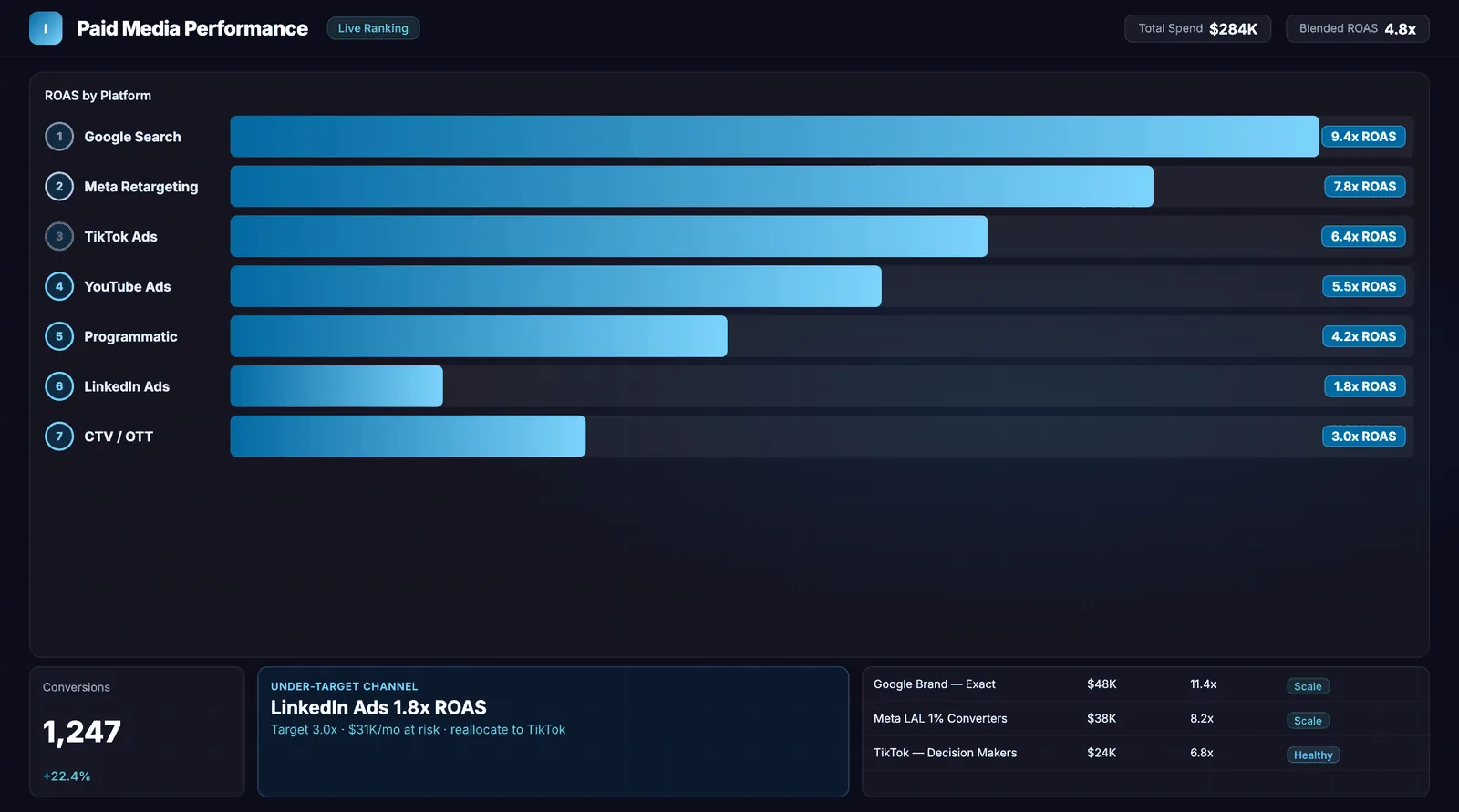
Across Improvado's 181 paying customer accounts on Oct 28, 2026, 94 kept at least one DSP or SSP connection live, and 49 of them ran two or more. The most common pair was Amazon DSP with DV360 (25 accounts). Accounts with a programmatic platform kept a median of 18 live data sources, against 9 for the rest.
In these accounts a programmatic report sits next to social and search data from the same advertiser: 92% also ran Meta Ads and 90% Google Ads.
What to check before buyingAsk for two of your platform exports for the same month in one table, with spend, impressions and one conversion rule. Connection counts show which platforms are wired up; they do not show spend.
Read the research methodRead full profile: Improvado
01 / What it does
- Improvado collects reporting data from advertising platforms, prepares it in one marketing data model and loads it to a warehouse or dashboards. It runs no auction and holds no ad inventory. source ↗
02 / Who it fits
- Teams that run two or more DSPs, SSPs or walled gardens and need one reconciled report of spend, delivery and conversions across them.
03 / Inventory and channels
- No inventory of its own. Connectors read the reporting APIs of the platforms in this guide; the connector pages list what each one extracts. source ↗
04 / CTV and streaming
- Reads CTV delivery as each DSP reports it. Labels for completion and household reach differ by platform; mapping them to one field is part of the data model work. source ↗
05 / Identity and audiences
Ask which IDs the platform matches your audiences on, and the match rate on your own list.
06 / Buying paths
Ask which deal types you can run: open auction, private marketplace, preferred deal, guaranteed.
07 / Measurement
- The pricing page places multi-touch attribution, marketing mix modeling and incrementality in separately priced Advanced Analytics on Growth and Enterprise plans. source ↗
- Cross-platform de-duplication of conversions needs a rule your team agrees on; the data model applies it once, then every report uses it.
08 / AI and automation
09 / Brand safety and governance
10 / Access and setup
- Connectors are configured by Improvado's team or yours; the documentation describes extraction setup per source. source ↗
11 / Pricing and minimums
- The pricing page lists Starter from $20,000 a year, with plan, volume and add-ons on top. Confirm the quote for your platforms and history. source ↗
12 / Reporting and data export
13 / Strengths and tradeoffs
- Strength: one model for DSP, SSP and walled-garden data. Tradeoff: a separate contract, and it adds nothing to reach, bidding or inventory.
14 / Questions for your demo
- Bring two platform exports for the same month and ask for one table with matching spend, impressions and one conversion rule.
Fit lines are editorial assessments. Quotes come from the vendor page linked beside them; confirm the current product and plan with the vendor.
DV360
Google's DSP, with YouTube and third-party exchanges in one insertion order.
How it compares with ImprovadoDifferent layers: media and measurement
DV360 buys media. Improvado buys none; it reads the DSP's delivery and cost data next to your other platforms.
- Consider DV360
- Consider DV360 when you need its inventory or audiences: teams on Google Marketing Platform that buy YouTube at scale next to open exchanges.
- Consider Improvado
- Consider Improvado when two or more platforms report on the same budget and you need one reconciled number.
- Test before choosing
- Ask both vendors to show the same campaign's spend and impressions for one month, then compare them in your warehouse.
Read full profile: DV360
01 / What it does
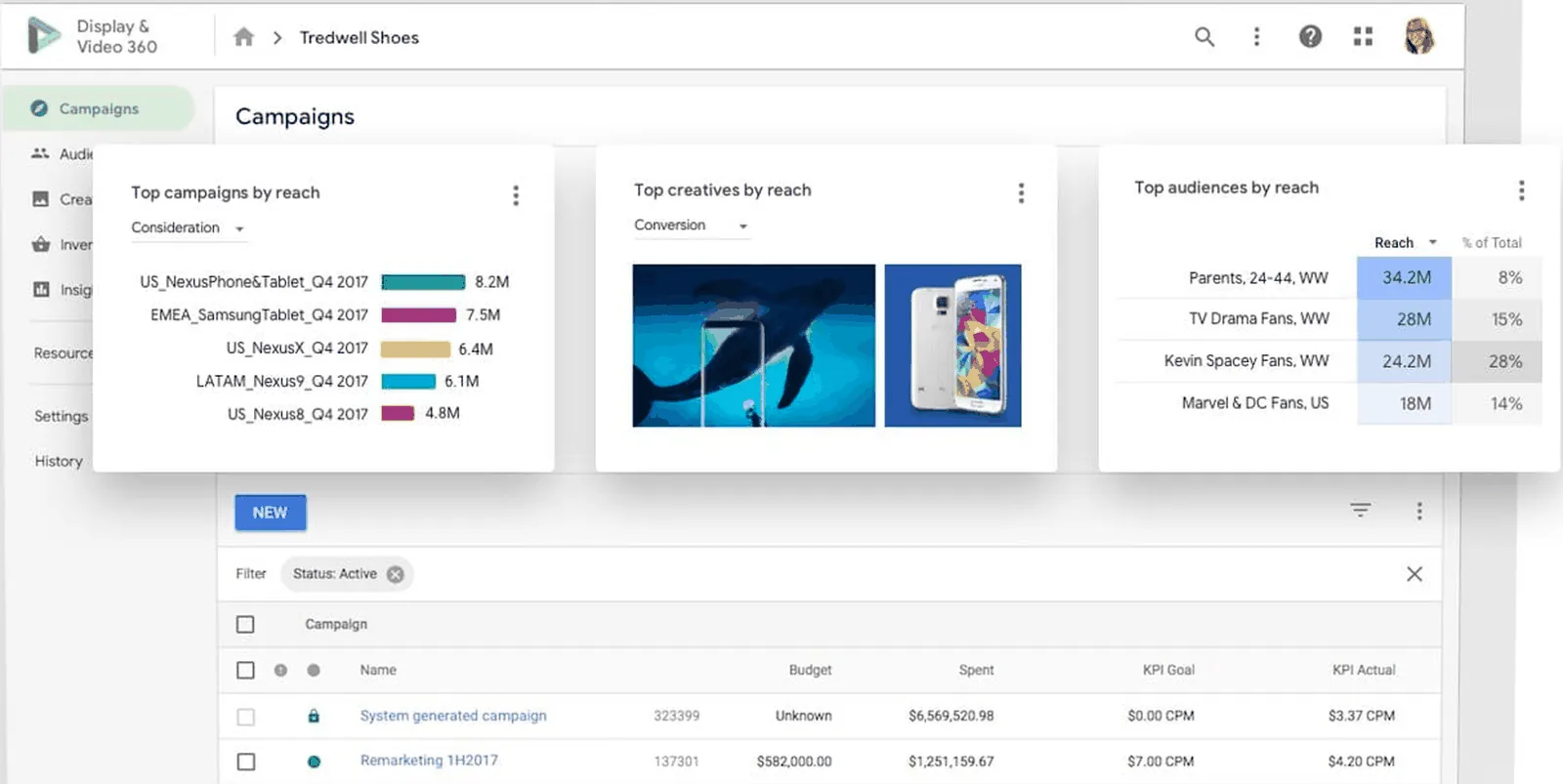
- Google's enterprise DSP inside Google Marketing Platform, sharing audiences and conversion tags with Campaign Manager 360 and Analytics 360. source ↗
02 / Who it fits
- Advertisers and agencies on Google Marketing Platform that buy YouTube at scale and want it in the same plan as open-exchange display and video.
03 / Inventory and channels
04 / CTV and streaming
- YouTube on TV and exchange CTV in the same campaign. source ↗
05 / Identity and audiences
06 / Buying paths
- Open auction and deals with exchanges and publishers; YouTube reservations sit in the same tool. source ↗
07 / Measurement
- Reporting leans on Google's attribution and cross-device graph, which other platforms do not share.
08 / AI and automation
09 / Brand safety and governance
Ask which verification partners are integrated and who pays their fees.
10 / Access and setup
- Sales-led: the product page offers "Talk to Sales" and a sign-in, with no self-serve sign-up. source ↗
11 / Pricing and minimums
- Custom quote, not published. No fee schedule on the product page. source ↗
12 / Reporting and data export
13 / Strengths and tradeoffs
- Strength: the only DSP with YouTube. Tradeoff: sales-led access and a partner margin.
14 / Questions for your demo
- Ask for one insertion order with YouTube and exchange line items, and the export that reports both.
Fit lines are editorial assessments. Quotes come from the vendor page linked beside them; confirm the current product and plan with the vendor.
The Trade Desk
An independent DSP that owns no media, with CTV and its own identity framework.
How it compares with ImprovadoDifferent layers: media and measurement
The Trade Desk buys media. Improvado buys none; it reads the DSP's delivery and cost data next to your other platforms.
- Consider The Trade Desk
- Consider The Trade Desk when you need its inventory or audiences: agencies and brands buying open-internet CTV and wanting an ID outside Google's and Meta's graphs.
- Consider Improvado
- Consider Improvado when two or more platforms report on the same budget and you need one reconciled number.
- Test before choosing
- Ask both vendors to show the same campaign's spend and impressions for one month, then compare them in your warehouse.
Read full profile: The Trade Desk
01 / What it does
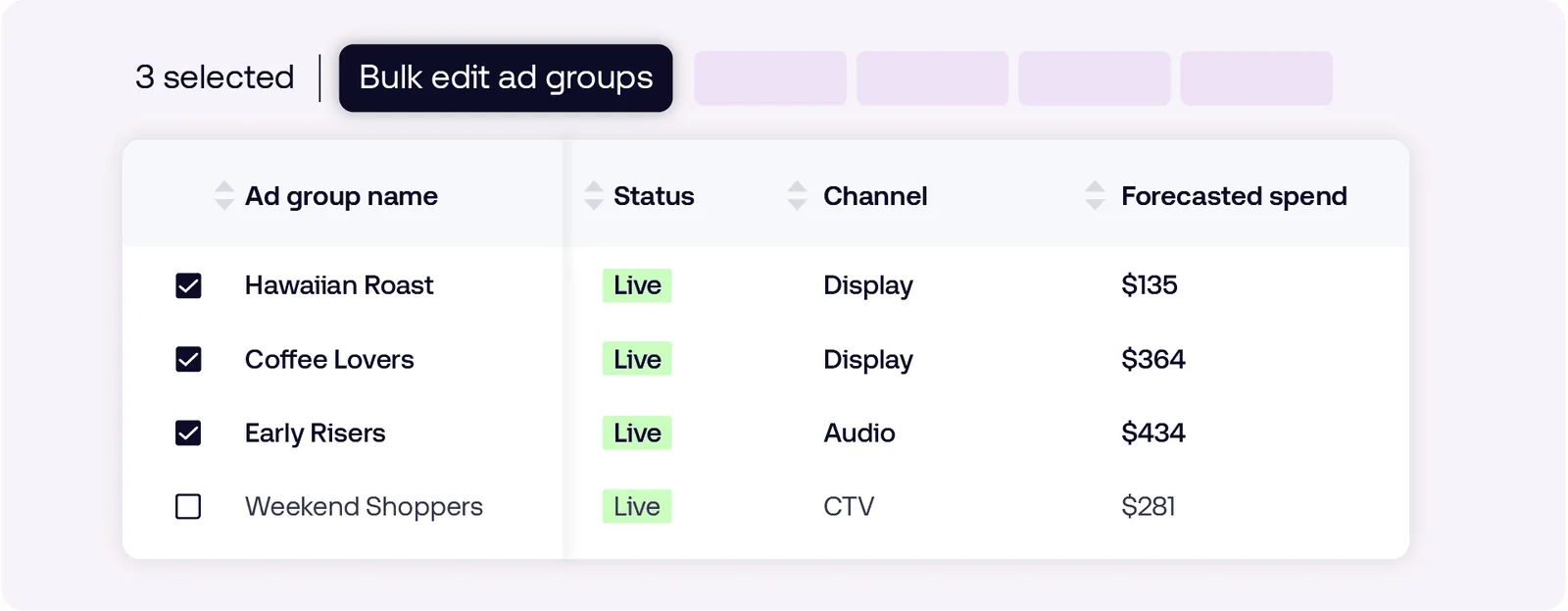
- An independent DSP: it owns no media and no publisher. The current interface is called Kokai. source ↗
02 / Who it fits
- Agencies and brands that buy CTV across many streaming services and want one bidding tool across all of them.
03 / Inventory and channels
04 / CTV and streaming
- Partnerships "with major ad-supported streaming services across the globe", including live sports. source ↗
05 / Identity and audiences
- Backs Unified ID 2.0 and EUID as its identity path after third-party cookies. source ↗
06 / Buying paths
- Open auction and deals across exchanges; no YouTube, which Google keeps inside DV360 and Google Ads.
07 / Measurement
Ask which conversions it counts, over which windows, and how it handles overlap with other platforms.
08 / AI and automation
09 / Brand safety and governance
Ask which verification partners are integrated and who pays their fees.
10 / Access and setup
- Contact form only: "Reach out to us to find the right solution to start using our platform." Most brands come in through an agency seat. source ↗
11 / Pricing and minimums
- Custom quote, not published. Minimums and fees are negotiated. source ↗
12 / Reporting and data export
13 / Strengths and tradeoffs
- Strength: CTV depth and an independent ID. Tradeoff: no YouTube and no rate card.
14 / Questions for your demo
- Ask for the CTV supply list for your markets and a sample export with spend in your currency.
Fit lines are editorial assessments. Quotes come from the vendor page linked beside them; confirm the current product and plan with the vendor.
Amazon DSP
Amazon's DSP for Prime Video, Fire TV, Amazon.com and third-party publishers.
How it compares with ImprovadoDifferent layers: media and measurement
Amazon DSP buys media. Improvado buys none; it reads the DSP's delivery and cost data next to your other platforms.
- Consider Amazon DSP
- Consider Amazon DSP when you need its inventory or audiences: brands that sell on Amazon, and any brand that wants Prime Video or Amazon shopping signals.
- Consider Improvado
- Consider Improvado when two or more platforms report on the same budget and you need one reconciled number.
- Test before choosing
- Ask both vendors to show the same campaign's spend and impressions for one month, then compare them in your warehouse.
Read full profile: Amazon DSP
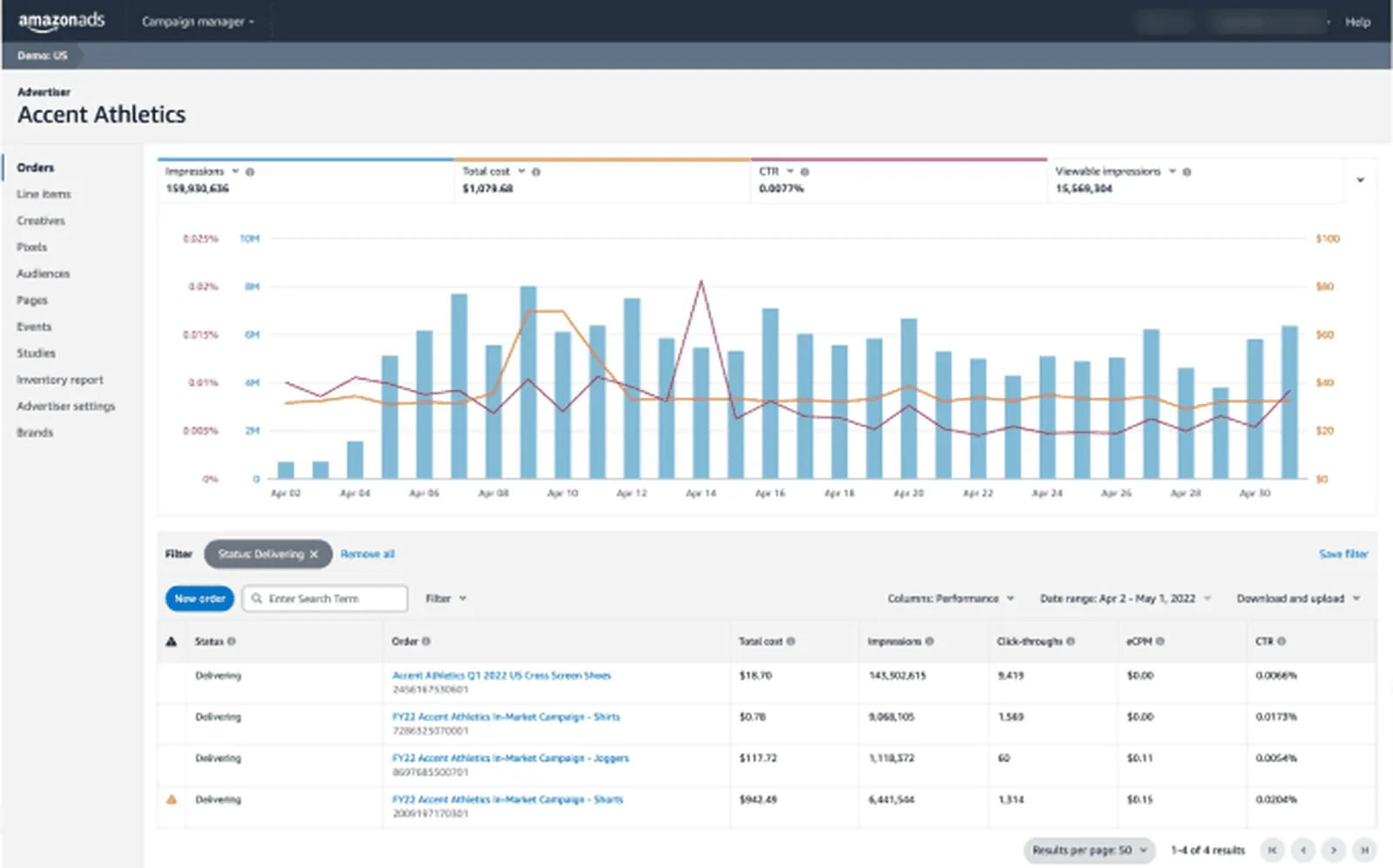
01 / What it does
- Buys display, video, audio and streaming TV. On Oct 23, 2026 Amazon's page read "Amazon DSP has evolved into Amazon Ads Agent", with programmatic controls in DVA+. source ↗
02 / Who it fits
- Brands that sell on Amazon, and brands without an Amazon store that want Prime Video reach or Amazon shopping signals.
03 / Inventory and channels
- Prime Video, Twitch, Thursday Night Football, Amazon.com, Fire TV and third-party publishers. source ↗
04 / CTV and streaming
- Prime Video and Fire TV inventory that no other DSP can bid on. source ↗
05 / Identity and audiences
06 / Buying paths
- Full-Funnel Campaigns put sponsored ads, display, video and streaming TV in a single campaign. source ↗
07 / Measurement
- Measurement stays inside Amazon's attribution; matching it to off-Amazon sales takes Amazon Marketing Cloud or your own warehouse.
08 / AI and automation
09 / Brand safety and governance
Ask which verification partners are integrated and who pays their fees.
10 / Access and setup
- "Self-service and managed-service options" continue within DVA+. source ↗
11 / Pricing and minimums
- "Your current pricing structure is carried forward"; no figure published. Sponsored ads, a separate product, carry no minimum. source ↗
12 / Reporting and data export
13 / Strengths and tradeoffs
- Strength: inventory and shopper data no other DSP has. Tradeoff: the 2026 rename means training material lags the interface.
14 / Questions for your demo
- Ask how a DVA+ campaign reports next to Sponsored Ads, and which off-Amazon sales signal you can bring.
Fit lines are editorial assessments. Quotes come from the vendor page linked beside them; confirm the current product and plan with the vendor.
StackAdapt
A mid-market DSP you can start with a credit card and no minimum.
How it compares with ImprovadoDifferent layers: media and measurement
StackAdapt buys media. Improvado buys none; it reads the DSP's delivery and cost data next to your other platforms.
- Consider StackAdapt
- Consider StackAdapt when you need its inventory or audiences: mid-market teams and agencies starting programmatic without a contract.
- Consider Improvado
- Consider Improvado when two or more platforms report on the same budget and you need one reconciled number.
- Test before choosing
- Ask both vendors to show the same campaign's spend and impressions for one month, then compare them in your warehouse.
Read full profile: StackAdapt
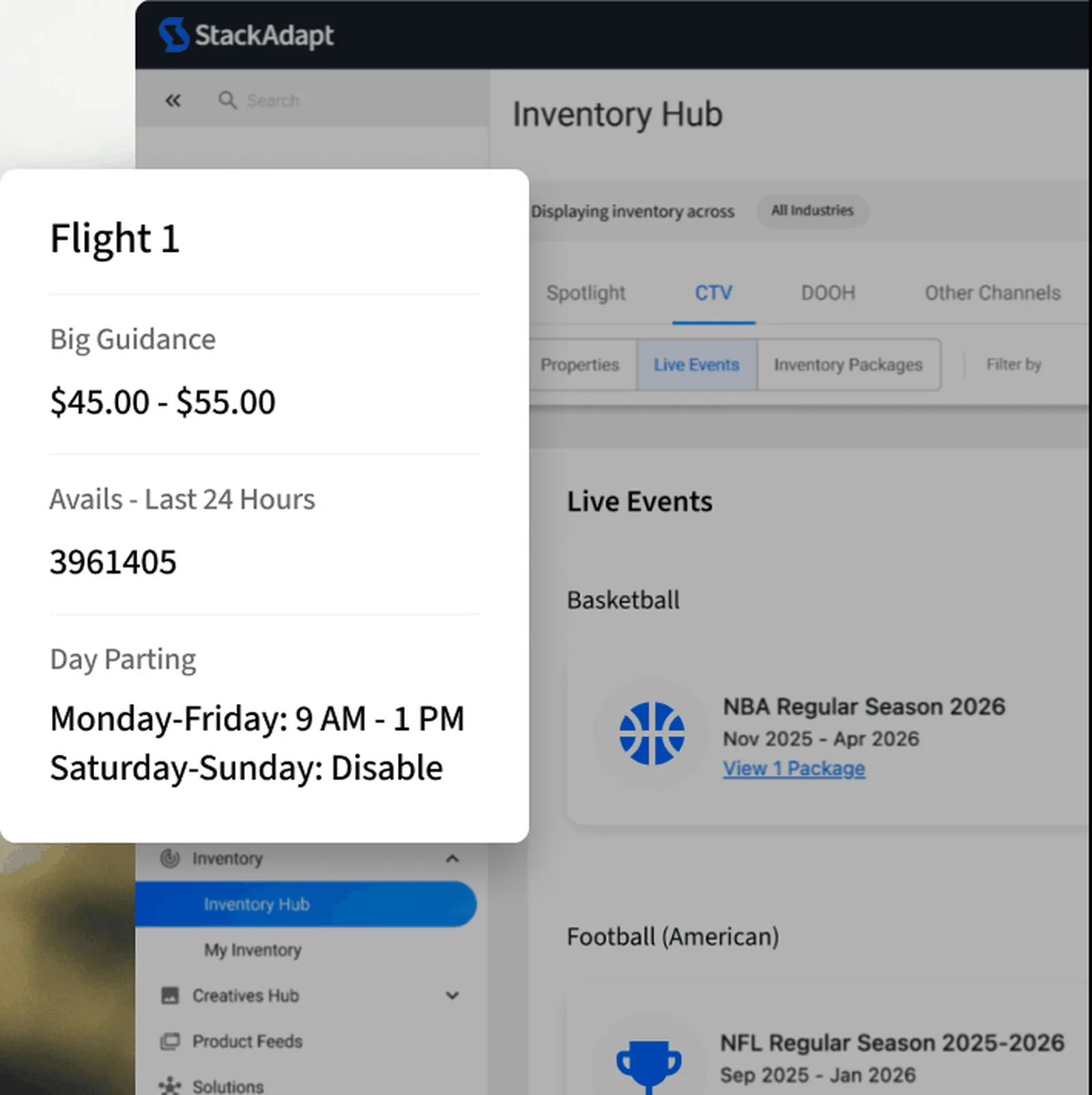
01 / What it does
- A DSP aimed at mid-market advertisers and agencies, and the one DSP here you can start with a credit card and no sales call. source ↗
02 / Who it fits
- Mid-market teams and agencies that want to test programmatic, native and CTV before a contract.
03 / Inventory and channels
- Display, CTV, video, native, audio, in-game, digital out-of-home, email, direct mail and ChatGPT Ads. source ↗
04 / CTV and streaming
05 / Identity and audiences
Ask which IDs the platform matches your audiences on, and the match rate on your own list.
06 / Buying paths
Ask which deal types you can run: open auction, private marketplace, preferred deal, guaranteed.
07 / Measurement
- Plans list AI-powered, intent-based targeting. source ↗
08 / AI and automation
09 / Brand safety and governance
Ask which verification partners are integrated and who pays their fees.
10 / Access and setup
- Self-serve Basic plan paid by credit card, with managed service available: "you're never locked into one level of support". source ↗
11 / Pricing and minimums
- Five plans, Basic through Enterprise. "No minimum spend required to get started" and "Most teams hit their stride around $5k a month". No dollar fee per tier. source ↗
12 / Reporting and data export
13 / Strengths and tradeoffs
- Strength: the lowest entry ticket among DSPs. Tradeoff: custom dashboards and priority support sit in Enterprise. source ↗
14 / Questions for your demo
- Ask for the fee on your plan in writing and the CTV publisher list for your market.
Fit lines are editorial assessments. Quotes come from the vendor page linked beside them; confirm the current product and plan with the vendor.
Adobe Advertising DSP
The buying tool inside Adobe Experience Cloud, wired to Adobe Analytics and Real-Time CDP.
How it compares with ImprovadoDifferent layers: media and measurement
Adobe Advertising DSP buys media. Improvado buys none; it reads the DSP's delivery and cost data next to your other platforms.
- Consider Adobe Advertising DSP
- Consider Adobe Advertising DSP when you need its inventory or audiences: enterprises that already run Adobe Analytics or Real-Time CDP.
- Consider Improvado
- Consider Improvado when two or more platforms report on the same budget and you need one reconciled number.
- Test before choosing
- Ask both vendors to show the same campaign's spend and impressions for one month, then compare them in your warehouse.
Read full profile: Adobe Advertising DSP
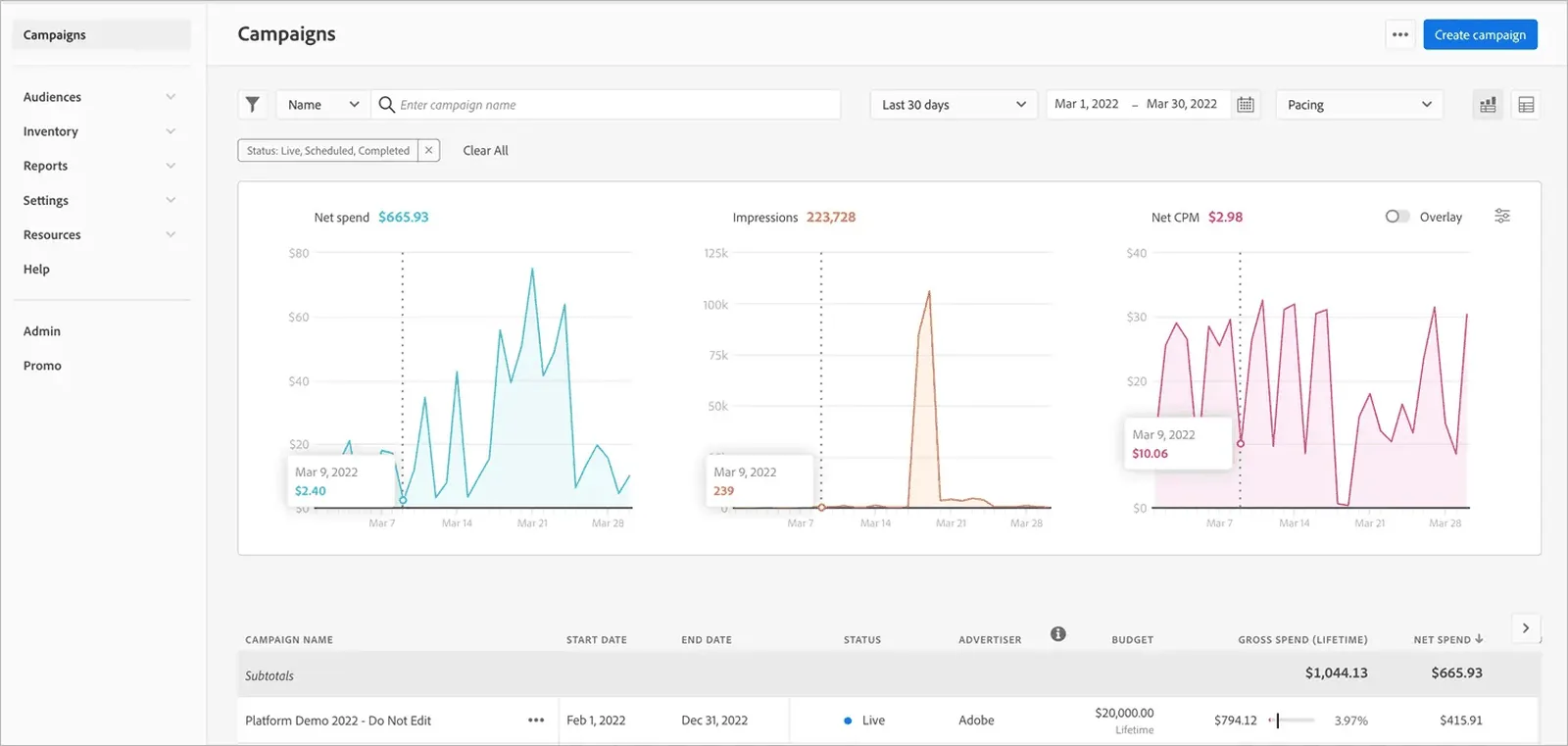
01 / What it does
- The buying tool inside Adobe Experience Cloud. source ↗
02 / Who it fits
- Enterprises that already own Adobe Analytics or Real-Time CDP and want their audiences in the buy.
03 / Inventory and channels
- Display, CTV, video, native and audio. source ↗
04 / CTV and streaming
- CTV through programmatic and guaranteed deals in one tool. source ↗
05 / Identity and audiences
06 / Buying paths
- Programmatic and guaranteed deals. source ↗
07 / Measurement
- Adobe Analytics for Advertising reads campaign and placement data back. source ↗
08 / AI and automation
- The documentation lists an AI Assistant in DSP that can generate reusable audiences. source ↗
09 / Brand safety and governance
Ask which verification partners are integrated and who pays their fees.
10 / Access and setup
- Sales-led with an annual contract.
11 / Pricing and minimums
- Custom quote, not published. Documentation describes advertiser-level fees and CPM pricing for third-party audience segments, with no platform fee or minimum stated. source ↗
12 / Reporting and data export
- Custom reports delivered to Amazon S3, FTP or email on a schedule; Improvado's connector reads those exports. source ↗
13 / Strengths and tradeoffs
- Strength: shared IDs with Adobe's CDP and analytics. Tradeoff: without them you pay enterprise prices for a mid-field DSP.
14 / Questions for your demo
- Ask which Adobe products the quote assumes, and the CPM fee for the segments you plan to use.
Fit lines are editorial assessments. Quotes come from the vendor page linked beside them; confirm the current product and plan with the vendor.
Basis
A DSP bundled with planning, buying, billing and reporting for agencies.
How it compares with ImprovadoDifferent layers: media and measurement
Basis buys media. Improvado buys none; it reads the DSP's delivery and cost data next to your other platforms.
- Consider Basis
- Consider Basis when you need its inventory or audiences: agencies that plan, buy and bill programmatic, direct, search and social in one tool.
- Consider Improvado
- Consider Improvado when two or more platforms report on the same budget and you need one reconciled number.
- Test before choosing
- Ask both vendors to show the same campaign's spend and impressions for one month, then compare them in your warehouse.
Read full profile: Basis
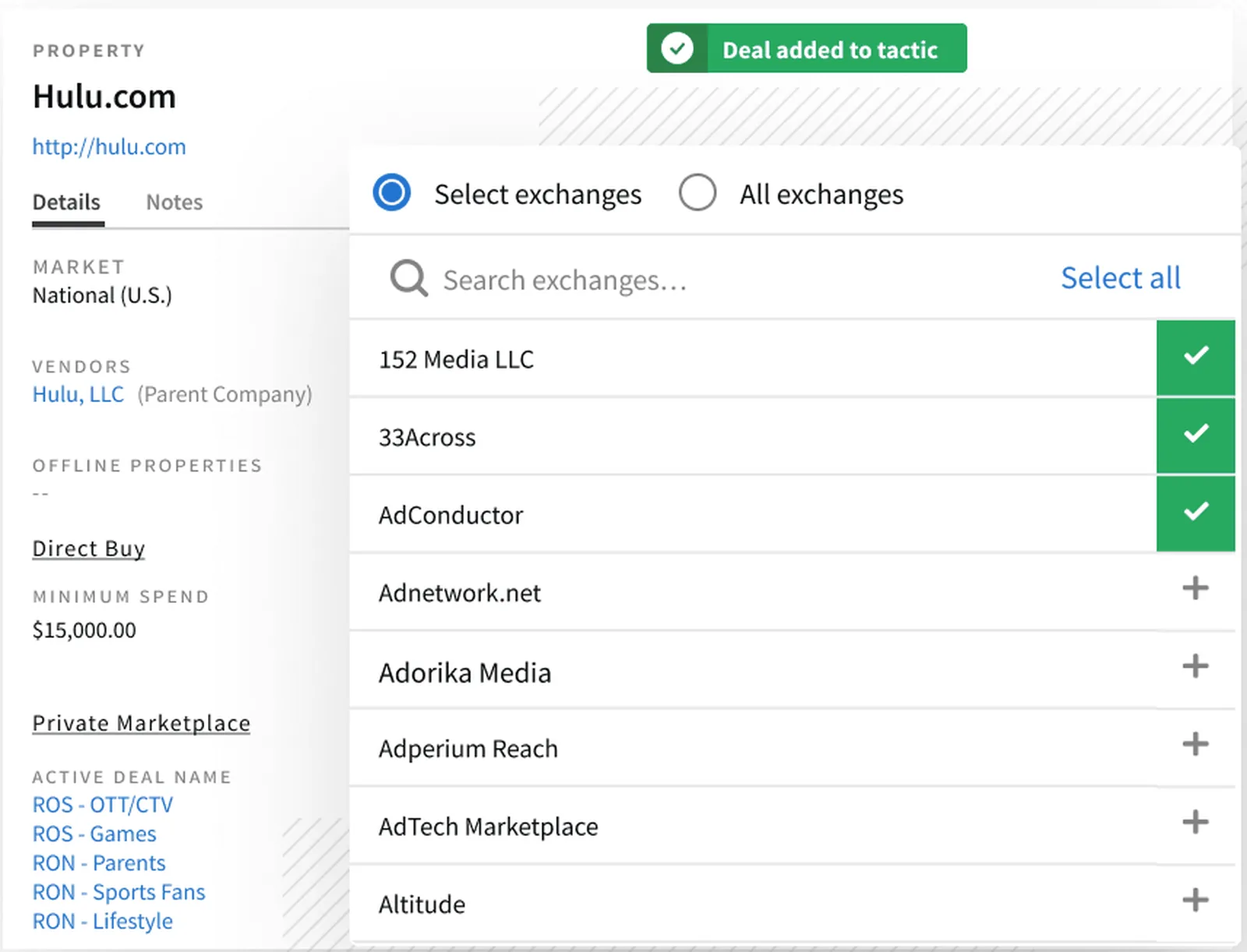
01 / What it does
- Bundles a DSP with the agency workflow around it: media planning, buying, billing and reporting in one login. source ↗
02 / Who it fits
- Agency operations teams that want the plan, the insertion order, the DSP campaign and the invoice in one system.
03 / Inventory and channels
- Display, CTV, video, audio, native and digital out-of-home; search, social and site-direct buys through API integrations. source ↗
04 / CTV and streaming
- Programmatic CTV; YouTube and Prime Video are out of reach. source ↗
05 / Identity and audiences
Ask which IDs the platform matches your audiences on, and the match rate on your own list.
06 / Buying paths
- Direct and programmatic buys reported side by side. source ↗
07 / Measurement
Ask which conversions it counts, over which windows, and how it handles overlap with other platforms.
08 / AI and automation
- Compass by Basis is described as agentic AI that turns media briefs into campaign strategies. source ↗
09 / Brand safety and governance
- Basis announced SOC 2 compliance. source ↗
10 / Access and setup
- Managed service and self-serve on the same platform, sold through sales. source ↗
11 / Pricing and minimums
- Custom quote, not published. The site carries no pricing page, fee percentage or minimum; basis.com/pricing returned 404. source ↗
12 / Reporting and data export
- Basis Platform API and report exports; Improvado's Basis DSP connector reads them. source ↗
13 / Strengths and tradeoffs
- Strength: one system for agency operations. Tradeoff: no published pricing.
14 / Questions for your demo
- Ask to see one client's plan, buy and invoice reconcile in the same report.
Fit lines are editorial assessments. Quotes come from the vendor page linked beside them; confirm the current product and plan with the vendor.
Simpli.fi
A DSP built for local advertising, with geo-fencing and multi-location templates.
How it compares with ImprovadoDifferent layers: media and measurement
Simpli.fi buys media. Improvado buys none; it reads the DSP's delivery and cost data next to your other platforms.
- Consider Simpli.fi
- Consider Simpli.fi when you need its inventory or audiences: local and multi-location advertisers, and the agencies that run them.
- Consider Improvado
- Consider Improvado when two or more platforms report on the same budget and you need one reconciled number.
- Test before choosing
- Ask both vendors to show the same campaign's spend and impressions for one month, then compare them in your warehouse.
Read full profile: Simpli.fi
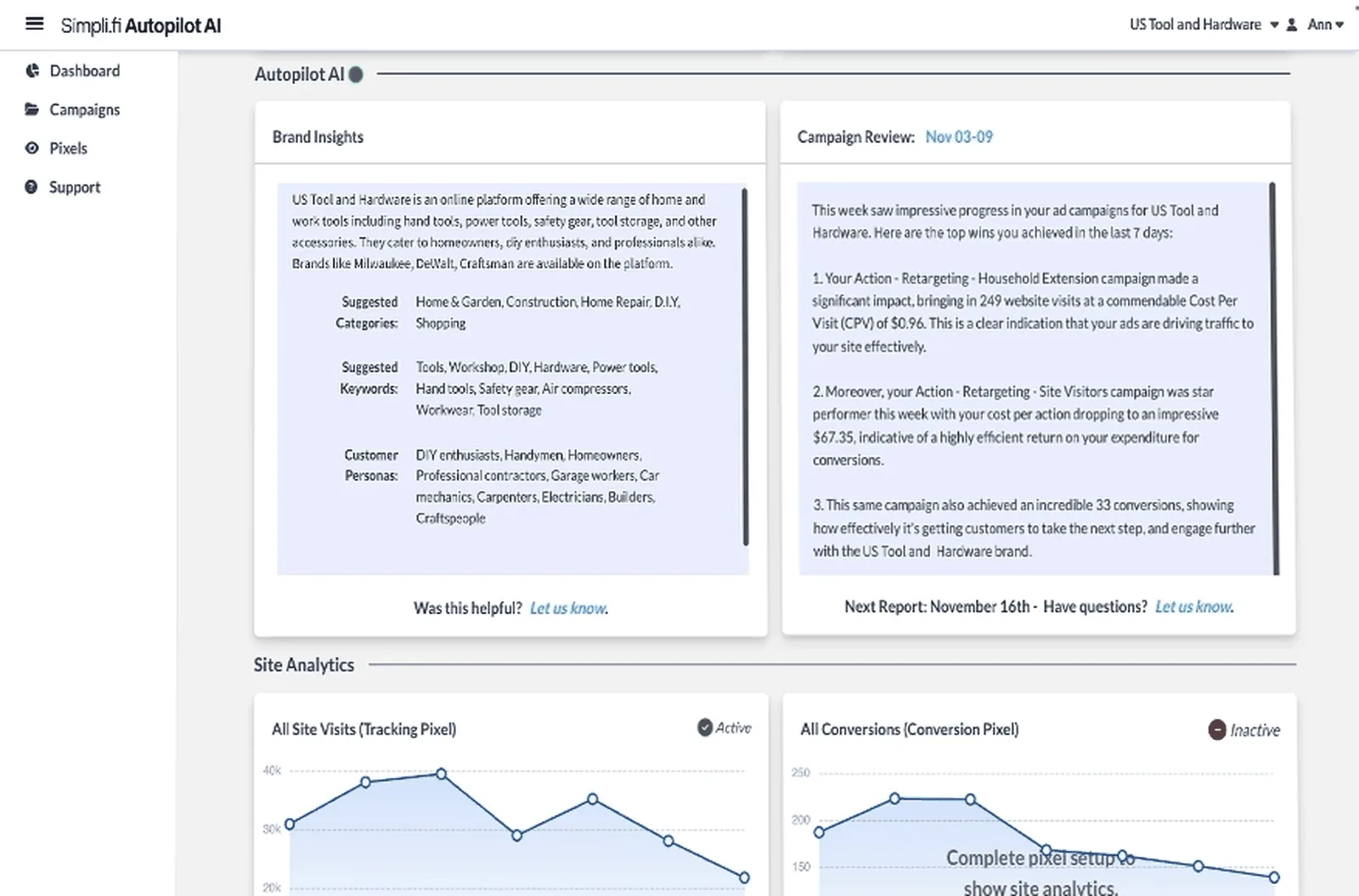
01 / What it does
- A DSP built for local and multi-location advertising: geo-fencing, addressable targeting and keyword targeting. source ↗
02 / Who it fits
- Franchises, chains and agencies that manage many local accounts.
03 / Inventory and channels
- CTV, paid search, paid social, native, audio and digital out-of-home under "Unified Media". source ↗
04 / CTV and streaming
- CTV is part of Unified Media. source ↗
05 / Identity and audiences
- Geo-fencing and addressable (household-level) targeting at a store's trade area. source ↗
06 / Buying paths
Ask which deal types you can run: open auction, private marketplace, preferred deal, guaranteed.
07 / Measurement
Ask which conversions it counts, over which windows, and how it handles overlap with other platforms.
08 / AI and automation
- The homepage says its AI learns which digital and real-world attributes predict action, then optimizes to them. source ↗
09 / Brand safety and governance
- Simpli.fi publishes a Trust Center. source ↗
10 / Access and setup
- Access goes through sales, with agencies as the main channel; Simpli.Hub runs one template across every storefront. source ↗
11 / Pricing and minimums
- Custom quote, not published. source ↗
12 / Reporting and data export
13 / Strengths and tradeoffs
- Strength: local targeting at scale. Tradeoff: less to offer a brand without local stores.
14 / Questions for your demo
- Ask to see a geo-fenced campaign report rolled up across 50 locations.
Fit lines are editorial assessments. Quotes come from the vendor page linked beside them; confirm the current product and plan with the vendor.
Google Ad Manager
The ad server most large publishers run, with Google's exchange inside it.
How it compares with ImprovadoDifferent layers: media and measurement
Google Ad Manager sells publisher inventory to DSPs. Improvado reads the delivery and revenue reports of the platforms you connect, so buy-side and sell-side numbers can sit in one table.
- Consider Google Ad Manager
- Consider Google Ad Manager when you need its inventory or audiences: publishers; buyers reach it through DV360 and Google Ads.
- Consider Improvado
- Consider Improvado when two or more platforms report on the same budget and you need one reconciled number.
- Test before choosing
- Take one deal for one month and reconcile the impressions the SSP reports with the impressions your DSP reports. Agree the variance you accept.
Read full profile: Google Ad Manager
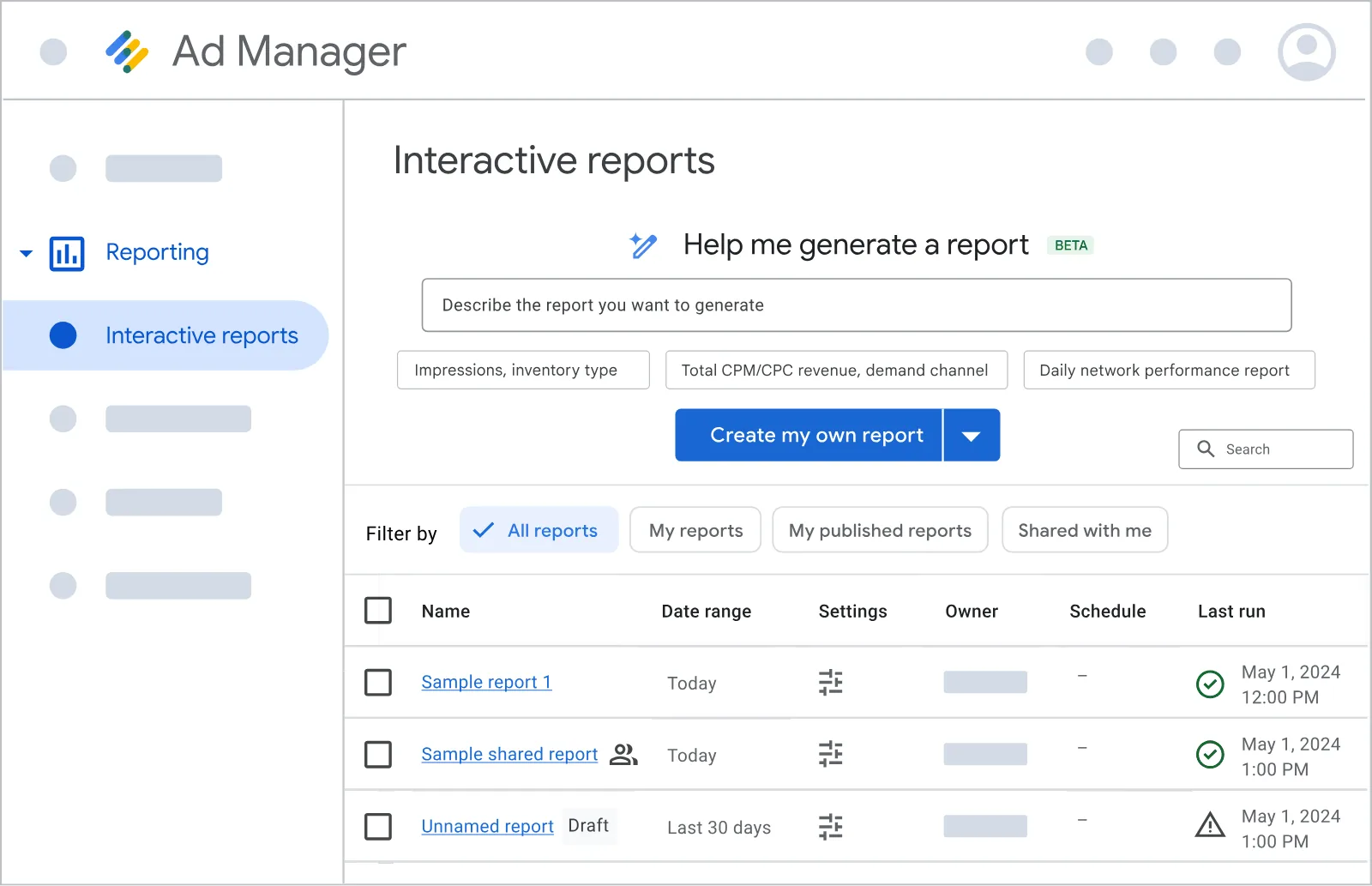
01 / What it does
- The ad server most large publishers run; Ad Exchange is the marketplace inside it where DV360 and Google Ads demand meets publisher inventory. source ↗
02 / Who it fits
- Publishers selling display, video and app inventory. Advertisers meet it through their DSP.
03 / Inventory and channels
- Publisher display, video and app inventory. source ↗
04 / CTV and streaming
Ask which streaming apps and devices you can buy, and through which deals.
05 / Identity and audiences
- Ad Manager supports publisher provided identifiers. source ↗
06 / Buying paths
- Open auction, private auctions and deals between publishers and Google demand.
07 / Measurement
Ask which conversions it counts, over which windows, and how it handles overlap with other platforms.
08 / AI and automation
- Ask Ad Manager is an AI agent for publisher insights; Google also announced REST APIs and an MCP server for trafficking. source ↗
09 / Brand safety and governance
Ask which verification partners are integrated and who pays their fees.
10 / Access and setup
- Ad Manager "requires you to sign up for a paid account when you reach a specific impression threshold"; Ad Manager 360 is a paid tier with direct Google support. source ↗
11 / Pricing and minimums
- Free tier until an impression threshold the help article does not state; paid tiers carry no published fee, and some 360 features "may involve additional fees". source ↗
12 / Reporting and data export
13 / Strengths and tradeoffs
- Strength: most large publishers in one exchange. Tradeoff: Google on both sides of the auction.
14 / Questions for your demo
- Ask for the impression threshold and fee schedule that apply to your volume.
Fit lines are editorial assessments. Quotes come from the vendor page linked beside them; confirm the current product and plan with the vendor.
Magnite
A sell-side company for streaming, online video, display and audio inventory.
How it compares with ImprovadoDifferent layers: media and measurement
Magnite sells publisher inventory to DSPs. Improvado reads the delivery and revenue reports of the platforms you connect, so buy-side and sell-side numbers can sit in one table.
- Consider Magnite
- Consider Magnite when you need its inventory or audiences: streaming and video publishers; buyers who want curated streaming deals.
- Consider Improvado
- Consider Improvado when two or more platforms report on the same budget and you need one reconciled number.
- Test before choosing
- Take one deal for one month and reconcile the impressions the SSP reports with the impressions your DSP reports. Agree the variance you accept.
Read full profile: Magnite
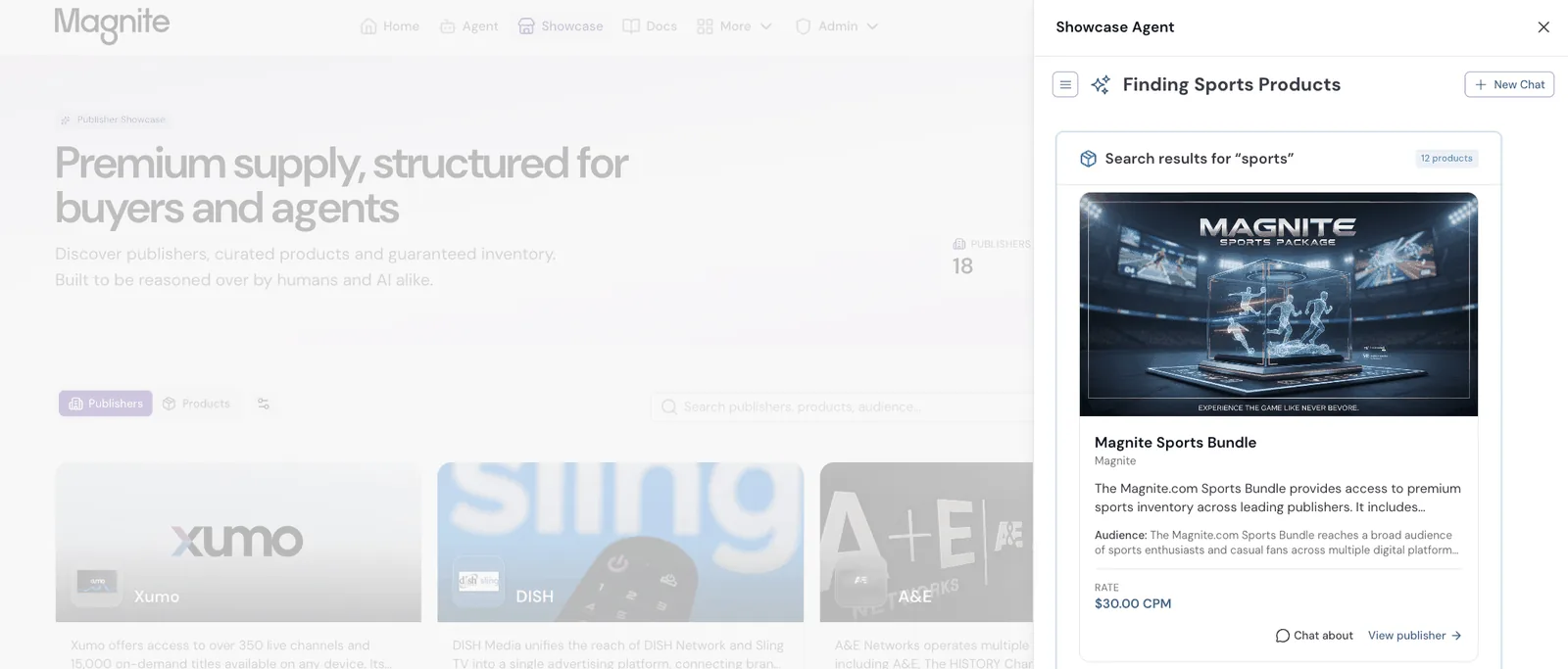
01 / What it does
- Calls itself "the largest independent sell-side advertising company". source ↗
02 / Who it fits
- Media owners selling streaming and video; agencies booking streaming through ClearLine.
03 / Inventory and channels
- Streaming, online video, display and audio inventory through DV+ and SpringServe. source ↗
04 / CTV and streaming
05 / Identity and audiences
Ask which IDs the platform matches your audiences on, and the match rate on your own list.
06 / Buying paths
- ClearLine gives buyers a direct route to inventory; Showcase and Orchestration package inventory for buyer agents. source ↗
07 / Measurement
Ask which conversions it counts, over which windows, and how it handles overlap with other platforms.
08 / AI and automation
09 / Brand safety and governance
Ask which verification partners are integrated and who pays their fees.
10 / Access and setup
- Publisher contracts through sales; buyers transact through a DSP, deal IDs or ClearLine. source ↗
11 / Pricing and minimums
- Custom quote, not published. No fee schedule or revenue share on the site. source ↗
12 / Reporting and data export
- Delivery and revenue in its UI and API; Improvado's Magnite connector is a Build with AI integration for accounts with reporting access. source ↗
13 / Strengths and tradeoffs
- Strength: large streaming supply. Tradeoff: no published terms.
14 / Questions for your demo
- Ask which DSPs can bid on your deal IDs and how delivery reconciles with the DSP's numbers.
Fit lines are editorial assessments. Quotes come from the vendor page linked beside them; confirm the current product and plan with the vendor.
PubMatic
An SSP whose OpenWrap runs header bidding, with Activate for buyers.
How it compares with ImprovadoDifferent layers: media and measurement
PubMatic sells publisher inventory to DSPs. Improvado reads the delivery and revenue reports of the platforms you connect, so buy-side and sell-side numbers can sit in one table.
- Consider PubMatic
- Consider PubMatic when you need its inventory or audiences: publishers running header bidding; buyers on supply-path deals.
- Consider Improvado
- Consider Improvado when two or more platforms report on the same budget and you need one reconciled number.
- Test before choosing
- Take one deal for one month and reconcile the impressions the SSP reports with the impressions your DSP reports. Agree the variance you accept.
Read full profile: PubMatic
01 / What it does
- An SSP whose OpenWrap product runs header bidding for publishers; Activate gives buyers a supply-path route and Connect handles audience data. source ↗
02 / Who it fits
- Publishers that want open-source header bidding, and buyers that want one hop to supply.
03 / Inventory and channels
- Display, video, CTV and mobile inventory. source ↗
04 / CTV and streaming
05 / Identity and audiences
- Connect handles audience data. source ↗
06 / Buying paths
- Activate gives buyers a direct supply-path route. source ↗
07 / Measurement
Ask which conversions it counts, over which windows, and how it handles overlap with other platforms.
08 / AI and automation
- PubMatic's Q2 2026 results report more than 80 fully autonomous end-to-end campaigns. source ↗
09 / Brand safety and governance
Ask which verification partners are integrated and who pays their fees.
10 / Access and setup
- Publishers and Activate buyers contract through sales.
11 / Pricing and minimums
- Custom quote, not published. The site refused our automated read on Oct 23, 2026; confirm terms with PubMatic sales. source ↗
12 / Reporting and data export
- Reporting in its UI and API; Improvado's PubMatic connector is a Build with AI integration. source ↗
13 / Strengths and tradeoffs
- Strength: auditable header bidding. Tradeoff: no public pricing.
14 / Questions for your demo
- Ask how Activate deals report next to the same campaign in your DSP.
Fit lines are editorial assessments. Quotes come from the vendor page linked beside them; confirm the current product and plan with the vendor.
Index Exchange
An exchange for media owners and marketers, with Index Cloud for buyer decisioning.
How it compares with ImprovadoDifferent layers: media and measurement
Index Exchange sells publisher inventory to DSPs. Improvado reads the delivery and revenue reports of the platforms you connect, so buy-side and sell-side numbers can sit in one table.
- Consider Index Exchange
- Consider Index Exchange when you need its inventory or audiences: large publishers and streaming TV; DSPs and agencies on curated deals.
- Consider Improvado
- Consider Improvado when two or more platforms report on the same budget and you need one reconciled number.
- Test before choosing
- Take one deal for one month and reconcile the impressions the SSP reports with the impressions your DSP reports. Agree the variance you accept.
Read full profile: Index Exchange
01 / What it does
- An exchange that "enables media owners to grow revenue and marketers to reach consumers on any screen". source ↗
02 / Who it fits
- Large publishers and streaming TV owners; agencies and DSPs running curated deals.
03 / Inventory and channels
- Premium publisher supply across screens. source ↗
04 / CTV and streaming
- Streaming TV supply. source ↗
05 / Identity and audiences
06 / Buying paths
- Index Marketplaces for curated deals. source ↗
07 / Measurement
Ask which conversions it counts, over which windows, and how it handles overlap with other platforms.
08 / AI and automation
09 / Brand safety and governance
Ask which verification partners are integrated and who pays their fees.
10 / Access and setup
- Advertisers reach it through a DSP or a curated marketplace. source ↗
11 / Pricing and minimums
- Custom quote, not published. source ↗
12 / Reporting and data export
- Reporting in its UI and API; Improvado's Index Exchange connector is a Build with AI integration. source ↗
13 / Strengths and tradeoffs
- Strength: premium and streaming supply. Tradeoff: no direct buying seat for advertisers.
14 / Questions for your demo
- Ask which curated marketplaces fit your audience and how they report back.
Fit lines are editorial assessments. Quotes come from the vendor page linked beside them; confirm the current product and plan with the vendor.
Google Ads
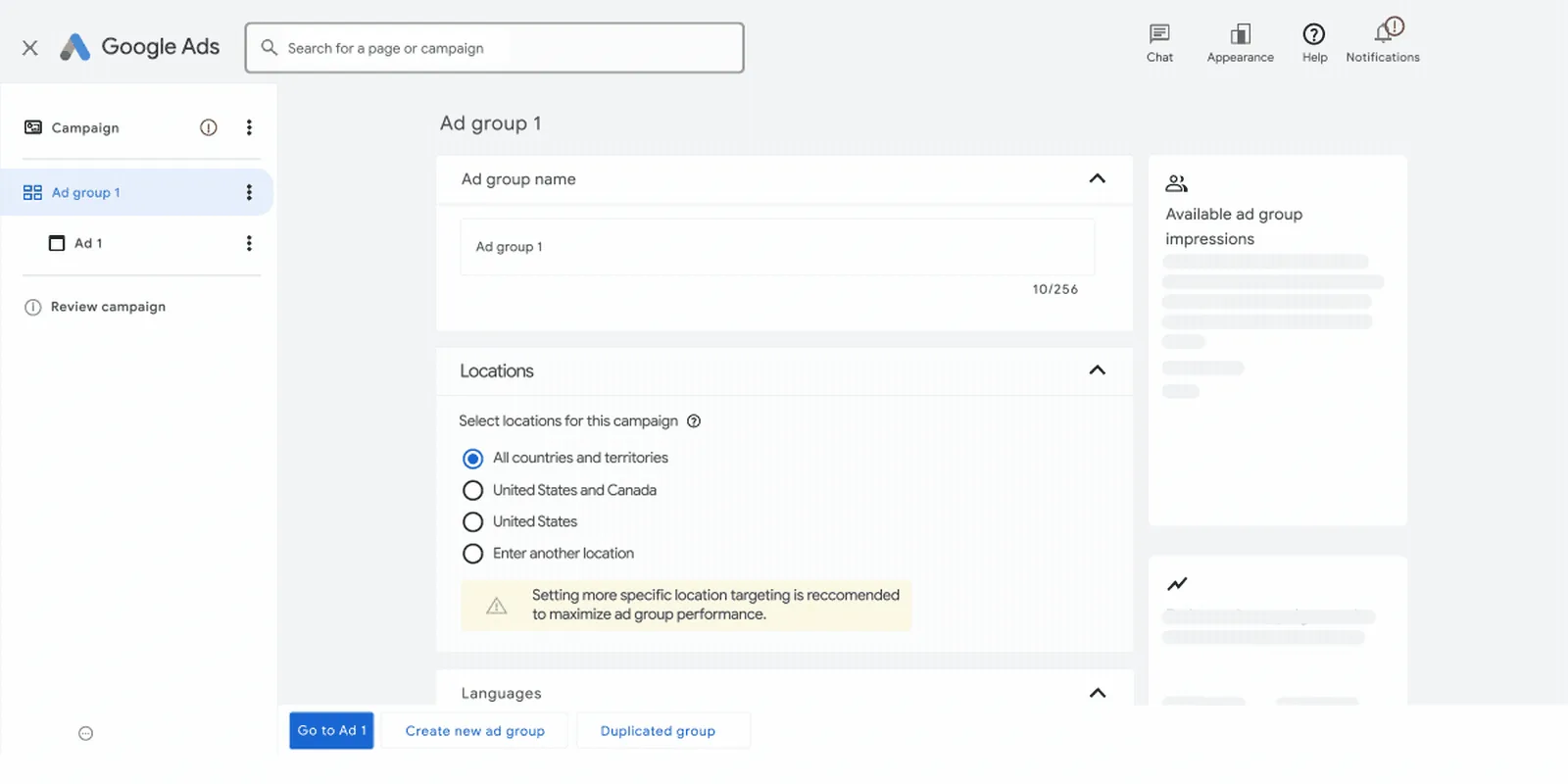
Display Network and Demand Gen on YouTube, Discover and Gmail, with a daily budget.
How it compares with ImprovadoDifferent layers: media and measurement
Google Ads runs its own auction on its own inventory and reports its own conversions. Improvado reads that report next to your DSPs and applies one conversion rule across them.
- Consider Google Ads
- Consider Google Ads when you need its inventory or audiences: any budget that wants display and YouTube reach without a DSP contract.
- Consider Improvado
- Consider Improvado when two or more platforms report on the same budget and you need one reconciled number.
- Test before choosing
- Pick one week of conversions and compare the count each platform claims with your CRM or analytics count.
Read full profile: Google Ads
01 / What it does
- Buys the Google Display Network with Display campaigns, and YouTube, Discover and Gmail with Demand Gen. source ↗
02 / Who it fits
- Teams at any budget that want display and video reach without a DSP contract.
03 / Inventory and channels
- Google Display Network, YouTube, Discover and Gmail. source ↗
04 / CTV and streaming
- YouTube on TV screens.
05 / Identity and audiences
- GA4 audiences and conversions.
- Customer Match uses your online and offline data across Search, Shopping, Gmail, YouTube and Display. source ↗
06 / Buying paths
- Google's own auction; no deal IDs on open-exchange inventory.
07 / Measurement
Ask which conversions it counts, over which windows, and how it handles overlap with other platforms.
08 / AI and automation
- Google lists AI Max for Search and Performance Max among its campaign types. source ↗
09 / Brand safety and governance
Ask which verification partners are integrated and who pays their fees.
10 / Access and setup
- Self-serve with a credit card.
11 / Pricing and minimums
- You set "the average amount you're willing to spend per day"; in a billing period "you're never charged more than 30.4 multiplied by your average daily budget amount". source ↗
12 / Reporting and data export
13 / Strengths and tradeoffs
- Strength: YouTube and Gmail with your own daily budget. Tradeoff: Display Network placements need exclusion lists.
14 / Questions for your demo
- Ask how Demand Gen reports YouTube views next to your DSP's video completions.
Fit lines are editorial assessments. Quotes come from the vendor page linked beside them; confirm the current product and plan with the vendor.
Meta Ads
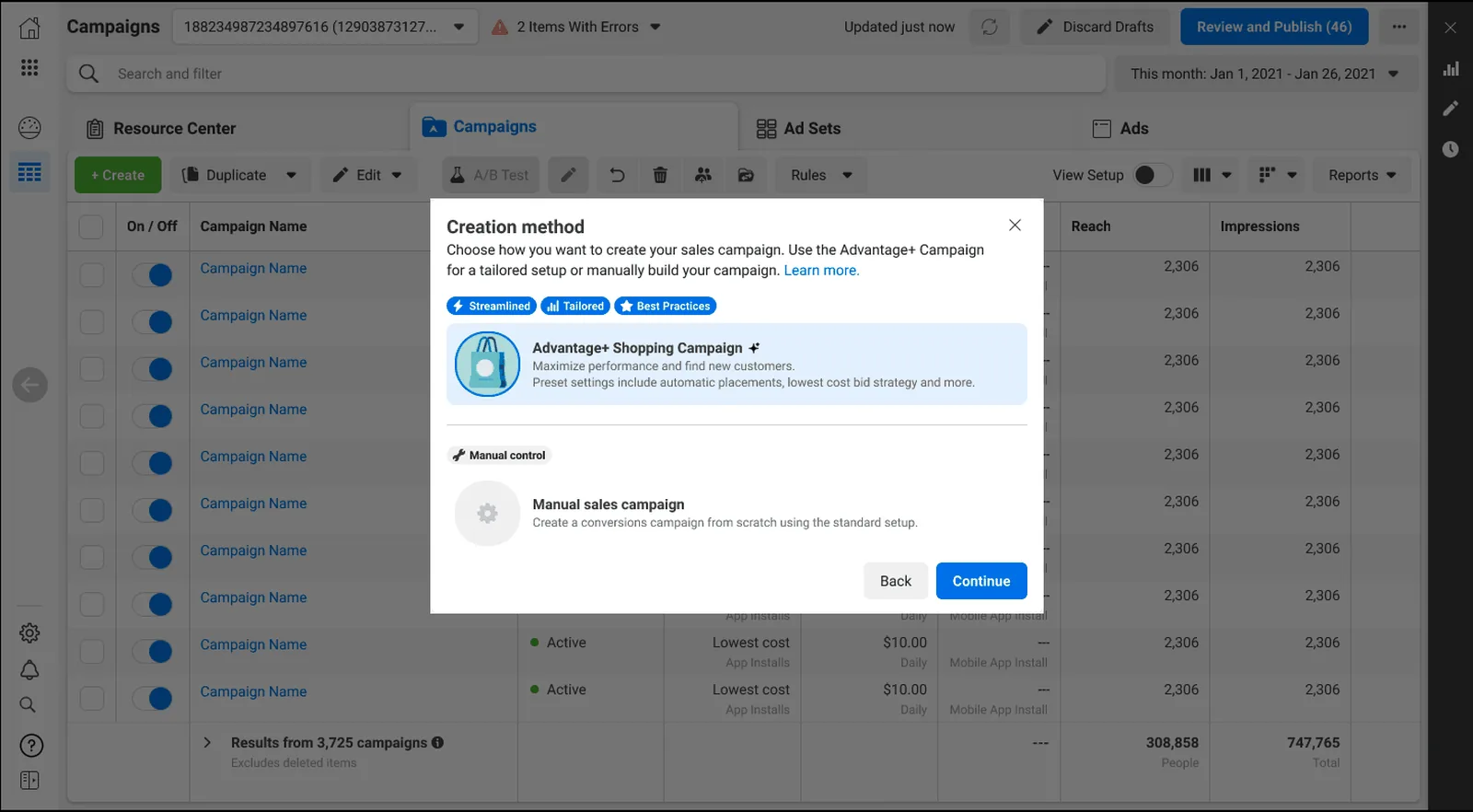
Facebook, Instagram, Messenger and the Audience Network in one auction.
How it compares with ImprovadoDifferent layers: media and measurement
Meta Ads runs its own auction on its own inventory and reports its own conversions. Improvado reads that report next to your DSPs and applies one conversion rule across them.
- Consider Meta Ads
- Consider Meta Ads when you need its inventory or audiences: b2C teams at any budget; the lowest published starting point here.
- Consider Improvado
- Consider Improvado when two or more platforms report on the same budget and you need one reconciled number.
- Test before choosing
- Pick one week of conversions and compare the count each platform claims with your CRM or analytics count.
Read full profile: Meta Ads
01 / What it does
- Ads Manager buys Facebook, Instagram, Messenger and the Audience Network through one auction. source ↗
02 / Who it fits
- B2C teams at any budget; most start here.
03 / Inventory and channels
- Facebook, Instagram, Messenger and the Audience Network. source ↗
04 / CTV and streaming
- No CTV.
05 / Identity and audiences
- The Conversions API connects an advertiser's marketing data to Meta's systems. source ↗
06 / Buying paths
- Meta's own auction. source ↗
07 / Measurement
- Meta's attribution counts conversions other platforms also claim.
08 / AI and automation
- Advantage+ applies AI across a campaign's audience, placement and budget. source ↗
09 / Brand safety and governance
Ask which verification partners are integrated and who pays their fees.
10 / Access and setup
- Self-serve with a credit card.
11 / Pricing and minimums
- "Start with at least $5 for your budget and to choose a duration over six days"; Meta "may spend up to 75% over your daily promotional budget" on a given day. source ↗
12 / Reporting and data export
13 / Strengths and tradeoffs
- Strength: lowest starting budget and the widest creative formats. Tradeoff: no CTV and no open-web inventory beyond the Audience Network.
14 / Questions for your demo
- Ask how the attribution window you choose changes the conversions next to your DSP's numbers.
Fit lines are editorial assessments. Quotes come from the vendor page linked beside them; confirm the current product and plan with the vendor.
LinkedIn Ads
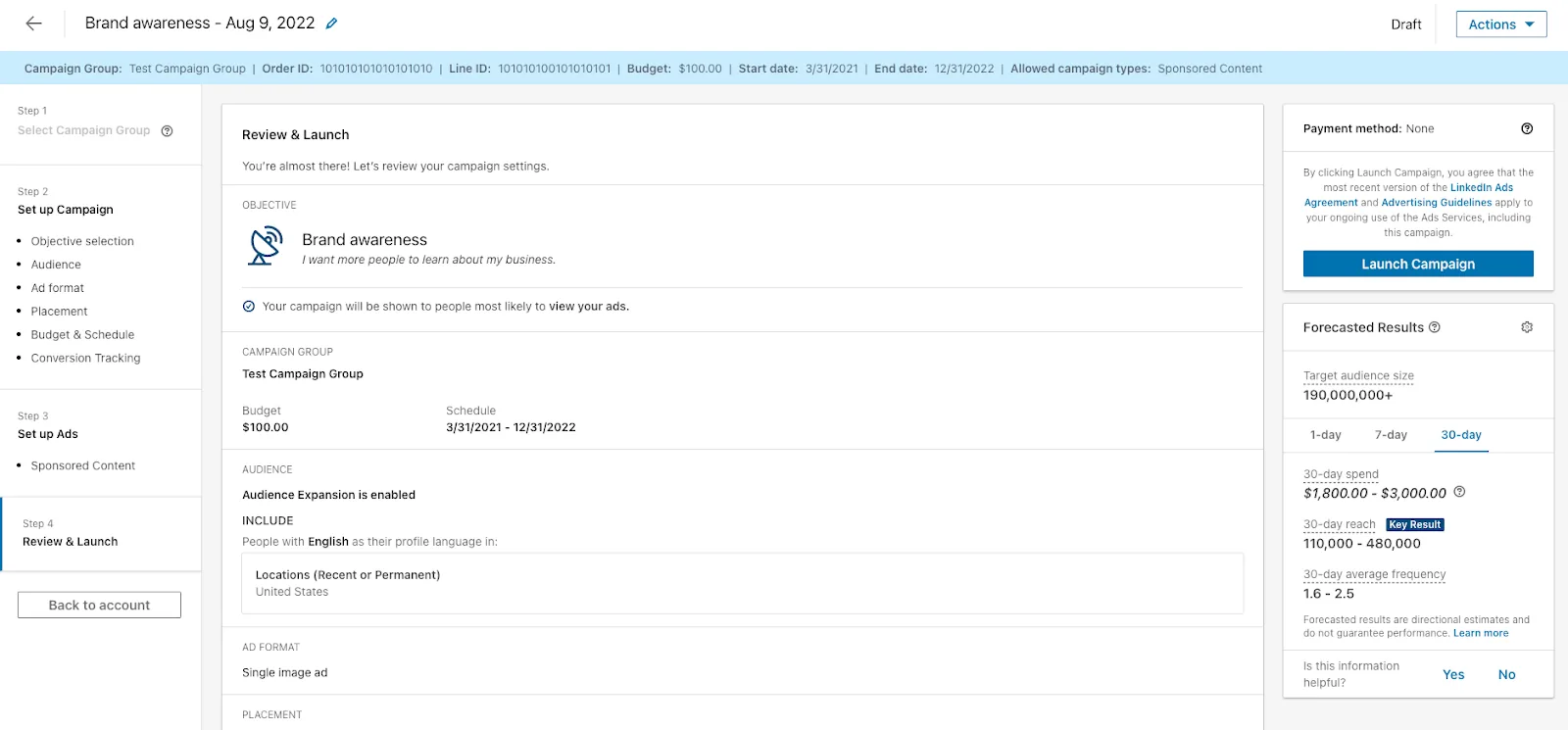
Sponsored content and message ads targeted by job title, company and skills.
How it compares with ImprovadoDifferent layers: media and measurement
LinkedIn Ads runs its own auction on its own inventory and reports its own conversions. Improvado reads that report next to your DSPs and applies one conversion rule across them.
- Consider LinkedIn Ads
- Consider LinkedIn Ads when you need its inventory or audiences: b2B teams that target buying committees by title and company.
- Consider Improvado
- Consider Improvado when two or more platforms report on the same budget and you need one reconciled number.
- Test before choosing
- Pick one week of conversions and compare the count each platform claims with your CRM or analytics count.
Read full profile: LinkedIn Ads
01 / What it does
- Sells sponsored content, message ads, document ads and conversation ads to a community of "+1.3B Members". source ↗
02 / Who it fits
- B2B teams whose buyers are defined by job title, company, industry, seniority and skills.
03 / Inventory and channels
- LinkedIn and its Audience Network.
04 / CTV and streaming
- No CTV.
05 / Identity and audiences
- First-party professional data and company-list targeting for account-based plans.
- LinkedIn's Conversions API is described as a data connection that does not rely on cookie-based tracking. source ↗
06 / Buying paths
- LinkedIn's own auction with objective-based pricing. source ↗
07 / Measurement
Ask which conversions it counts, over which windows, and how it handles overlap with other platforms.
08 / AI and automation
Ask the vendor to show the AI feature on your campaign, with the controls and the log of what it changed.
09 / Brand safety and governance
Ask which verification partners are integrated and who pays their fees.
10 / Access and setup
- Self-serve with a credit card.
11 / Pricing and minimums
12 / Reporting and data export
13 / Strengths and tradeoffs
- Strength: professional targeting no DSP matches. Tradeoff: the highest cost per click of the four gardens in our own accounts.
14 / Questions for your demo
- Ask how company-list matches report, and how demographic data joins your CRM.
Fit lines are editorial assessments. Quotes come from the vendor page linked beside them; confirm the current product and plan with the vendor.
Microsoft Advertising
Search on Bing plus native placements on MSN, Outlook, Edge and partners.
How it compares with ImprovadoDifferent layers: media and measurement
Microsoft Advertising runs its own auction on its own inventory and reports its own conversions. Improvado reads that report next to your DSPs and applies one conversion rule across them.
- Consider Microsoft Advertising
- Consider Microsoft Advertising when you need its inventory or audiences: teams extending Google search budgets, and B2B buyers using LinkedIn profile targeting.
- Consider Improvado
- Consider Improvado when two or more platforms report on the same budget and you need one reconciled number.
- Test before choosing
- Pick one week of conversions and compare the count each platform claims with your CRM or analytics count.
Read full profile: Microsoft Advertising
01 / What it does
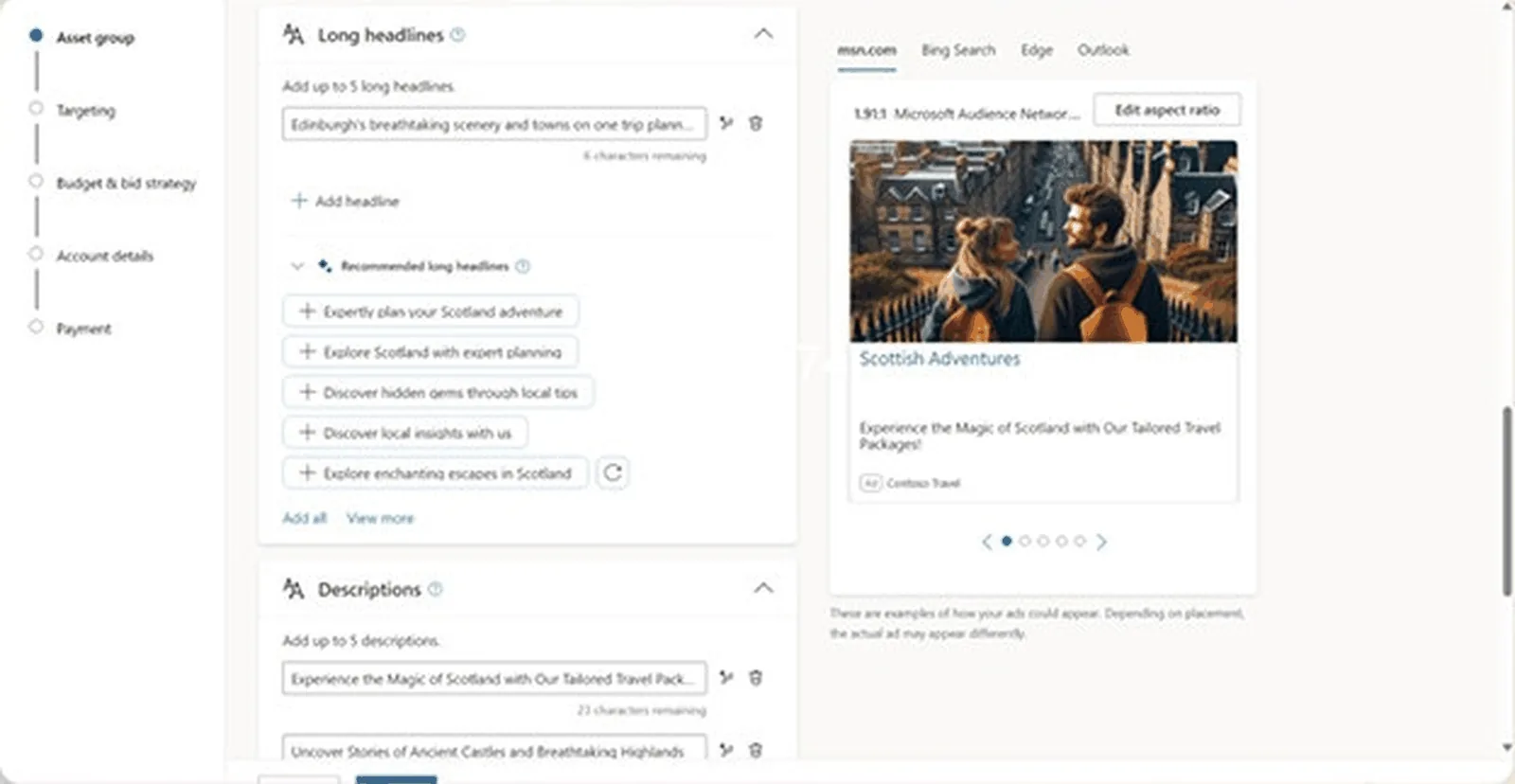
- Search ads on Bing and partner engines plus native placements on MSN, Outlook, Edge and partner sites through the Microsoft Audience Network. source ↗
02 / Who it fits
- Teams extending Google search budgets, and B2B teams that want LinkedIn profile targeting on search.
03 / Inventory and channels
- Bing, partner engines, MSN, Outlook, Edge and partner sites. source ↗
04 / CTV and streaming
- A June 2024 Microsoft post lists more than 860 CTV publishers; ask what you can buy today. source ↗
05 / Identity and audiences
- LinkedIn profile targeting on search and audience campaigns.
06 / Buying paths
- Microsoft's own auction.
07 / Measurement
Ask which conversions it counts, over which windows, and how it handles overlap with other platforms.
08 / AI and automation
- Copilot in Microsoft Advertising guides campaign creation and generates ad assets. source ↗
09 / Brand safety and governance
Ask which verification partners are integrated and who pays their fees.
10 / Access and setup
- Self-serve; campaigns import from Google Ads.
11 / Pricing and minimums
- "Only pay for clicks", "No minimum fee" and "Budget by the day". source ↗
12 / Reporting and data export
13 / Strengths and tradeoffs
- Strength: lower competition on most queries in our accounts. Tradeoff: smaller reach than Google.
14 / Questions for your demo
- Ask how a Google Ads import maps your conversions and audiences.
Fit lines are editorial assessments. Quotes come from the vendor page linked beside them; confirm the current product and plan with the vendor.
Improvado + your shortlist.
Six criteria for a quick comparison. Add up to three platforms; open a full profile for the detailed research.
Scroll across to see your selected platforms.
Inventory, fees and features depend on the seat, plan and contract. Full profiles keep all 14 criteria, sources and open questions.
Test the buy and
the report together.
Turn your shortlist into one evaluation: the same audience file, the same inventory list and the same sample report in every demo. A good fit reaches the people you named in step 1 and reports in a form your team can reconcile.
- Start with the inventory. YouTube, Prime Video and open-web CTV sit behind different platforms; check the screens before the fees.
- Check the operating model. Self-serve, an agency seat and a managed service are different commitments with different margins.
- Use documented evidence. Vendor pages support capability descriptions. They do not establish performance, and a missing detail is a question for the demo.
- Bring the same test to each demo. Your audience list, a sample campaign, the export you need and the conversion rule you will apply across platforms.
This guide assigns no numerical scores and names no performance winner. Where a vendor page does not establish a detail, the profile gives a question to confirm with the vendor.
When Improvado belongs on your shortlist.
If you already buy on two or more of these platforms and your gap is one reliable number across them, Improvado fits that job. It reads what the platforms report; picking the DSP, the deals and the audiences stays with you and your agency. This is a fit assessment.
Read your platforms in one model.
Improvado's connectors read the reporting APIs of the platforms in this guide into one data model in your warehouse, with one set of field names and one currency.
Explore extraction capabilities ↗Check naming before the data lands.
The governance product checks campaign naming rules across connected ad platforms. Ask the demo to show the rules and the exceptions your team needs.
Explore governance capabilities ↗Ask across platforms in plain English.
The AI Agent answers questions on the connected data. Test it on a number you already know, then check permissions and how a result can be traced.
Explore AI Agent capabilities ↗Check the fit boundary. Improvado buys no media, runs no auction and adds no inventory or audience reach. With one platform and its own reports, you may not need it yet. Compare total cost and upkeep, and confirm which modules your quote includes. Review product and plan scope ↗
Running two or more of these platforms?
Bring two platform exports for the same month. We will put them in one table with one conversion rule and walk through the workflow together.
Request a demo