

December 2023
API changes ⚙️
Klaviyo
We have upgraded our Klaviyo API to v2023-12-15.
For more information, see Klaviyo API documentation.
New Report Types 📊
The following report types are available starting this month:
Google Campaign Manager (by Advertiser)
- Campaign Roadblock Flights Entity report type
- Roadblocks Entity report type
Apple Search Ads
- Adsets Keywords by Hours report type
Xandr
- Engagement Metrics Network report type
Brandwatch
- Mentions report type
Facebook Pages
- Page Ratings report type
Piwik PRO
- Campaign City Device report type
Google Display & Video 360
- Entity Creatives report type
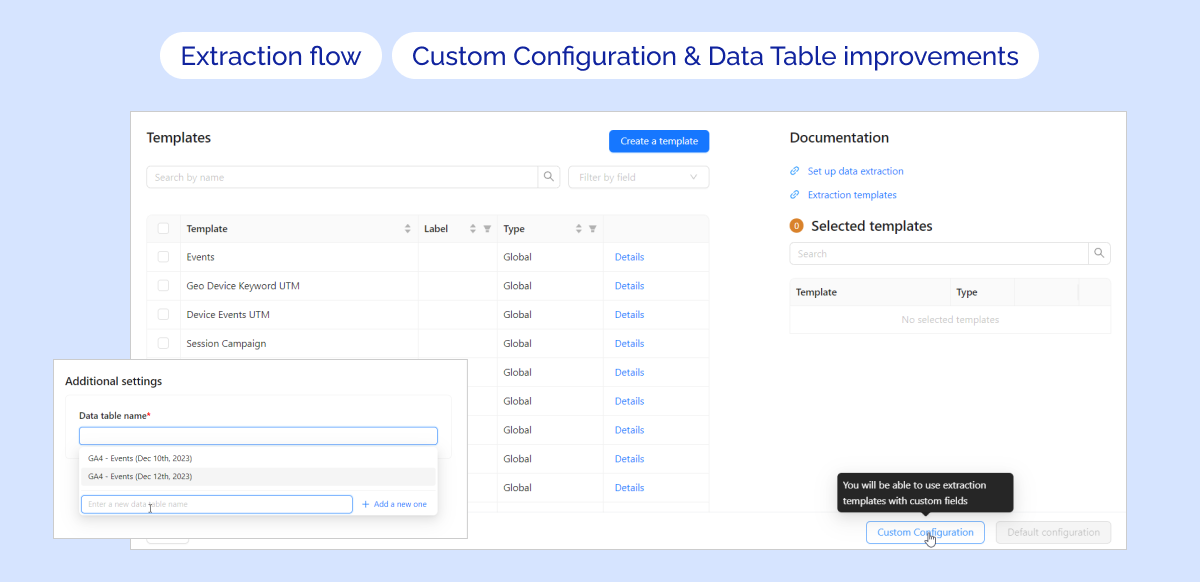
The new version of the Extraction flow
The reworked Extraction flow allows you to use custom dimensions and metrics in your Data Extraction configuration.
Key features:
- 🧩 Custom Configuration with API Configurator: Available for any Data source with Free-Form (Wide) Report types (currently GA4 only)
- 🔁 Data Table improvements: You can create multiple Data Tables with the same granularity level for Custom Configurations
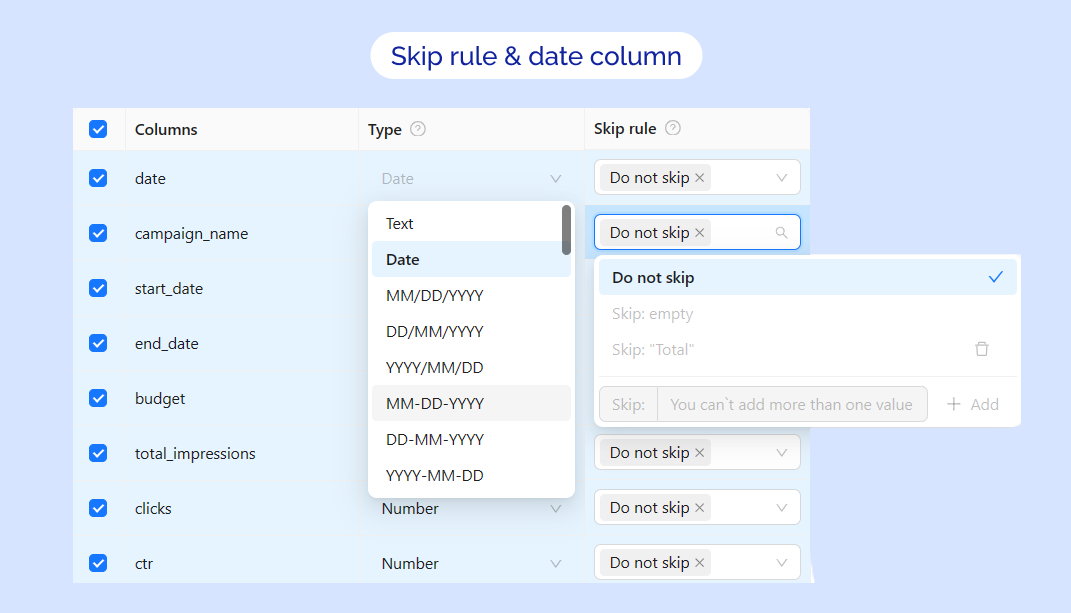
Updated Skip rule & date column
🚀 We are glad to announce enhancements to the Flat Data configuration flow: updated skip rule & date column
📌 Skip rule: Now you can add one custom rule! (can be combined with Skip empty rule)
📌 Date column: A wide range of date formats was added for more flexibility
Hourly schedule
🎉 Exciting Update for Data Extraction Scheduling - 🎉 Hourly Schedules! 🎉
📌 Now you can select extraction periods based on hours 🕐 (every 4, 6, 8, or 12 hours)
Note: Hourly schedule is available by request only. Please contact your Customer Success Manager for more details.

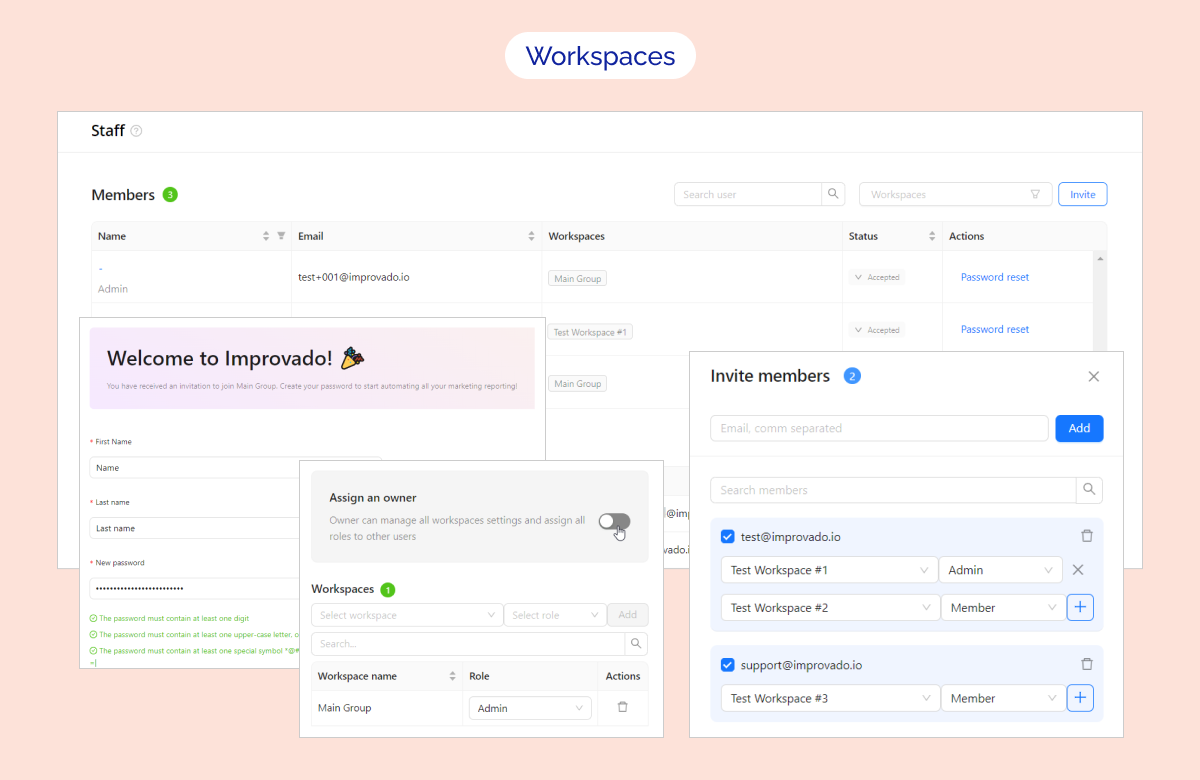
New Your Team page and Advanced User Management for Workspaces!
We are thrilled to unveil the complete redesign of Your Team page with the new Members table, which combines Employees and Invited users and even provides tools for Advanced User Management!
📌 Key Features:
- New Your Team page 🔥
- Filter users by roles & workspaces
- Advanced User Management 🔥
- New User Invitation flow - now you can invite users to multiple workspaces simultaneously from Your Team page
- Assign an Owner role to a user
- Remove users from a workspace
- Edit workspace details 🔥
- Redesigned Welcome Form for the new member 🔥
✨ It's available to all users, even if the workspaces feature is not yet enabled for your Improvado instance!
Was this page helpful?
Thanks for the feedback!
Questions? The Improvado team is always happy to help. Send us an email, contact your Customer Success Manager, or raise a request in the Improvado Service Desk.