
Constant Contact
Description
Constant Contact is a digital marketing platform offering tools for email marketing, social media management, landing pages and basic e-commerce, helping users create, automate, and track campaigns with user-friendly builders and analytics to grow their customer base and sales.
Setup guide
Follow our setup guide to connect Constant Contact to Improvado.
Click the Make a new connection button on the Connections page and select Constant Contact in the Data sources catalog.
Authorize your Constant Contact account via OAuth. Before authorization, please, ensure you are signed in to the account you want to extract data from.
Grant Improvado the following permissions: account_read, contact_data, offline_access, and campaign_data. These are necessary for comprehensive data extraction and analysis.
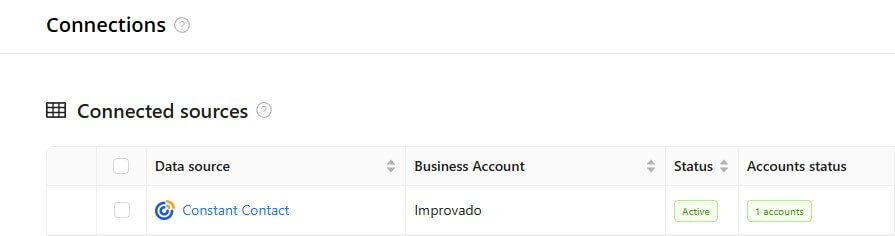
After completing the connection process, the Constant Contact connection will appear in your Connected sources list.
When the connection status is Active, and the account status column shows a number of accounts, you can move on to data extraction.
To extract data from the connected sources, check the instructions on how to set up data extraction.
Schema information
Release notes
You can find information about the latest API changes in the official Release notes.
Was this article helpful?
Thanks for the feedback!